
Guided Selling Software for B2B Sales Teams


TL;DR
Guided selling software walks a buyer or seller to a decision by asking focused questions and applying rules or recommendation logic. It splits into four jobs: live meeting guidance for B2B reps (VibeSell), CRM-native workflow prompts (HubSpot Sales Hub), configuration and quoting (Salesforce CPQ, SAP CPQ), and shopper product finders (Outfindo). Pick by the stage where your team loses time, not by feature count.
Guided selling can turn a messy product choice into a clear next step. The buyer answers focused questions, while the seller gets useful context instead of hunting through catalogs or old notes. Here are five named options, with a clear view of who each one fits.
The category splits in two. Some tools guide live B2B meetings or build quotes. Others help online shoppers choose products. That difference matters more than a broad promise of automation. For a closer look at meeting-based guidance, see sales coaching software for B2B teams. Leaders comparing adjacent categories can also review AI sales assistant software by workflow, team fit, and CRM support.
1. VibeSell: Real-time guidance for B2B sales teams
VibeSell is a real-time AI sales companion for B2B teams that need help before, during, and after customer meetings. It fits CROs, VPs of Sales, enablement leads, and account executives who want less admin without handing control to an AI system.

VibeSell starts with the calendar. It identifies the people and companies in an upcoming meeting, then prepares a brief with research, talking points, discovery questions, and context from prior meetings. That removes the usual five-minute scramble before a call.
During the meeting, prompts can cover objection handling, competitor context, and the next useful action. Guidance is deliberately sparse. It appears when the buyer pauses instead of filling every quiet moment, so the rep can keep attention on the customer. The Chrome extension supports Google Meet, Microsoft Teams, and Cisco Webex. A new desktop client extends coverage when the meeting is scheduled through VibeSell, but it isn't a universal meeting-platform connector.
After the call, VibeSell drafts the summary, follow-up email, and CRM changes. The rep must approve each CRM update before it reaches HubSpot or Salesforce. An applied change can also be undone. That approval gate matters when sales leaders need clean records without letting an AI write unchecked data into the system. When the main need is recording and reviewing calls rather than live guidance, compare sales call recording software separately.
The same read-only principle extends outside the product. VibeSell provides a read-only MCP connector for Claude, ChatGPT, and other compatible clients, so a team can query account intelligence from those tools without allowing them to change sales data.
Its strongest distinction is the self-improving guidance engine. VibeSell reviews how its guidance worked against real meetings and proposes changes to discovery questions, sales methodology, and product guidance. The team accepts or rejects each suggestion. Over time, the assistant can reflect the team's own objections and language instead of giving every customer the same generic advice.
Teams can use MEDDIC by default, or switch to SPIN, BANT, Challenger, Sandler, QBR guidance, or a custom method. Practice calls with AI before the real thing and replays give new hires a way to rehearse against buyer personas built from deal context. For teams selling across regions, transcription supports 99 languages, with guidance delivered in the rep's own language. Learn more about real-time guidance in Google Meet.
The trade-off is focus. Any live prompt can distract a rep if the screen becomes too busy. Keep guidance short, train reps to glance only during natural pauses, and treat the tool as support rather than a script. VibeSell is the fit when the key problem happens in the meeting itself, not only in the quote builder.
2. HubSpot Sales Hub: CRM-native guided selling workflows
HubSpot Sales Hub fits teams that want guided selling inside their CRM. It is a sensible match when reps already work in HubSpot and adoption matters more than deep product configuration.
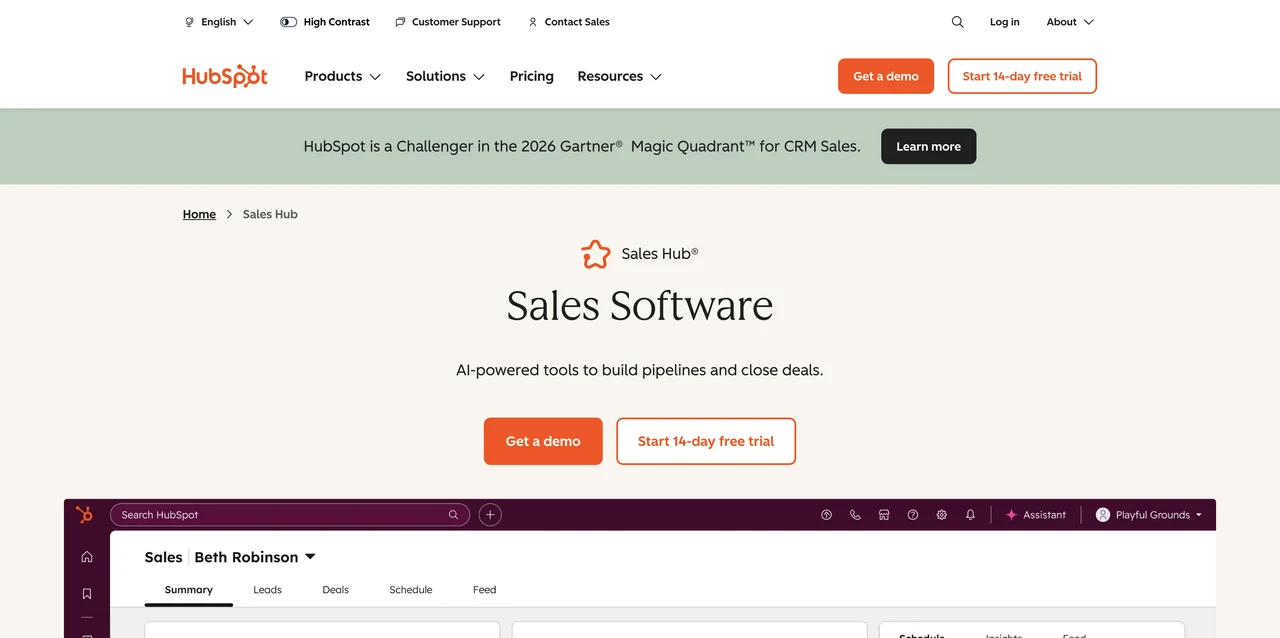
The main strength is the CRM-native footprint. Sales guidance, pipeline work, and customer records stay in one system rather than being split across several tabs. The CRM-native platform keeps business data in one place, while its AI tools help teams spot buying signals and get answers about customers.
Guided selling here can support next actions, sales playbooks, and prompts during pipeline work. That helps a manager encode part of the team's process, so a new rep doesn't need to memorize every rule before handling a deal.
HubSpot also makes sense when marketing and customer service need the same customer record. A sales leader can inspect activity in the same environment used by other teams. That reduces handoff gaps, but it also means the quality of the result depends on how well the CRM is set up and maintained.
This isn't the first choice for a manufacturer with deep dependencies between product options, pricing rules, and approvals. Those teams may need a dedicated CPQ layer. HubSpot Sales Hub is better when the issue is scattered sales work and weak process follow-through.
3. Salesforce CPQ: Salesforce-native configuration and quoting
Salesforce CPQ is for teams that need guided product selection inside Salesforce. Its strongest use case is a complex quote where the wrong option can cause rework later.
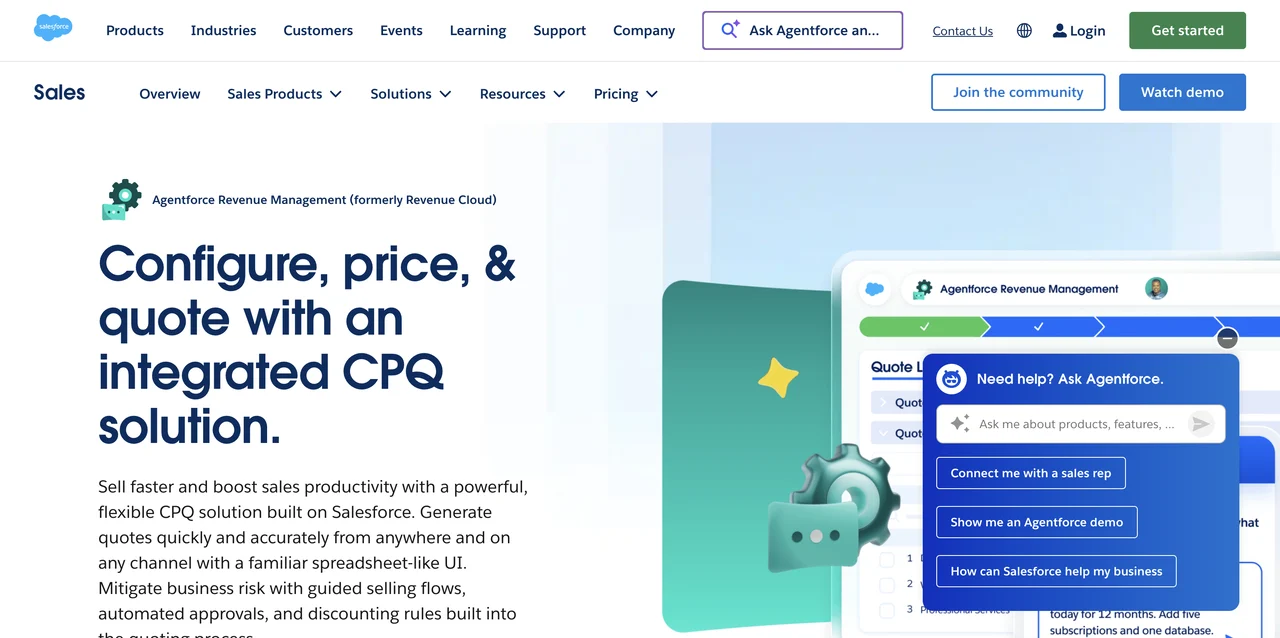
The guided flow asks targeted questions while a rep adds products. Answers can change which questions appear next. For example, a hardware choice can lead to a processor question, while a service choice can lead to a region question.
The basic model is clear. Product fields hold the values that guide selection. Process inputs hold the questions and answers. Conditions decide which question comes next. The system then returns products that match the responses. This is useful when a rep needs to sort through a large catalog without relying on memory.
Salesforce-native quoting also keeps the workflow close to the CRM record. That helps teams that already manage accounts, opportunities, contracts, and renewals in Salesforce. A guided selling flow can reduce configuration errors because incompatible choices are screened before they become quote lines.
The cost is setup work. Product fields, mirror fields, conditions, and quote rules need careful design. A small sales team with a simple offer may find that work too heavy. A Salesforce-centered enterprise with repeatable product logic may see the effort differently.
4. SAP CPQ: Enterprise-grade product and pricing complexity
SAP CPQ suits enterprises that need to manage complex product configuration, pricing, and quote creation. It is most relevant when a product catalog has many rules and a sales error has a large downstream cost.
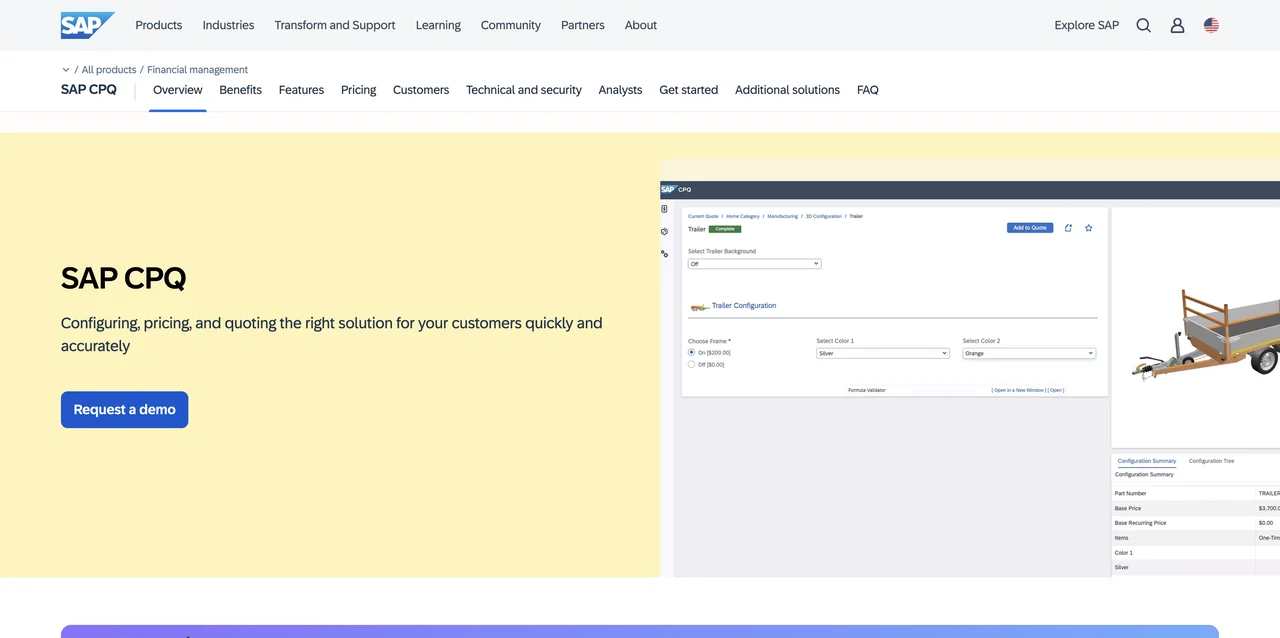
Its guided selling approach centers on structured configuration. A rep moves through product choices, pricing logic, discounts, quote creation, and approval steps. That creates a controlled path through a catalog that would be hard to manage with a spreadsheet.
The wider SAP footprint is part of the fit. Teams that already run finance, ERP, or product master data in SAP get configuration that sits next to the systems holding the pricing and product records, rather than a separate tool that has to be kept in sync.
SAP CPQ makes sense for manufacturing-style sales motions where product compatibility and pricing discipline matter. It can also support teams that need a formal path from configuration to quote review. The buyer should expect more planning than with a lightweight e-commerce product finder.
Implementation is the main caveat. The catalog must be modeled well, and someone must own rule changes as products and prices shift. If your sales problem is weak meeting prep or missed follow-up, SAP CPQ addresses a different stage of the process.
5. Outfindo: Product finders for enriched e-commerce catalogs
Outfindo is built for e-commerce teams that want guided product advice with product-data enrichment. It fits stores with many products and limited time for custom catalog work.
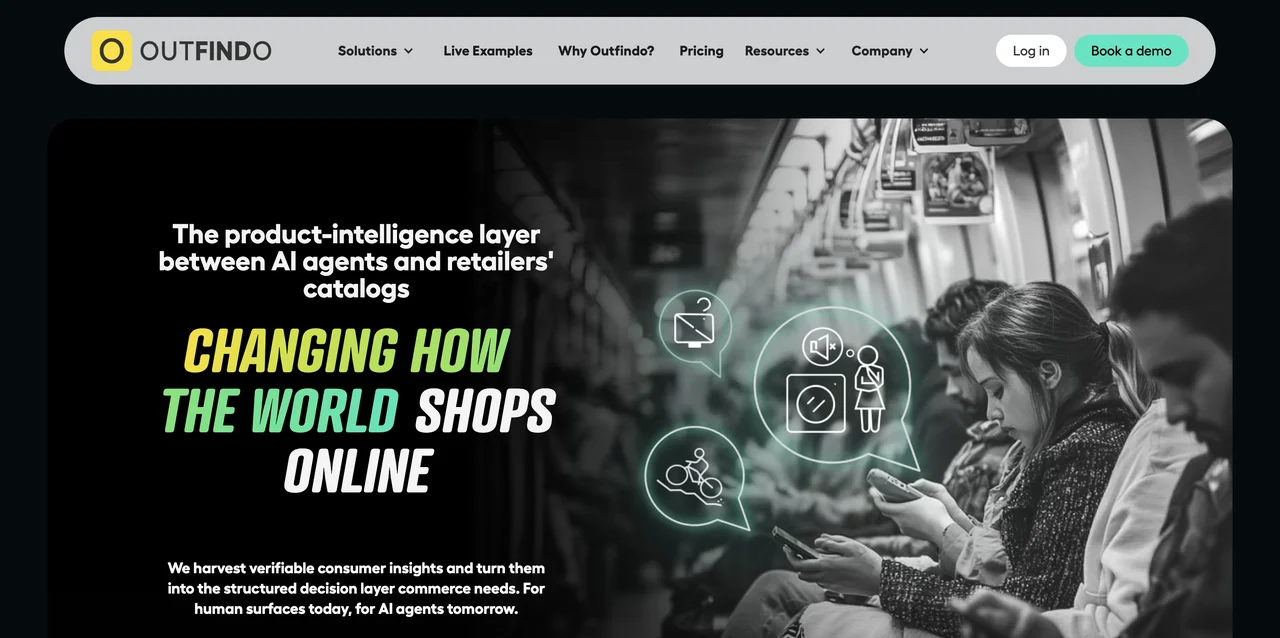
Outfindo uses product data to match shopper needs with suitable items. Its stated integrations include Shopify, WooCommerce, Magento, and custom e-commerce platforms through API and JavaScript connections. That makes it useful when a store wants a product finder inside an existing storefront instead of a separate buying journey.
The key issue in e-commerce is choice overload. A shopper may know the outcome they want but not the product terms needed to find it. A guided flow can ask about use, preferences, or constraints, then return a smaller set of relevant products. That may support conversion and reduce abandoned carts, but results still depend on accurate product attributes.
Outfindo's product-data work is a notable part of the offer. Its tooling sources, cleans, and enhances product attributes, then pairs them with the questions a shopper is asked. This matters because a quiz cannot recommend well if the catalog has missing or inconsistent data.
The limitation is category fit. Outfindo helps a shopper choose a product after arriving at a store. It does not replace a meeting assistant for B2B reps who need account research, live objection prompts, or approved CRM updates. For a storefront team, test one product category first and check whether the recommendations stay useful as the catalog changes.
Which guided selling software should you choose?
Choose by the stage where your team loses time, not by feature count. A team that stalls inside the meeting needs live guidance. A team that stalls building the quote needs CPQ. A storefront that loses shoppers on the product page needs a product finder. Because guided selling covers all four jobs, comparing feature lists across them tells you very little.
| Option | Primary user | Guidance point | Best fit | Main trade-off |
|---|---|---|---|---|
| VibeSell | B2B rep | Before, during, and after meetings | Teams needing live context and approved CRM follow-up | Live prompts must stay sparse enough to avoid distraction |
| HubSpot Sales Hub | CRM-based sales team | Pipeline and sales workflows | Teams already using HubSpot CRM | Less suited to deep product configuration |
| Salesforce CPQ | Salesforce rep | Product selection and quoting | Salesforce teams with complex bundles | Needs careful field and rule setup |
| SAP CPQ | Enterprise seller | Configuration, pricing, and approvals | Large catalogs with strict quote control | Higher admin and implementation demands |
| Outfindo | Online shopper | Product finder and recommendation | E-commerce teams with enriched catalogs | Doesn't address internal B2B meeting work |
A useful buying test is to map one real workflow. If the pain starts when a rep opens a meeting, VibeSell is the relevant category. If it starts when a rep builds a quote, look at CPQ. If the buyer gets stuck on a product page, test a product finder.
Also inspect the handoff. Does the tool write approved data to the CRM? Can a manager see which questions were answered? Can the team change product rules without a long development queue? These checks expose the gap between a polished demo and a system people can maintain.
For a B2B team, the cleanest test is simple. Give reps instant context before a call, keep prompts limited during the conversation, then review every suggested CRM change. That shows whether the software helps selling or only adds another screen.
FAQ
Conclusion
For B2B sales teams that need instant context during customer meetings, VibeSell is the clearest fit in this shortlist. Read Real-Time Sales Guidance in Your Language as a starting point, then test one week of meeting briefs, live prompts, and approval-based CRM follow-up with a small rep group. Review the VibeSell product overview if you want to examine how that workflow fits your current sales process.


