
Speech Analytics Software: 10 Tools Compared


TL;DR
Compare 10 speech analytics software options for sales and service teams. See key features, integrations, use cases, and trade-offs.
Speech analytics can turn a recorded call into searchable text, but that doesn’t mean it can guide a rep while a buyer is still on the line. Here are ten tools with different strengths, from live sales support to contact-center quality checks and meeting transcription.
1. VibeSell
VibeSell is a real-time AI sales companion for B2B reps. It reads the meeting calendar, prepares context before a call, and gives sparse guidance while the buyer is speaking. It suits sales teams that need better preparation and less after-call admin.
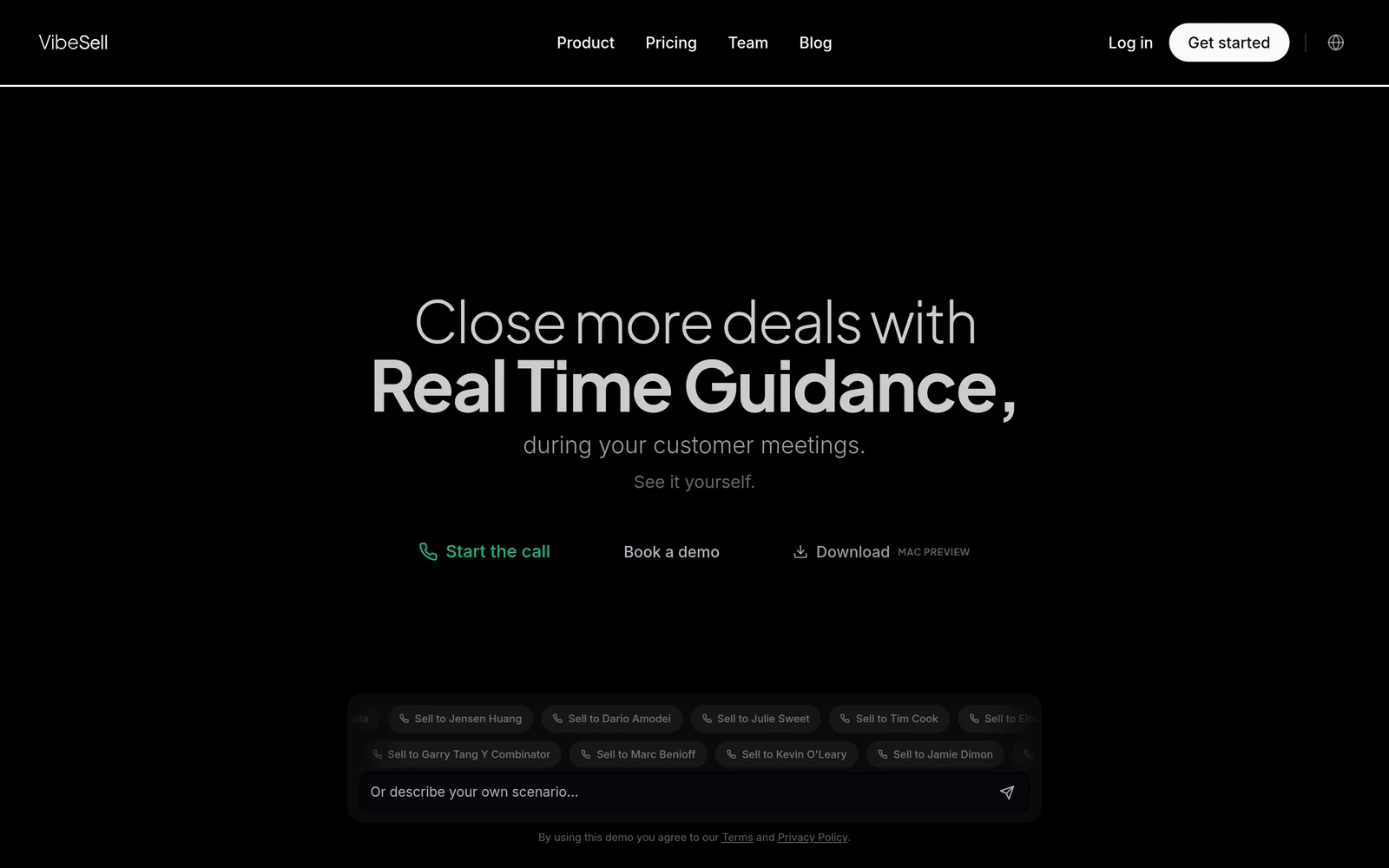
Before a meeting, VibeSell builds a brief with attendee and company context, talking points, and discovery questions. During the call, it can surface objection responses or next-best-action prompts. Afterward, it drafts a summary, follow-up email, and CRM updates. A rep must approve proposed CRM changes before they’re applied.
Unlike tools focused on reviewing calls after they end, VibeSell aims to help while the conversation can still change. Its guidance can improve over time using meeting outcomes and rep feedback, with team approval for each suggested change. It also supports sales methods such as MEDDIC, SPIN, BANT, Challenger, and Sandler. The trade-off is that live prompts won’t suit every rep or meeting style.
VibeSell is for teams that want instant context and live help, not only a transcript after the call. Try the conversation intelligence software comparison if you’re also weighing tools built around call review.
2. Jiminny: Conversation insights for sales teams
Jiminny is a sales intelligence tool for teams that want conversation insights connected to their CRM. Its stated integrations include Salesforce, HubSpot, and Pipedrive, which can help teams keep call context close to their sales records.
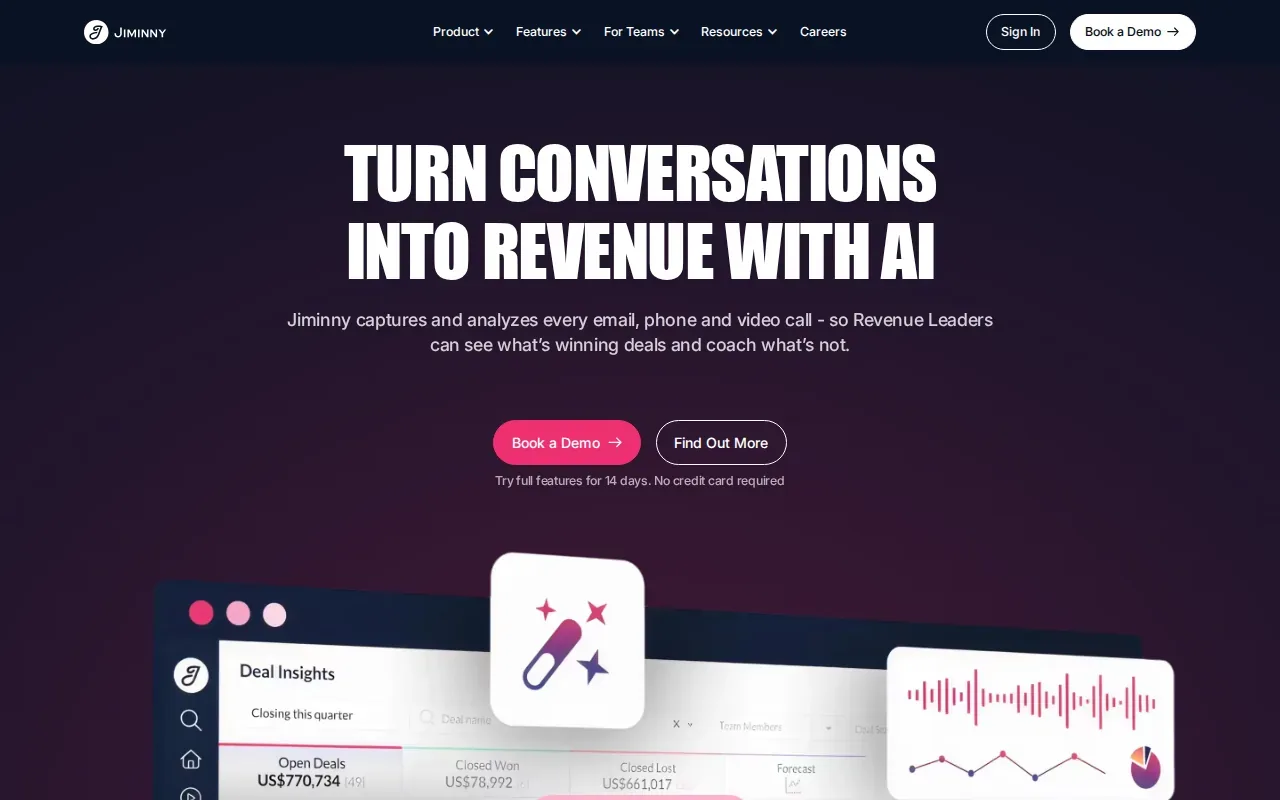
Jiminny may fit a sales leader who wants a shared view of customer conversations and sales activity. Don’t assume it will prompt reps during a call. Ask for a demo using your own sales workflow and confirm which call signals it tracks.
Before signing, check what data can move between Jiminny and your CRM, and whether those fields match the team’s process. Its listed integrations make it relevant for teams already using those CRM systems.
3. Gong: Revenue intelligence with call analysis
Gong is a revenue intelligence platform with call analysis for sales teams. It lists integrations with Salesforce, HubSpot, Slack, and major dialers, and its described capabilities include real-time coaching recommendations.
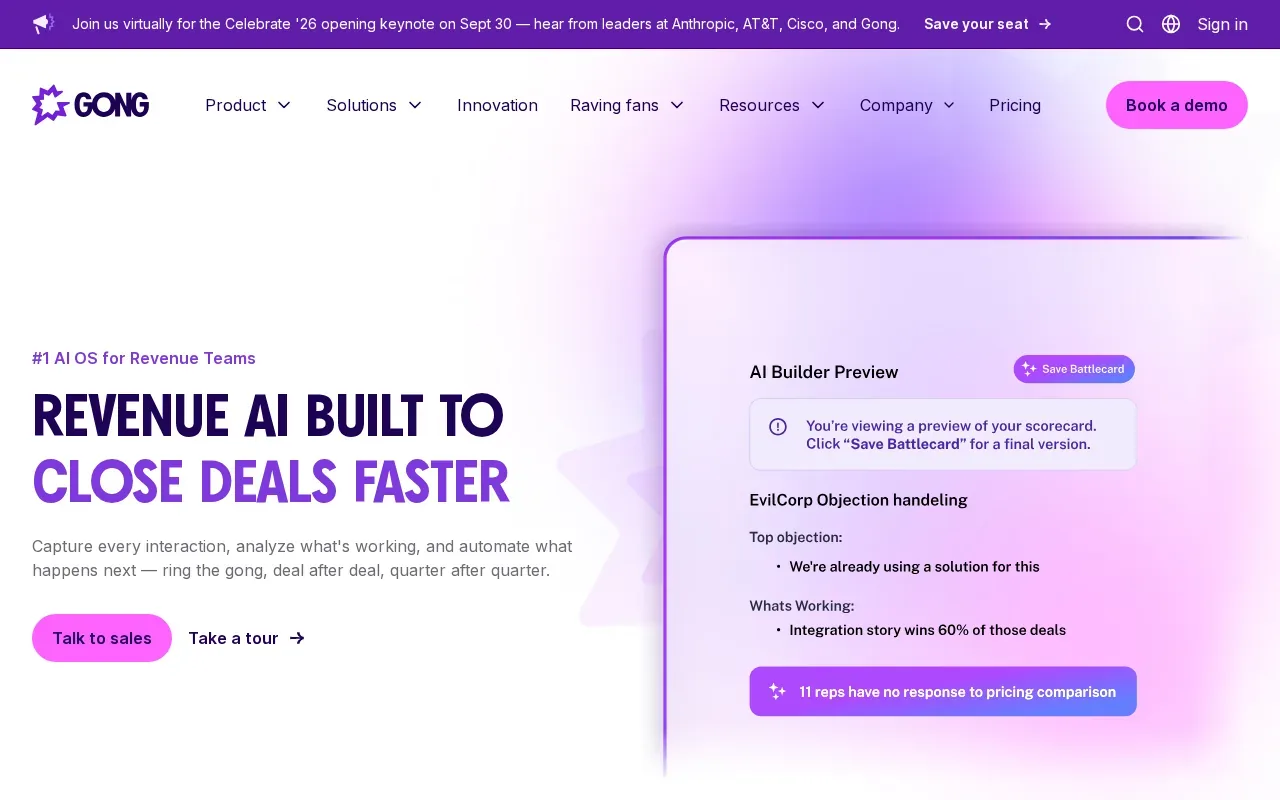
Gong may suit sales leaders who need call insights connected to deal work across a larger sales stack. Integrations can help carry conversation information into systems the team already uses, but a long integration list doesn’t prove that a rep will get the right prompt at the right moment.
Check how its coaching recommendations appear during a real call and how managers can review them afterward. Also ask how the tool handles team-specific sales language. For another view of the category, compare this style of post-call analysis with VibeSell’s in-call assistance.
4. Chorus by ZoomInfo: Call analysis connected to sales data
Chorus by ZoomInfo records, transcribes, and analyzes sales calls. It suits teams that want to find call moments and review conversation patterns after meetings.
Chorus can surface next steps, competitor mentions, feature requests, and themes in sales conversations. Its call metrics include talk-to-listen ratios and filler words. Teams can share recordings or clips for coaching and to pass customer feedback to other groups.
That makes it useful when managers need examples for coaching or teams want to share buyer feedback. A key trade-off is timing: its call insights are described as available within minutes after a call ends, so it isn’t the same as live guidance during that call.
5. Observe.AI: Real-time coaching and quality assurance
Observe.AI focuses on contact centers. It analyzes voice interactions for keywords, sentiment, and compliance language, with real-time AI coaching and automated quality assurance among its stated capabilities.
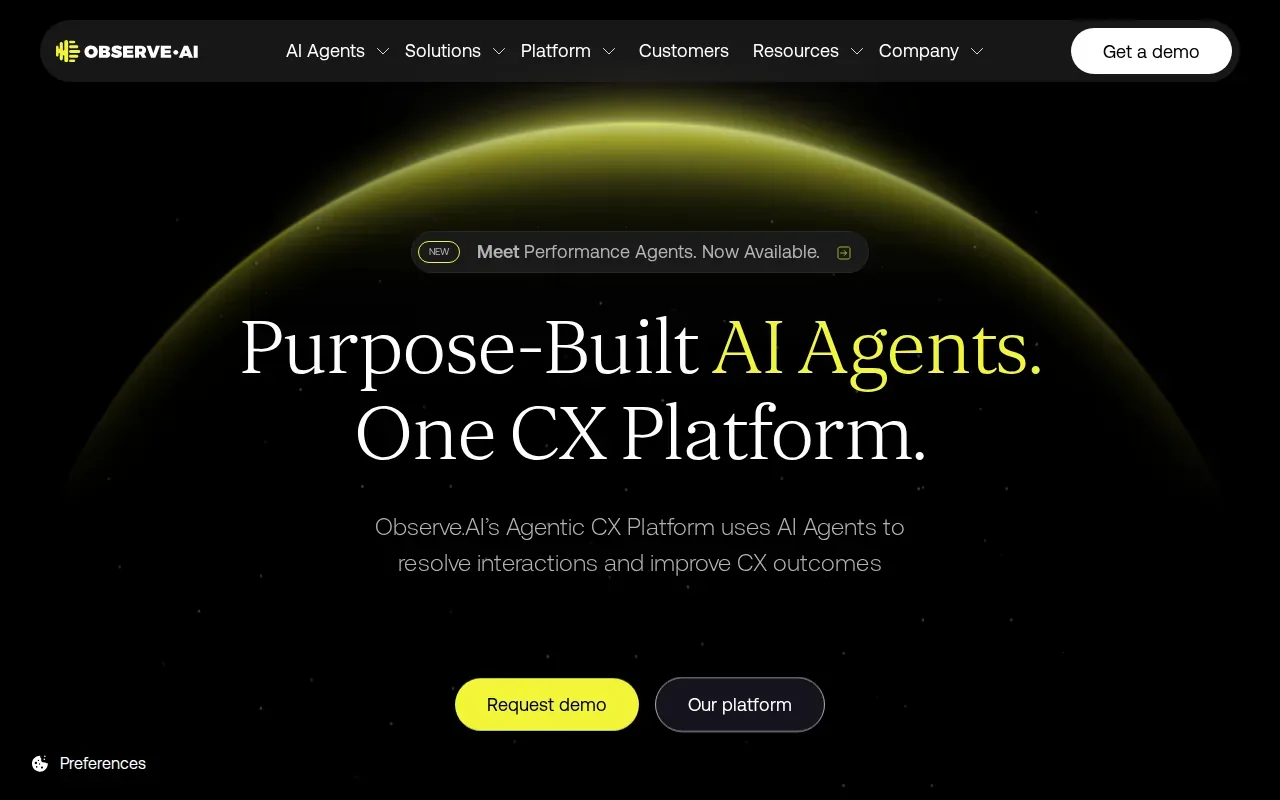
This is a fit for service leaders who need to review agent performance across customer calls. Speech analytics can help a team find repeated complaints or check whether required language appears in calls. Observe.AI also describes post-interaction analytics, so leaders can use it for both live support and later review.
Before a rollout, test the tool on your own call audio. Accents, background noise, and industry terms can affect transcription, so a polished demo alone won’t tell you how it performs on your queue.
6. Avoma: Meeting notes and conversation intelligence
Avoma combines AI meeting notes with conversation intelligence. It may suit sales and customer success teams that need meeting records they can share across a handoff.
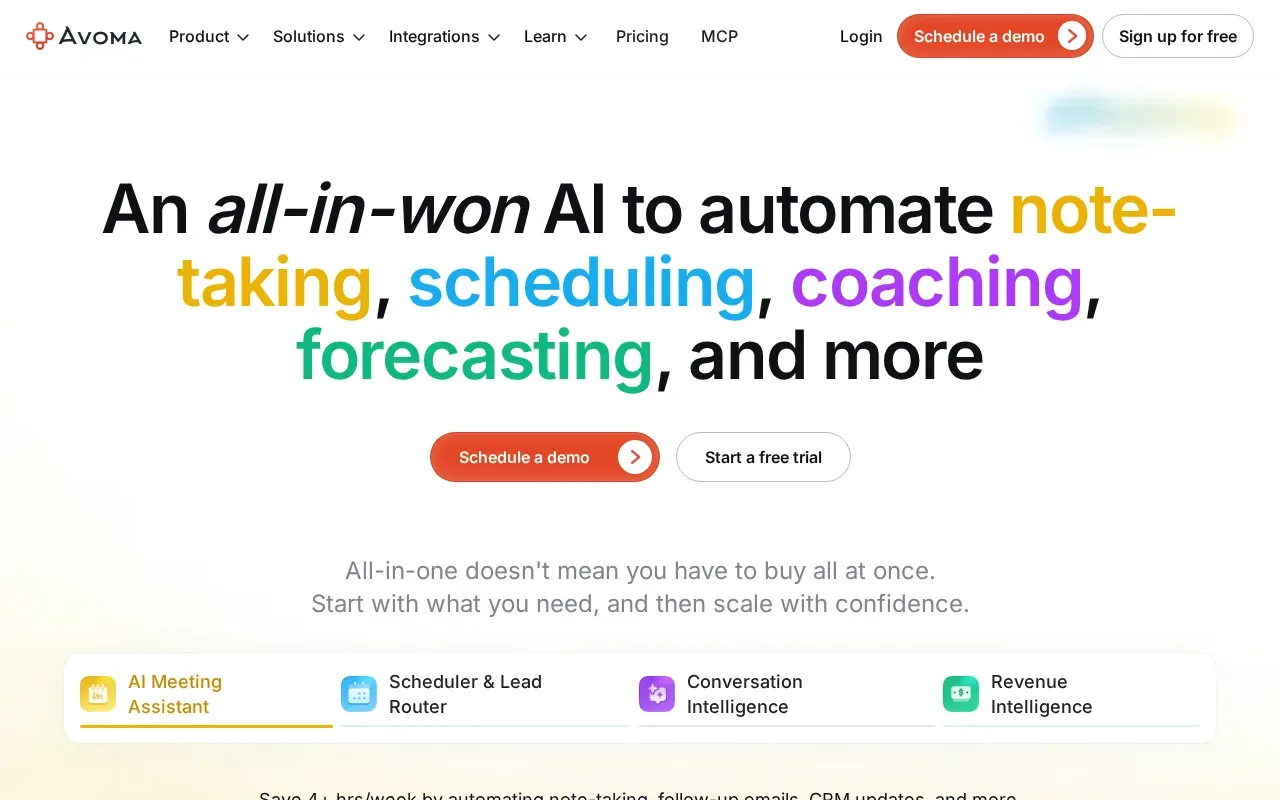
Avoma’s supplied integrations include Salesforce, HubSpot, Zoom, and Teams. Its described tools cover note-taking, scheduling, call coaching, and CRM updates. Centralized notes can help a new account owner understand past discussions without asking a customer to repeat the same details.
It’s worth checking which functions are included in the plan you’re considering. Also confirm whether the team needs live in-call guidance or mainly wants notes and summaries afterward. Those are different jobs, even when both use AI.
7. Fathom: Meeting transcription and AI summaries
Fathom transcribes and summarizes meetings on Zoom, Google Meet, and Microsoft Teams. It’s aimed at individuals and teams who want a written record without taking detailed notes by hand.
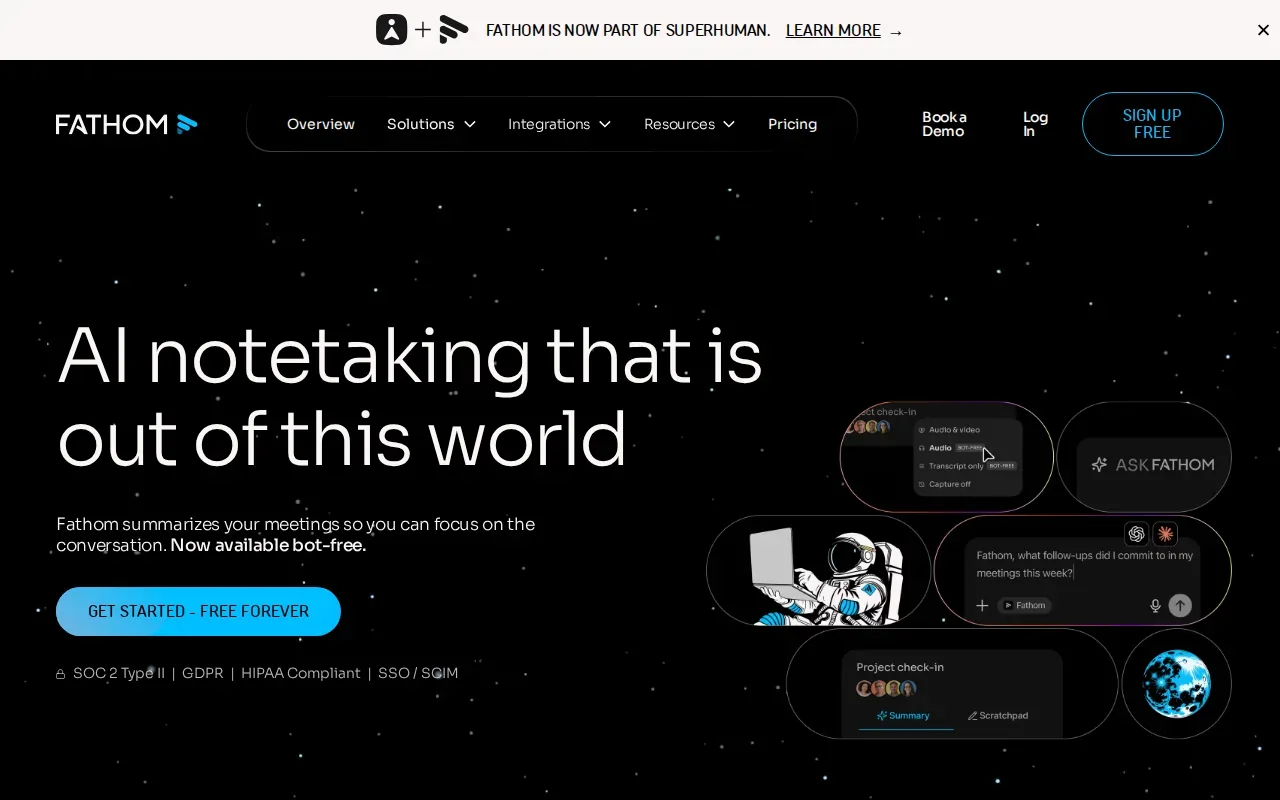
Its listed CRM integrations include Salesforce and HubSpot. That makes it worth checking for teams whose main need is meeting capture and a quick summary.
Fathom’s supplied details don’t describe live sales coaching. If your goal is to change what a rep says during the call, confirm that directly before you compare it with tools built for real-time support.
8. Zoom AI Companion: Meeting summaries within Zoom
Zoom AI Companion creates meeting summaries within Zoom. It may fit teams that already work in Zoom and want meeting notes without adding a separate meeting tool.
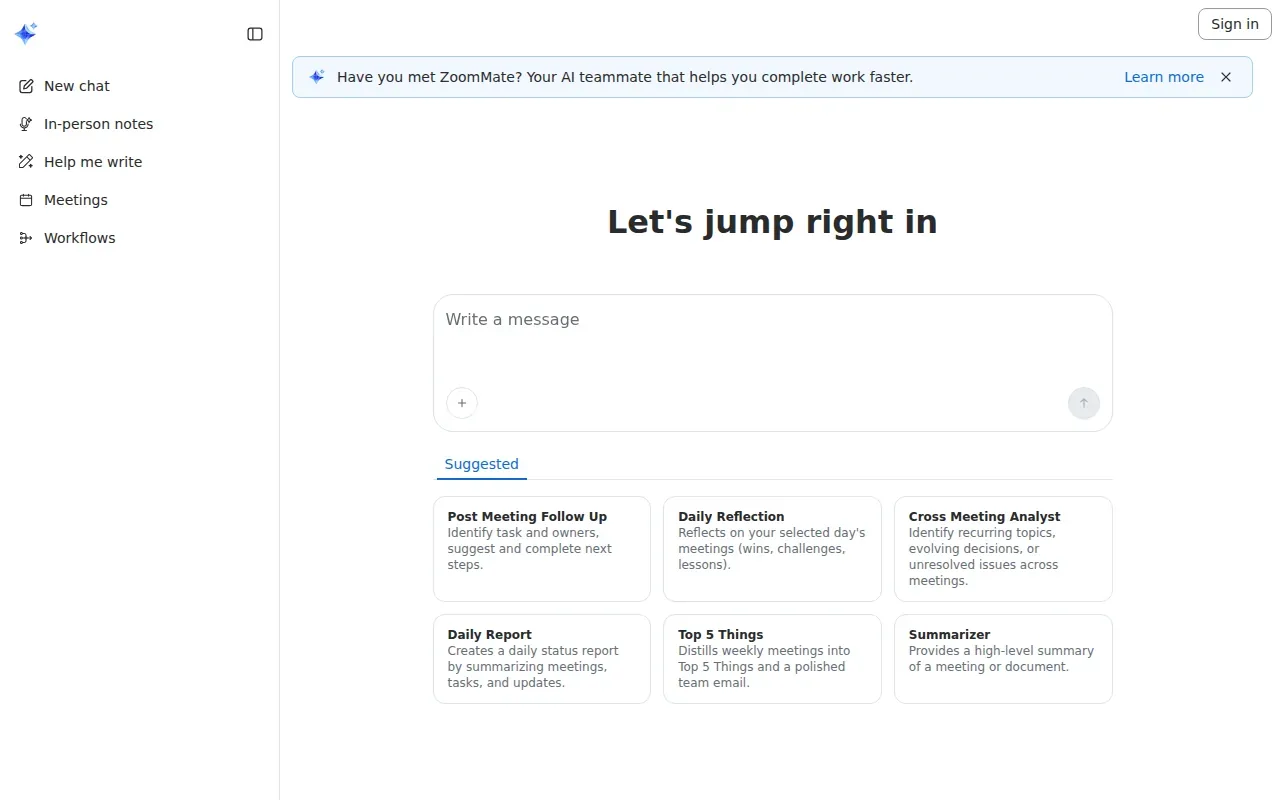
Its described features include a daily status report based on meetings, tasks, and updates. It can also distill weekly meetings into a short summary called “ Things.” The listed integration is Zoom, so teams that use other meeting systems should check whether it fits their setup.
Choose it when meeting summaries inside Zoom are the main need. For speech analytics across contact-center calls or guidance during sales calls, confirm that the feature set reaches beyond meeting recap.
9. Rilla: Conversation analytics for field sales
Rilla is cloud-based speech analytics software for sales conversations, with a focus on coaching. It may suit teams that sell in the field and want managers to review conversations without joining every interaction.
It also describes practice with the sales process. Those features point toward coaching and skill development, rather than basic transcription alone.
Check how conversations are recorded in your team’s field workflow and whether the coaching method fits your sales process.
10. Transkriptor: Speech-to-text for recorded conversations
Transkriptor converts audio and video into text. It’s a fit when a team mainly needs transcripts or summaries from recorded meetings, rather than live coaching.
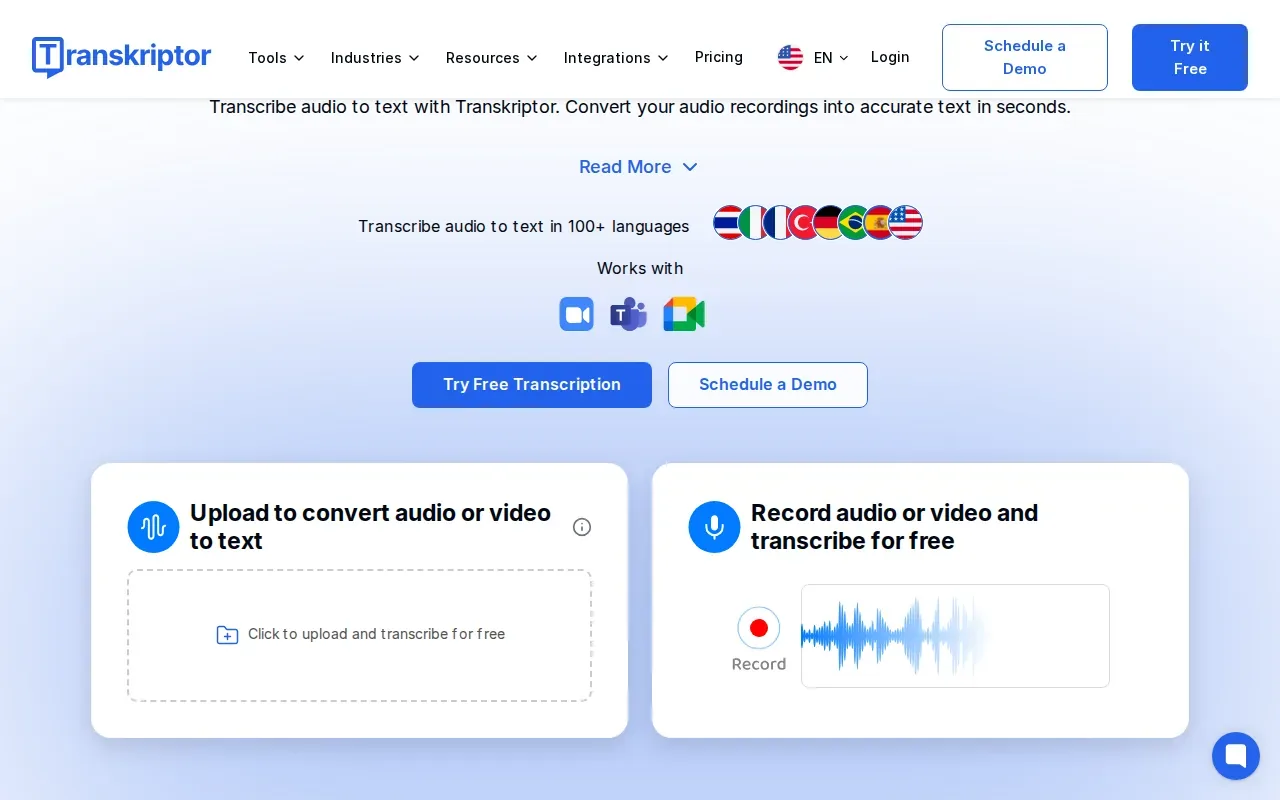
Supplied product details describe transcription for meetings, audio, and video, with support for more than 100 languages.
Transcription quality still needs a real test. Try a sample with the team’s accents, call quality, and specialist terms. A transcript can make a call easier to search, but it won’t replace a review of the original conversation when tone or context matters.
What to compare before choosing speech analytics software
Start with the job the team needs done. Contact-center leaders may need quality checks and compliance language across service calls. Sales leaders may care more about buyer objections, coaching, and the next action on an open deal. A meeting summary tool may not cover either workflow in depth.
Speech analytics generally turns spoken audio into text that people or software can search and assess. Speech recognition is the step that converts speech into text, as described in Wikipedia’s overview of speech recognition. Natural language processing can then help classify words and topics, but the quality of the result depends on the call audio and the system’s fit for your vocabulary.
| Decision point | What to verify | Why it matters |
|---|---|---|
| Live or after-call | Does it guide a rep during the call, analyze the call afterward, or do both? | Live support and manager review solve different problems. |
| Signals and metrics | Can it track your chosen phrases, sentiment, compliance checks, or script steps? | Useful metrics depend on the team’s service or sales goal. |
| CRM and meeting links | Which systems connect, and which fields or records can move? | A connection matters only if the data fits the team’s workflow. |
| Privacy and audio | How does it handle sensitive data, retention, and your real call quality? | Confirm safeguards and test actual recordings before wider use. |
| Cost and rollout | What does the plan include, and what work is needed to set it up? | Compare total fit, not just a feature list or a starting price. |
Speech analytics can track measures such as customer satisfaction, first-contact resolution, handling time, sentiment, and script adherence when a tool supports those measures. Ask how the score is calculated and whether a manager can check the transcript or listen to the call behind it. Scores without context can point a team toward the wrong fix.
For a fair test, pick one workflow and a small set of calls. Compare the tool’s transcript and flags with what a human reviewer hears. Then check whether the result helps a manager make a clear coaching or process decision. The general idea of sentiment analysis is to assess opinions or feelings in text, but voice tone and call context add another layer; Wikipedia’s sentiment analysis overview explains the text-focused concept.
Key Takeaway: Test the tool on your own calls, then judge it by the decision it helps your team make.
Pro Tip: Pick one measure for the trial, such as finding calls with a specific objection. Review the flagged calls with a manager before you expand the rollout.
Ready to reduce meeting prep and after-call admin? A rep stays in charge of every CRM change.
FAQ
Conclusion
If your sales team needs context and guidance before a meeting ends, start by testing VibeSell on one real workflow. Review the proposed notes and CRM changes with reps.


