
Best AI Note Taking App: 5 Top Picks


TL;DR
Compare the best AI note taking apps for sales teams, meetings, research, privacy, transcripts, action items, and workflow automation.
Sales reps waste hours writing notes and chasing follow‑ups. AI note‑taking tools promise to lift that load. Here are five picks, and a quick guide to pick the right one for your team.
1. VibeSell: Sales notes that support the meeting in real time
VibeSell is a real‑time AI sales companion for B2B teams. It reads the rep’s calendar, pulls attendee info, and builds a pre‑call brief with company context, talking points, and discovery questions.
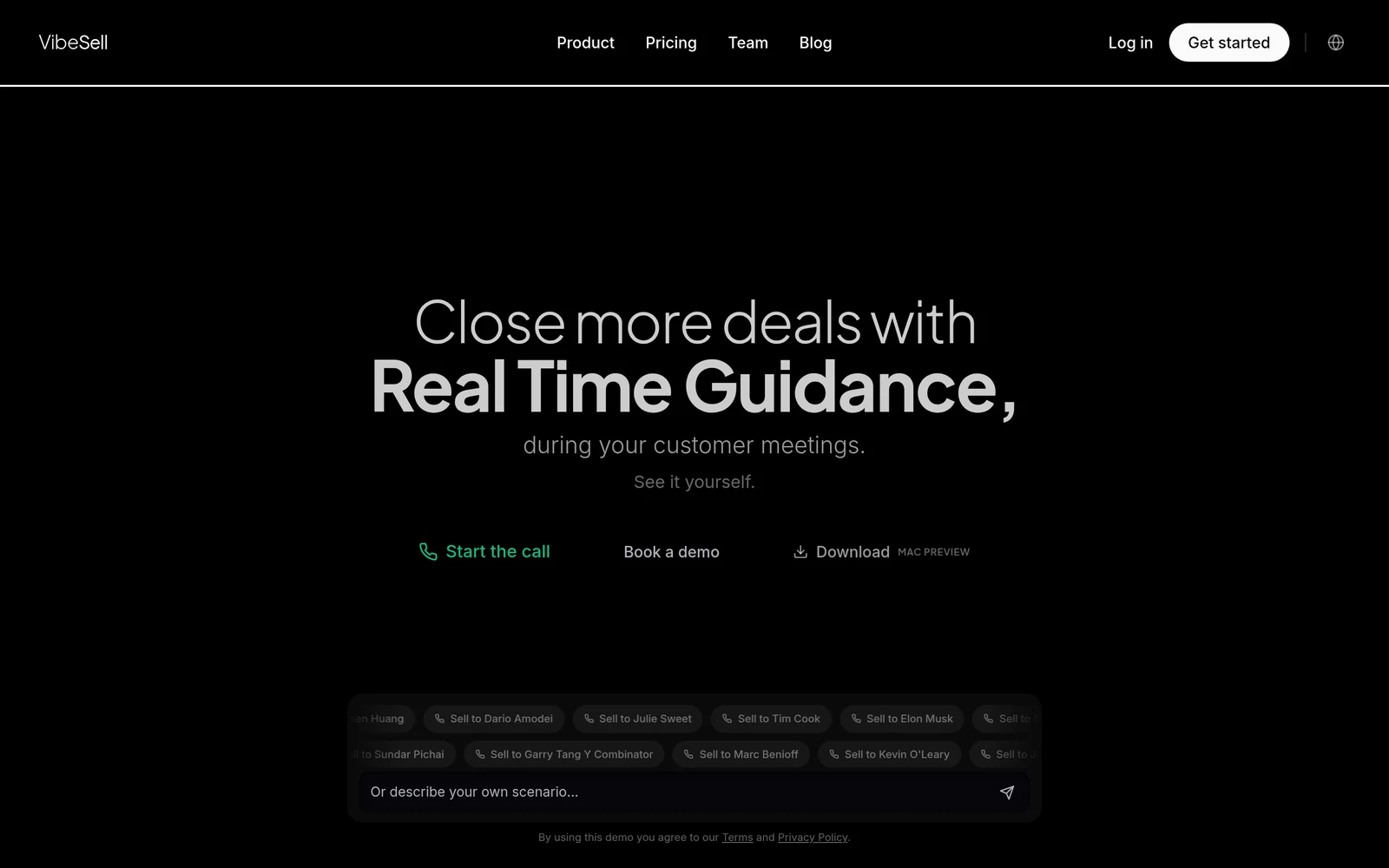
During the call it shows sparse guidance, objection tips, competitor intel, and next‑step prompts, only when the buyer pauses. After the call it drafts a summary, a follow‑up email, and suggested CRM updates that the rep must approve.
The tool learns from each meeting, so guidance gets sharper over time. It works with Google Meet, Microsoft Teams, and Cisco Webex via a Chrome extension.
Pricing : Pro plan runs at $200 per user per month ($120/user/mo billed annually), with a 7‑day free trial. All changes stay behind an approval gate, so reps stay in control.
Pros : real‑time guidance, calendar‑driven research, approval‑gated CRM drafts. Cons : limited to supported meeting platforms, no built‑in dialer.
Best for : CROs and sales leaders who need instant context and want to keep the rep in charge of every CRM change.
2. Otter.ai: Live transcripts and action items for meeting‑heavy teams
Otter.ai joins Zoom, Google Meet, and Microsoft Teams as a silent participant. It transcribes speech in real time, tags speakers, and builds a structured summary while the meeting runs.
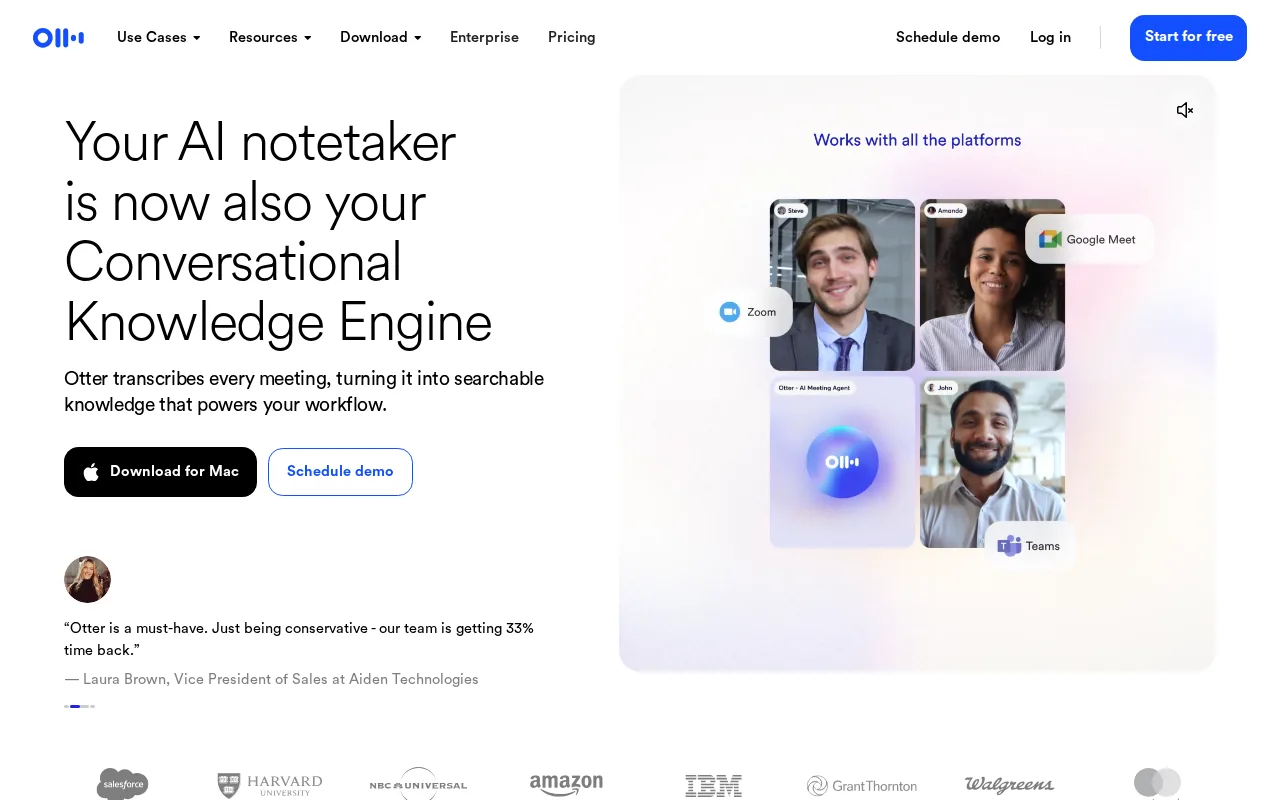
The free Basic tier gives 300 minutes of transcription per month and a 30‑minute per‑session cap. Pro and Business plans lift those limits and add integrations with Salesforce, HubSpot, and Zapier.
In testing, Otter’s transcription accuracy was highest on clear English audio, but it drops 8‑10 % with heavy accents or background noise. Summaries capture decisions well, though a few nuances can slip.
Otter.ai provides a simple UI and solid speaker identification, making it a solid choice for teams that need fast, readable notes without deep workflow automation.
Pricing : Free Basic (300 min/mo), Pro and Business pricing varies by plan.
Pros : real‑time captions, decent accuracy on clean audio, free tier works for small teams. Cons : caps on free minutes, accuracy drops on noisy calls.
Best for : Teams that hold frequent English‑language meetings and want live captions plus quick summaries.
3. Fireflies.ai: Searchable meeting records and automated summaries
Fireflies.ai drops a bot named Fred into Zoom, Teams, or Google Meet. Fred records, transcribes, and stores the conversation in a searchable library.
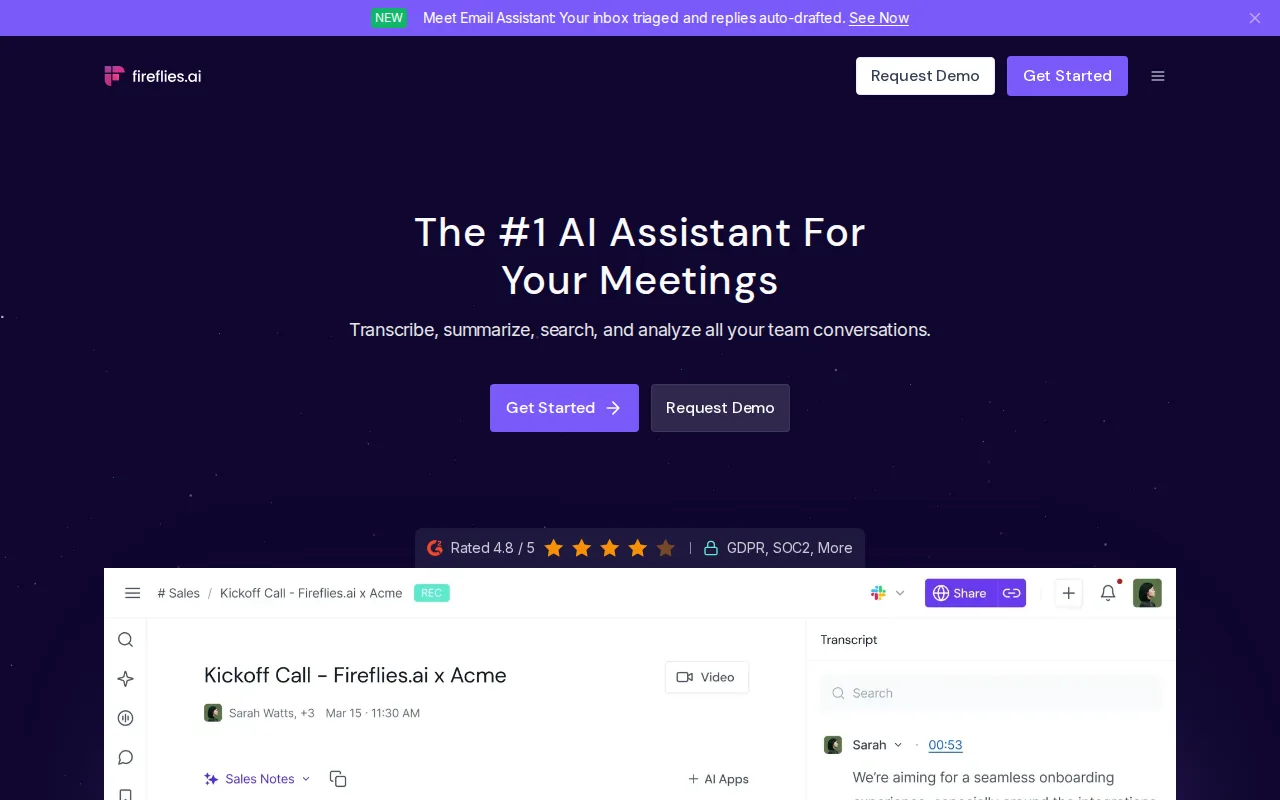
After the call, the platform creates an AI‑written summary and extracts action items. The AskFred feature lets users ask natural‑language questions like “What pricing concerns did the buyer raise?” and jumps to the exact moment.
Free users get 800 minutes of storage per seat. Paid plans start at $10 / user / mo (annual) and add deeper integrations with Asana, Notion, and other productivity tools.
Fireflies.ai also offers live assist cards that surface talking points during the call, which can help sales reps stay on track.
Pricing : Free (800 min/seat), Pro at $10 / user / mo, Business at $19 / user / mo.
Pros : searchable archive, AskFred Q&A, broad integration list. Cons : UI can feel crowded at first, some advanced AI actions cost extra credits.
Best for : Teams that need a central meeting library and want to turn spoken words into actionable tasks without leaving their existing workflow.
Ready to cut admin time?
4. Mem: AI‑organized notes for personal knowledge management
Mem treats every note as part of a living graph. As you type or record, the AI auto‑links related ideas, surface connections, and suggests relevant context.
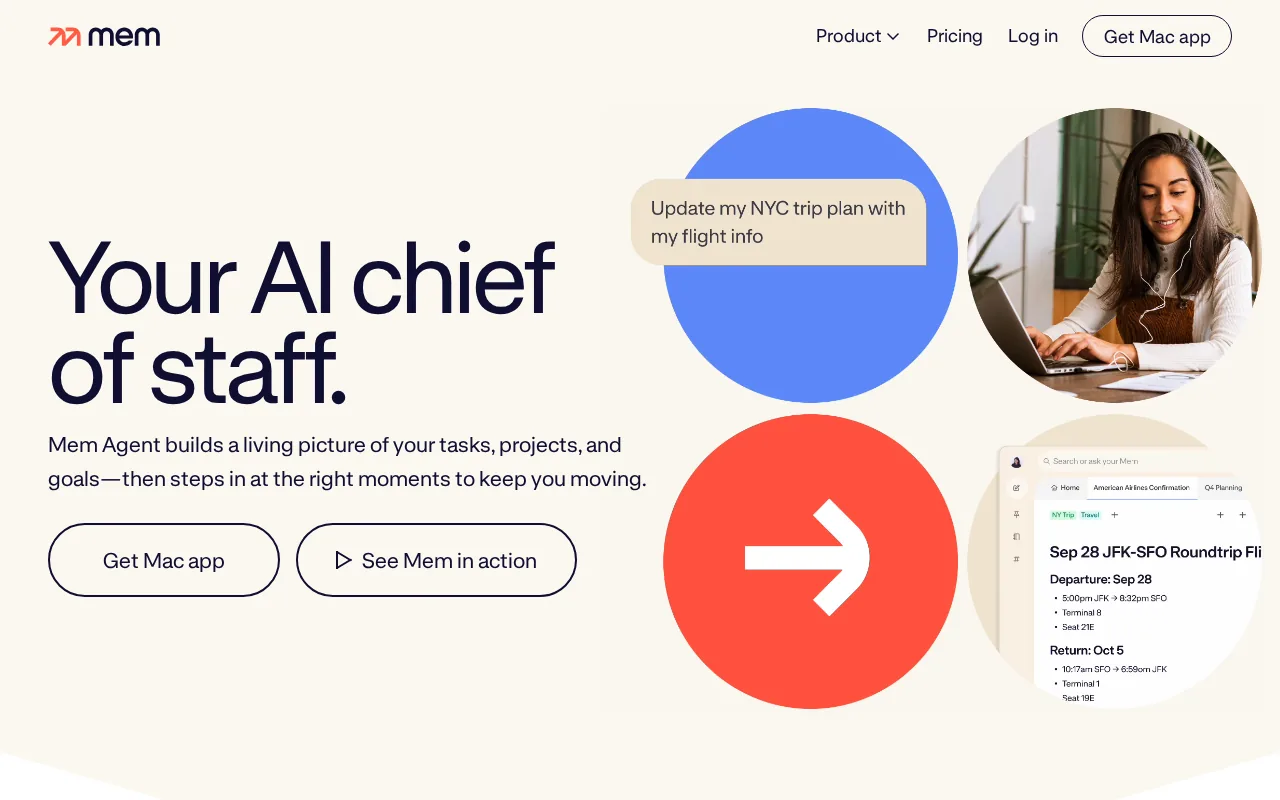
It pulls in emails, calendar events, and documents so the graph stays current. You can ask Mem questions like “What did we promise the client last quarter?” and it pulls the answer from the graph.
Pricing starts with a free tier that includes core AI features. Paid plans add advanced search and larger storage.
Pros : automatic linking, easy retrieval, works as a personal second brain. Cons : less focused on meeting transcription, learning curve for graph view.
Best for : Knowledge workers who capture ideas across meetings, emails, and research and want AI to keep them connected.
5. Obsidian: A private and highly customizable AI note system
Obsidian stores notes as local Markdown files, giving you full ownership. AI capabilities come through community plugins such as Copilot and other AI plugins.
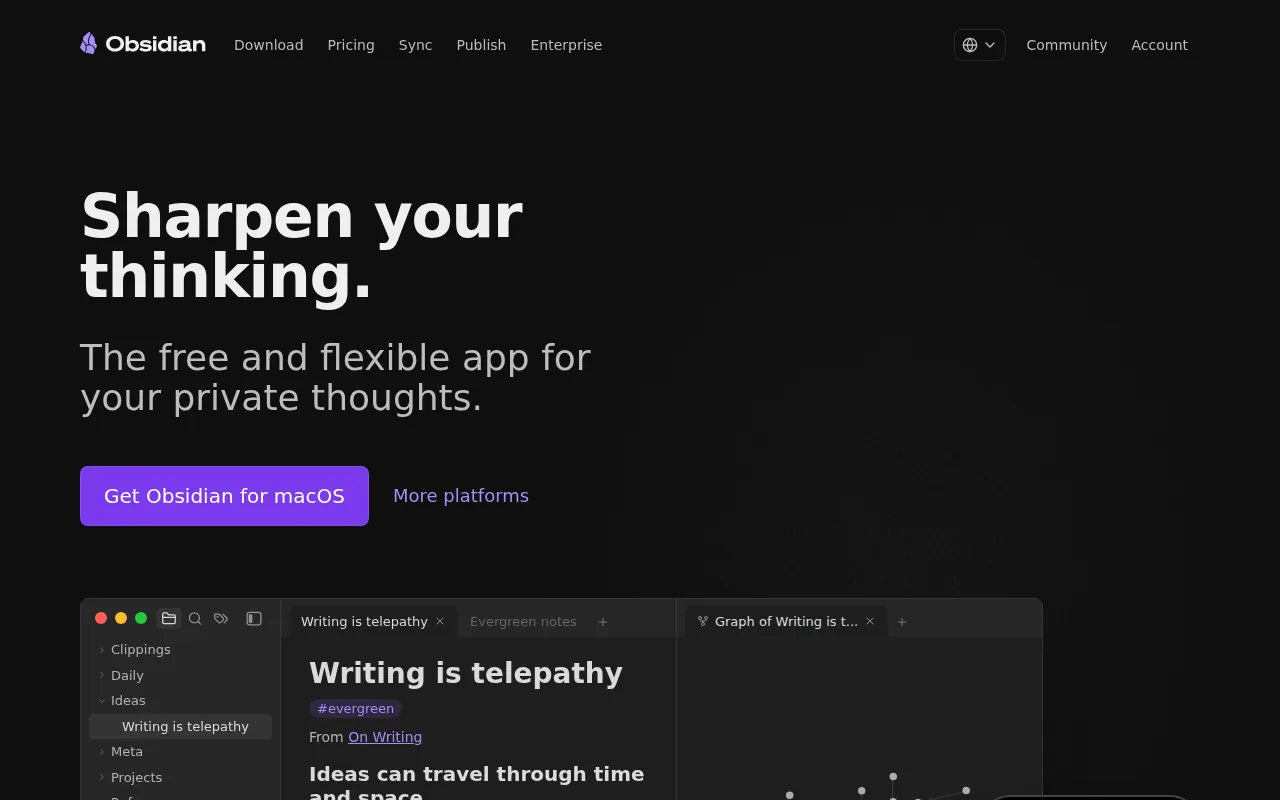
Because the vault lives on your device, you control every byte. Plugins add summarization, transcription, and AI‑assisted writing without sending data to the cloud.
Obsidian itself is free; most AI plugins are paid add‑ons ranging from $5‑$15 / month.
Pros : maximum privacy, endless customization, strong community. Cons : setup time, plugin stability can vary.
Best for : Developers, researchers, or security‑focused teams that need a local‑first workflow and are comfortable tweaking plugins.
Best AI note taking apps compared
| Tool | Live transcription | AI summary | Free tier |
|---|---|---|---|
| VibeSell | Yes (guided) | Yes (drafts) | 7‑day trial |
| Otter.ai | Yes | Yes | 300 min/mo |
| Fireflies.ai | Yes | Yes | 800 min/seat |
| Mem | No | Yes (linking) | Free |
| Obsidian | No | Plugin‑based | Free |
For a deeper look at how AI note takers fit into a sales workflow, on AI Meeting Note Takers for Sales Teams.
FAQ
Conclusion
VibeSell gives sales teams real‑time context and approval‑gated automation, making it the most usable pick for B2B reps. Start a free trial today and see how much meeting prep time you can shave off.


