
Best Sales Prospecting Tools for B2B Teams


TL;DR
Compare sales prospecting tools for B2B teams by data, outreach, AI, CRM fit, pricing models, and real-time meeting support.
Pipeline work gets messy fast. One rep needs account data, another needs a clean sequence, and a third walks into a buyer call with no context.
Here are 10 sales prospecting tools for B2B teams, with a clear view of who each tool fits, what it does, and where the trade-offs sit.
1. VibeSell, real-time support from meeting preparation to CRM updates
VibeSell is for B2B teams that want support before, during, and after customer meetings. It prepares a pre-call brief, gives sparse live prompts during the call, then drafts the summary, follow-up email, and CRM updates before the meeting ends.

The key difference is timing. Many conversation tools analyze a call after it ends. VibeSell gives the rep instant context while the deal can still change. It can surface objection help, competitor information, next actions, and sales-stage cues without asking the rep to leave the meeting.
After the call, the rep reviews the suggested CRM updates. Nothing reaches the CRM until the rep approves it. That matters for teams that want automation without giving an AI system unchecked control over deal records.
VibeSell also carries context between meetings with the same buyer. That helps stop every recurring call from starting at zero. Teams can set guidance around methods such as MEDDIC or BANT, so discovery prompts match the sales process already in use.
It supports Google Meet, Microsoft Teams, and Cisco Webex through a Chrome extension. Transcription works in 99 languages, and EU data residency is available. The trade-off is clear: VibeSell is not a contact database, dialer, or autonomous outbound sender.
If your main loss is meeting admin or weak call prep, VibeSell belongs early in the buying process. You can also compare its meeting role with other AI sales assistant software for B2B teams.
2. Apollo, an accessible option for contact data and email outreach
Apollo fits price-sensitive teams that want contact data beside email and phone outreach.
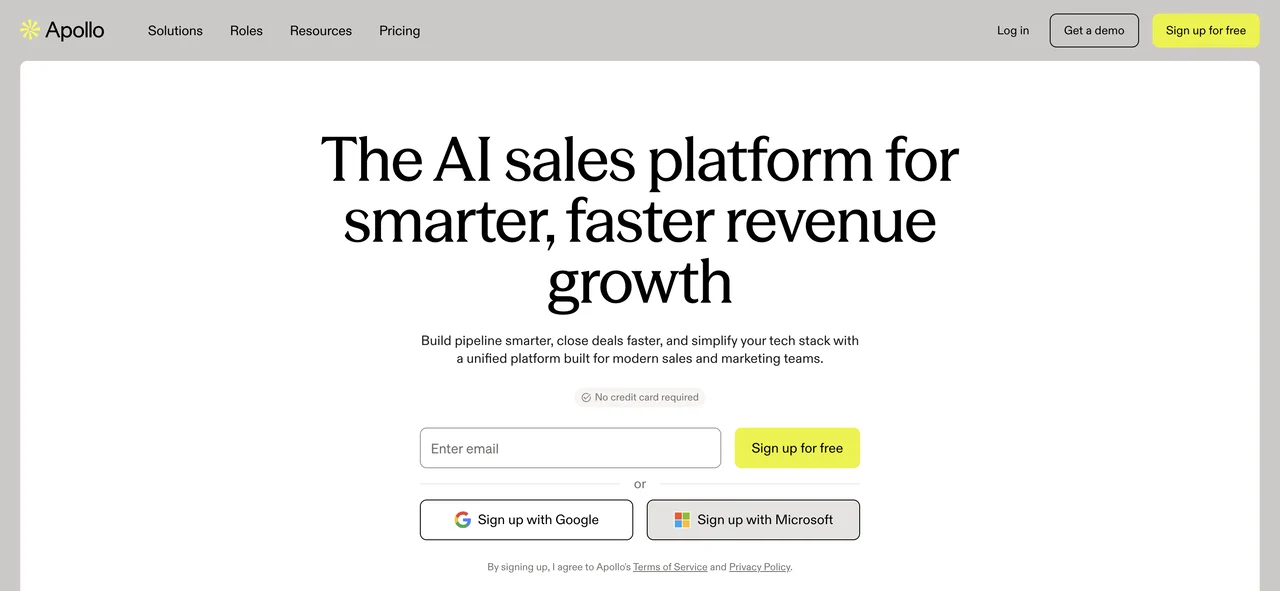
The appeal is a consolidated workflow. That can reduce the number of systems a small sales team must learn before it can run a campaign.
Apollo works well when your motion starts with a list and moves into email follow-up. Still, access does not mean unlimited use.
Credit-based pricing needs close review. A team that exports contacts, adds phone data, and sends large sequences may use credits much faster than expected. Model the cost around your planned monthly activity, not the headline entry plan.
Data quality also needs a live test. Pick a sample of accounts in your market. Check titles, company status, location, and email validity before you roll Apollo out to the whole team.
Apollo is a sensible fit when one system for data and outreach matters more than deep meeting support. Add a call-focused tool if your main problem starts after a meeting is booked.
3. Clay, flexible enrichment for GTM engineering teams
Clay is for GTM engineers who want to build custom enrichment and email workflows. It sits closer to a flexible data workbench than a simple prospect list.
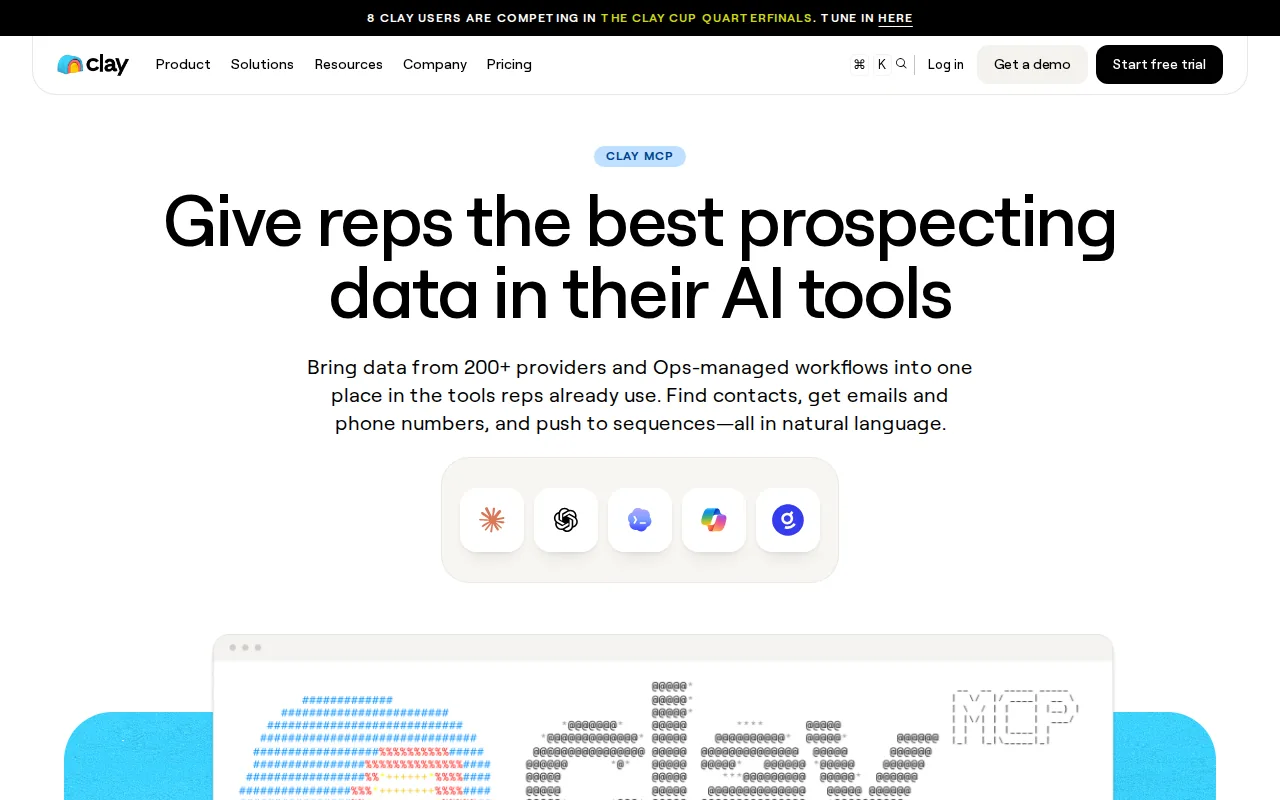
That points to a builder-led motion. A technical owner can shape how records are enriched instead of accepting one fixed path.
Clay makes sense when your team has unusual data needs. Imagine scoring accounts by a mix of company traits, hiring signals, website language, and internal fields. A flexible enrichment workflow can support that better than a locked search form.
The cost is setup time. Someone must own the tables, rules, data sources, and error checks. If nobody has that role, the workflow may become a clever demo that no rep trusts two months later.
Credit-based usage also needs care. Enrichment runs and AI lookups can consume credits quickly. Set a limit for each workflow, then review the output before adding more sources.
Choose Clay when personalization and data logic are part of your competitive process. Choose something simpler when reps mainly need verified contacts and a ready email sequence.
4. ZoomInfo, enterprise account intelligence and buying signals
Those alerts change the work pattern. Instead of checking every account on a fixed schedule, a team can react when a relevant change appears. That may help account owners decide which record deserves attention first.
ZoomInfo is also useful when sales operations needs a shared view of the account. Data can support territory planning, account review, and handoffs between marketing and sales. The value rises when the CRM is already well maintained.
Enterprise depth brings enterprise work. Buyers should review data permissions, governance, sync rules, and ownership before launch. An alert that creates duplicate records or sends every signal to every rep will add noise.
The research cross-check found the same AI and real-time alert details across two sources. That does not remove the need for a trial, but it gives those specific claims stronger support than a single directory entry.
ZoomInfo is a fit when buying signals and account coverage matter across a large revenue operation. It may be more system than a small team needs.
5. Cognism, European-focused prospecting for outbound teams
Cognism is aimed at European outbound teams that need contact data for email and phone work.
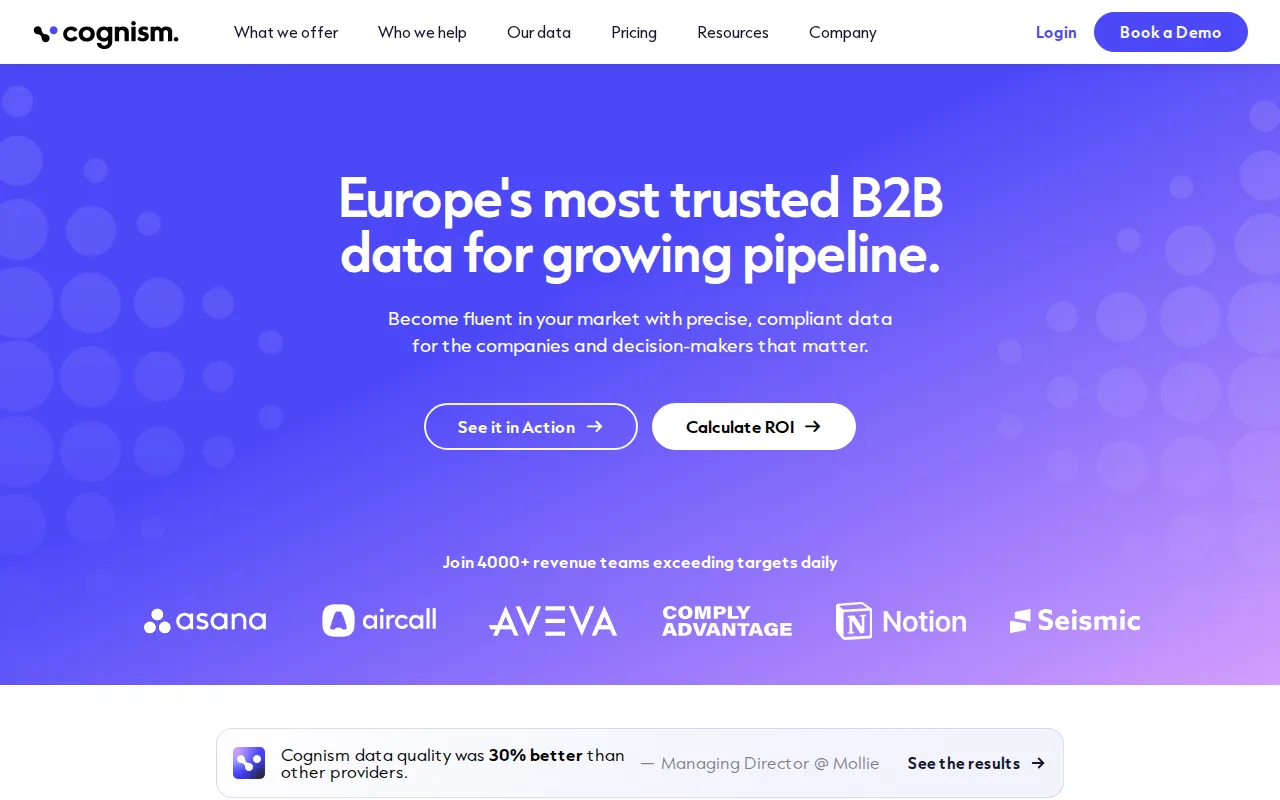
That regional focus matters when your sales motion crosses European markets. Teams should test coverage in the exact countries, languages, and job groups they target. A broad brand promise is less useful than a clean sample in your own territory.
Cognism can support an outbound process where reps first identify a role, then qualify interest through email or phone. It is less suited to a team looking mainly for live meeting prompts or post-call coaching.
AI assistance may help with prospect work, but leaders should define where automation stops. Let the system suggest a fit or message angle. Keep the rep responsible for the final outreach and the truth of the claim.
European teams should also check data handling against their own legal process. Confirm who can access records, how long data stays in the system, and what happens when a contact asks not to be contacted.
Pick Cognism when regional outbound coverage is the first need. Add a meeting companion when the bigger gap appears after a prospect accepts the call.
6. LinkedIn Sales Navigator, account-based social selling and trigger alerts
LinkedIn Sales Navigator fits account-based sellers who work through LinkedIn and want alerts when buyer roles change.
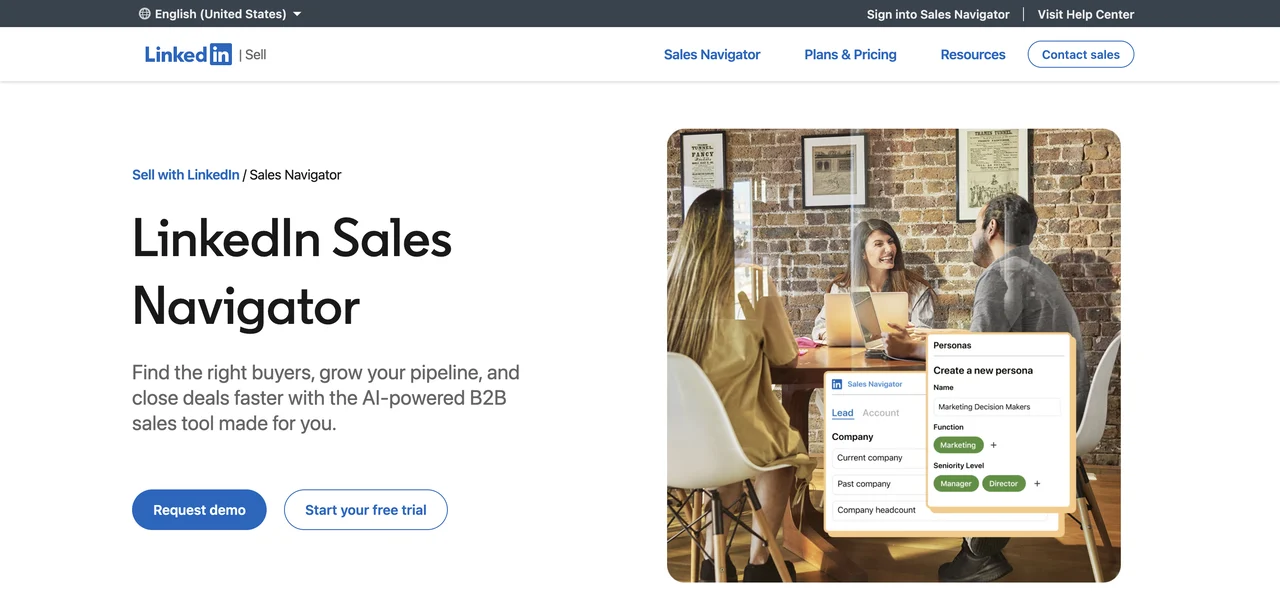
The product is useful when your buyers are active on LinkedIn and their public role data helps you find the right person. Job-change alerts can also support warm outreach. A former champion who moves companies may give a rep a better reason to start a conversation.
CRM fit varies by plan. Make integration availability part of the technical review.
Validate vendor-reported ROI claims against your own team's workflow, costs, and results before using them in a forecast.
Use Sales Navigator when relationship signals matter more than bulk email volume. Keep the message human. A precise note about a role change beats a generic automated pitch.
Key Takeaway:
7. Salesloft, coordinated engagement for enterprise revenue teams
Salesloft fits enterprise revenue teams that need coordinated engagement plus conversation intelligence.
Salesloft's conversation product records and transcribes calls, then uses AI to surface deal risks, objections, competitor mentions, and decision-maker signals. It can also help managers review scorecards based on conversation transcripts.
This is mainly a post-call operating model. The system helps leaders find patterns across calls and helps reps prepare for later meetings. That differs from VibeSell's focus on guidance while the call is still happening.
Salesloft can suit teams with a defined sales process and managers who need shared visibility. It may be too much for a small group that only wants a contact list and a few email steps.
Call recording also needs consent and policy checks. Recording rules vary across US states. Build that review into implementation rather than treating it as a later legal task.
Choose Salesloft when engagement management and manager-level conversation review sit at the center of your sales operation.
8. HubSpot Sales Hub, prospecting inside an existing CRM
HubSpot Sales Hub is for teams already using HubSpot CRM and wanting prospecting inside that same record system.
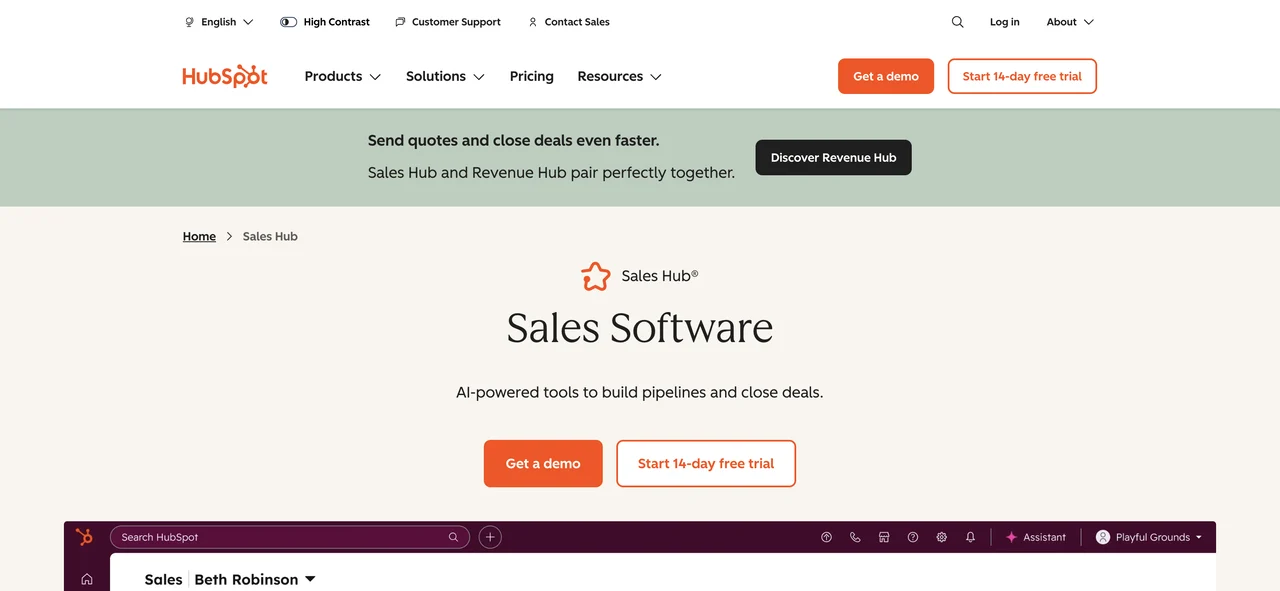
The main benefit is fewer handoffs. A rep can work from the CRM record rather than moving data between a separate prospecting database and another outreach tool. That can help a small team keep activity history in one place.
HubSpot is strongest when your team already follows a shared CRM process. If records are incomplete or ownership rules are unclear, adding AI will not fix the underlying data problem.
Email-only coverage can also be a limit. Teams that rely on phone calls, social selling, or live call support may need more tools around Sales Hub. Check whether the product matches your actual sales motion before buying more seats.
HubSpot's generative AI may help with drafts and record work, but review remains important. A message can sound polished and still miss the buyer's actual pain.
Choose Sales Hub when CRM continuity matters most. It is a weaker fit when your team wants a specialist data engine or live meeting guidance.
9. Outreach, enterprise sequencing with real-time call support
Outreach is an enterprise option for sequencing, with agentic AI and documented real-time call coaching and note-taking. It fits teams that need structured engagement around a larger sales process.
The real-time element makes Outreach different from tools that only review calls later. A rep can receive support during a conversation, while notes can reduce the work left after the meeting.
That said, live prompts can distract a rep. Set a short list of allowed prompt types. Objection support and a next action may help. Constant suggestions can pull attention away from the buyer.
Outreach is best tested with one team and one sales motion first. Measure whether reps complete the right follow-up, not just whether they open the tool.
The enterprise fit may bring more setup than a founder-led team wants. Review admin needs, sequence ownership, CRM sync, and manager access before rollout.
10. Lusha, lightweight prospecting for SMB sales teams
Lusha is aimed at SMB teams that want a lighter path to email prospecting.
That lack of AI is not automatically a weakness. Some teams would rather pay for a clear workflow than a feature they do not need.
Lusha may suit a small sales group that needs contact research without a large operations project. Test the records that matter most to your ICP, then set a monthly usage limit.
Its narrower channel profile is the main trade-off. If your motion depends on phone work, LinkedIn touches, or live meeting help, Lusha will need support from other systems.
Choose Lusha when simple email prospecting is enough. Do not force a lightweight tool to carry an enterprise sales process.
Quick comparison of sales prospecting tools
The right sales prospecting tools depend on where work breaks down. Some teams need data. Others need sequences. A revenue leader may care more about live deal visibility than contact volume.
| Tool | Best fit | Documented channels | AI or live support | Main trade-off |
|---|---|---|---|---|
| VibeSell | Meeting-focused B2B teams | Meeting workflow | Live guidance and automated CRM updates | Not a contact database or dialer |
| Apollo | Price-sensitive teams | Email, phone | AI assistance | Credit use can grow with activity |
| Clay | GTM engineers | Flexible enrichment workflows | Needs technical ownership | |
| ZoomInfo | Enterprise teams | AI layer and real-time account alerts | More governance and setup | |
| Cognism | European outbound | Email, phone | AI assistance | Coverage needs a regional test |
| LinkedIn Sales Navigator | Account-based social selling | LinkedIn, social | Role-change alerts | Advanced CRM features depend on plan |
| Salesloft | Enterprise revenue teams | Email, phone, LinkedIn or social | Conversation intelligence | Built around a larger sales operation |
| HubSpot Sales Hub | Existing HubSpot CRM teams | Generative AI | Less suited to multi-channel motions | |
| Outreach | Enterprise sequencing | Real-time call coaching | Requires careful prompt controls | |
| Lusha | SMB teams | No AI listed in the research | Light channel coverage |
Email-only tools made up 35% of entries with documented channel data. Autonomous AI appeared in only three tools, despite the amount of attention it gets in sales-tech marketing.
Integration depth also tracks company size. Enterprise-focused products in the sample listed eight or more native integrations, while smaller tools often relied on a short list or an API. Review the system you already own before adding another platform.
For the front end of the funnel, your website still matters. A prospect who clicks through from outreach needs a clear next step, and a fast site can help a small business capture that inquiry through a website service.
How to choose sales prospecting tools
Start with the bottleneck, not the feature list. Ask where a qualified opportunity loses time today.
Weak account data
test contact accuracy in your target market.
Low outreach volume
compare credit costs with your real monthly use.
Too many channels
map email, phone, social, and meeting work before buying.
CRM admin
check whether updates are automatic, suggested, or manual.
Poor meeting quality
test pre-call briefs, live prompts, and post-call work.
Slow new-hire ramp
look for call practice, replay, coaching, and method support.
Run a small pilot. Give the same accounts to a few reps. Compare time spent on research, contact quality, meeting prep, follow-up completion, and CRM accuracy. A tool earns its place when it improves the workflow your team actually runs.
Pro Tip: Ask vendors to show the full path from prospect selection to CRM update. A polished search screen tells you very little about daily sales work.
FAQ
Conclusion
Pick the tool that fixes your largest sales bottleneck. If your team loses time before and after customer meetings, start a VibeSell trial and test one live workflow this week. If data or outbound volume is the issue, run a measured pilot with the option that matches your channel and CRM setup.


