
Meeting Recording Software for Sales Teams


TL;DR
Compare meeting recording software for sales teams by live guidance, transcription, summaries, search, CRM workflows, integrations, and team fit.
A sales call can end with a full transcript and still leave the rep with work to do. The useful question is what the software does before, during, and after the conversation. Here are six meeting recording software options, with a clear fit and an honest trade-off for each.
1. VibeSell
VibeSell is a real-time AI sales companion for teams that need meeting context before the call and approved CRM updates before the day gets away. It reads the calendar, identifies the attendees, researches the account, and prepares a short pre-call brief.

During the meeting, VibeSell gives sparse prompts for objections, competitor questions, discovery gaps, and next actions. It also detects the sales stage. The goal is to help the rep stay with the buyer instead of switching tabs to search for a battle card. Guidance arrives when it has a reason to appear, so silence stays useful.
After the call, VibeSell drafts the summary and follow-up email. It also proposes CRM changes for HubSpot and Salesforce. The rep must approve each change, and an applied change can be undone. That approval step matters for teams that want cleaner CRM data without handing control to an automation.
Its strongest difference is the feedback loop. VibeSell reviews how its guidance performed against real meetings and suggests changes to questions, product guidance, and methodology rules. Leaders approve or reject those changes. Over time, the assistant is tuned to the team’s own deals instead of giving every company the same generic advice.
VibeSell supports Google Meet, Microsoft Teams, and Cisco Webex through its Chrome extension, plus a native Google Meet add-on. A new desktop client extends coverage when the meeting is scheduled through VibeSell. It does not yet detect any audio call without a calendar event, so teams should check their meeting flow first.
For teams focused on live selling, the distinction is simple: post-call recording tools help you review what happened, while VibeSell can help while the deal is still moving. See our sales call recording software options for a closer look at recording, coaching, and CRM workflows.
2. Otter, Real-Time Transcription and Searchable Notes
Otter is a meeting recording software choice for teams that want live transcription, speaker labels, and searchable notes across common meeting apps. It can record through its desktop and mobile apps, or join scheduled calls.
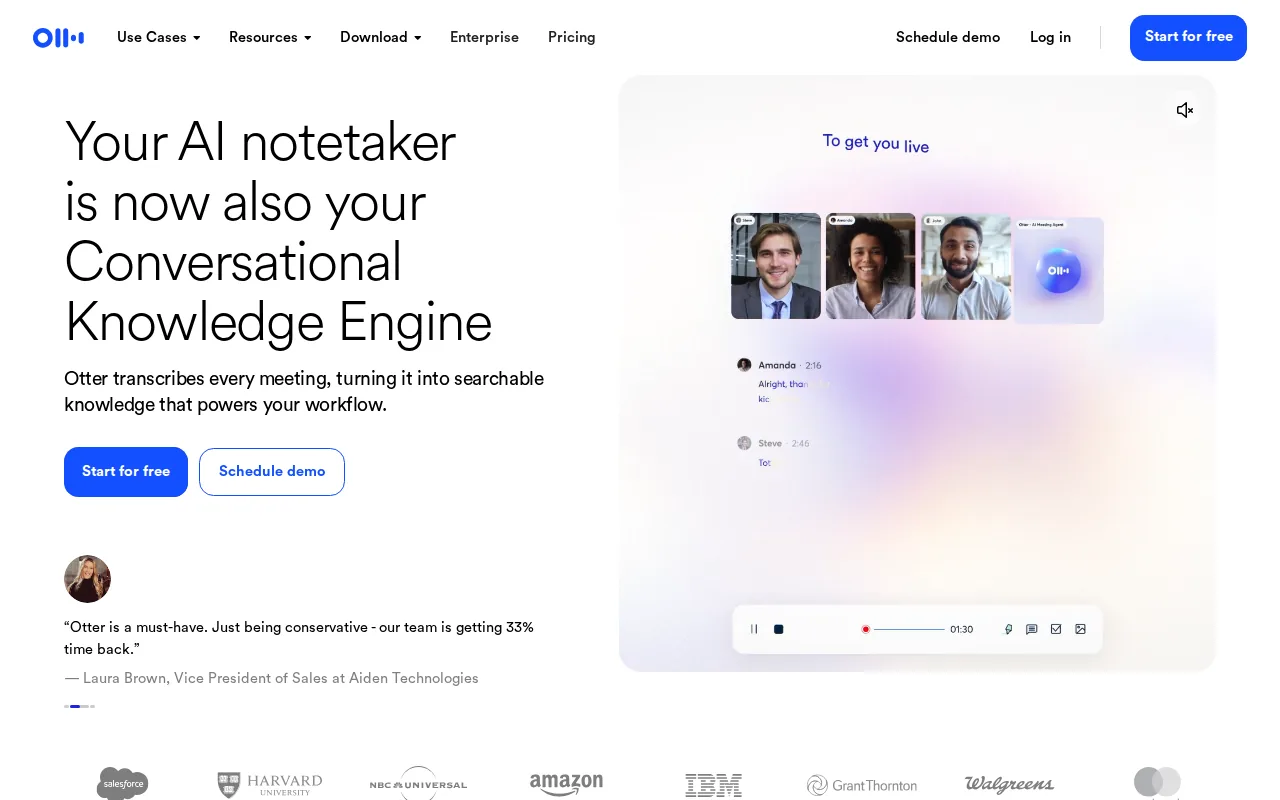
Its AI can turn a conversation into a summary with decisions and action items. Its AI chat lets users ask questions across meeting content. That can help a sales manager find a past objection without replaying a 45-minute call.
Otter’s listed integrations include Zoom, Google Meet, Microsoft Teams, and Slack. It also offers API access, weekly digests, pattern detection, and automated Slack summaries. Teams can group meetings by project or topic, which gives a remote sales group one place to search.
Pricing varies by plan, and transcription accuracy depends on accents, background noise, names, and overlapping speech. Treat accuracy as a comparison consideration rather than a fixed figure.
Otter makes sense when the main issue is scattered notes across many calls. It is less suited to a sales leader who wants live methodology guidance or approval-gated CRM updates during the meeting. For that use case, a transcript is useful evidence, but it arrives after the moment has passed.
Key Takeaway: Choose Otter when searchable transcripts and cross-platform note capture matter more than live deal guidance.
3. Fireflies, Automated Summaries and Team Meeting Archives
Fireflies is meeting recording software for teams that want a shared archive with transcription, summaries, search, and follow-up support. It can join scheduled meetings, record in-person conversations through its mobile app, and process uploaded audio or video files.
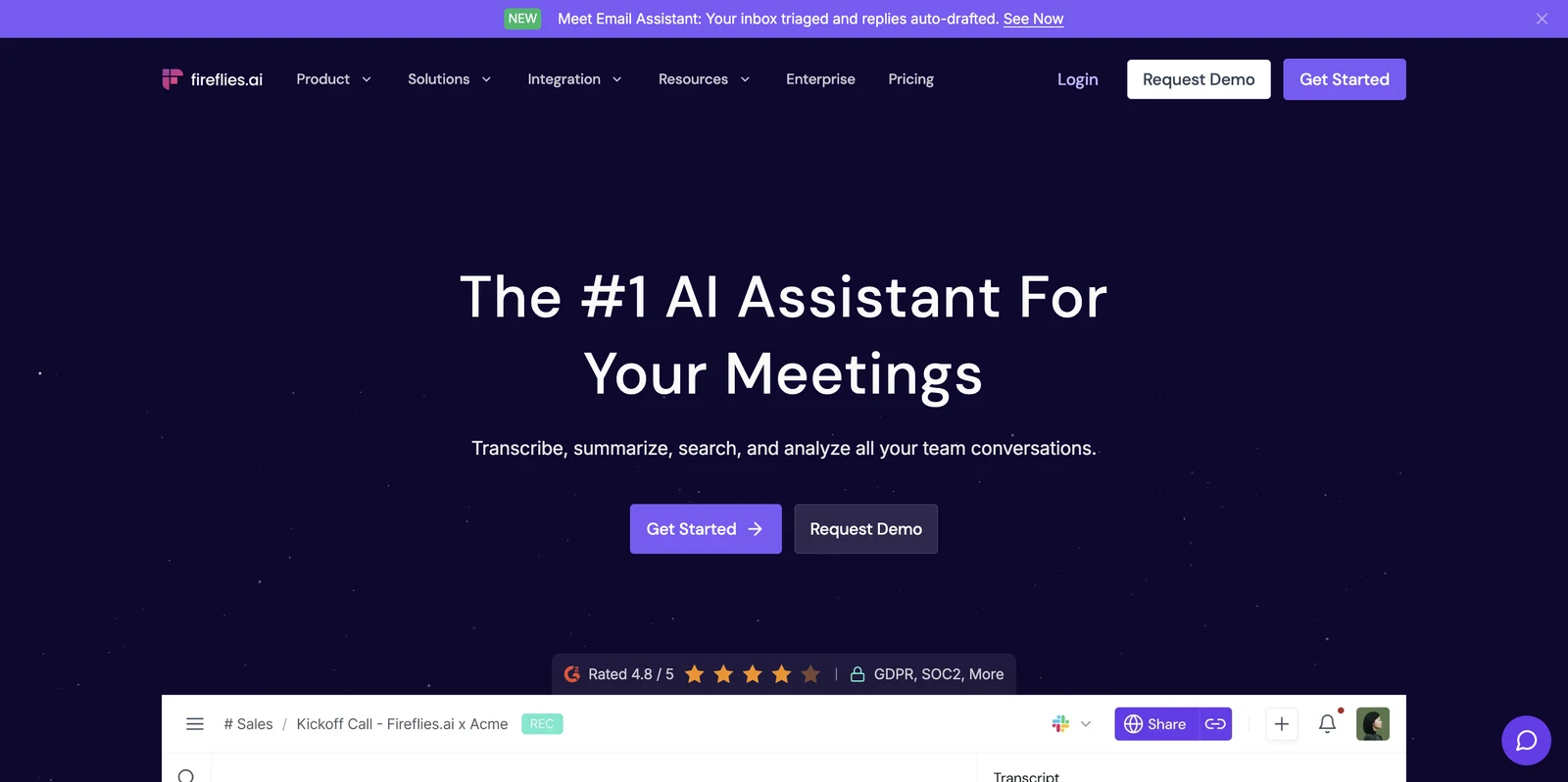
Fireflies identifies speakers and can switch between languages across meetings. Its archive lets a user search for a sentence from a call months later. Time-stamped clips are useful in sales coaching because a manager can share the short moment where a buyer raised a pricing concern.
Its listed capture options include Zoom, Google Meet, Microsoft Teams, Webex, browser calls, mobile recording, desktop capture, and dialer recordings. That wide capture surface fits a distributed team with a mixed tech stack. Still, buyers should test the exact workflow for their meeting policy before rolling it out.
Fireflies and Otter show a useful market pattern. Both offer the same core AI bundle: real-time transcription, speaker identification, and summary generation. Pricing varies by plan. Core feature parity does not mean the tools behave the same in daily use, so test search, storage, permissions, and exports.
Fireflies also lists live assistance for suggestions and coaching. Its deeper value for sales teams is the archive. Leaders can review calls, inspect repeated objections, and use meeting content in coaching sessions. The trade-off is that a large archive needs clear access rules and retention limits.
4. Fellow, Meeting Notes and Collaboration Workflows
Fellow is meeting recording software for teams that care about shared notes, meeting follow-through, and collaboration around decisions. Its listed AI features include summaries, takeaways, AI chat, X-Ray, and AI search.
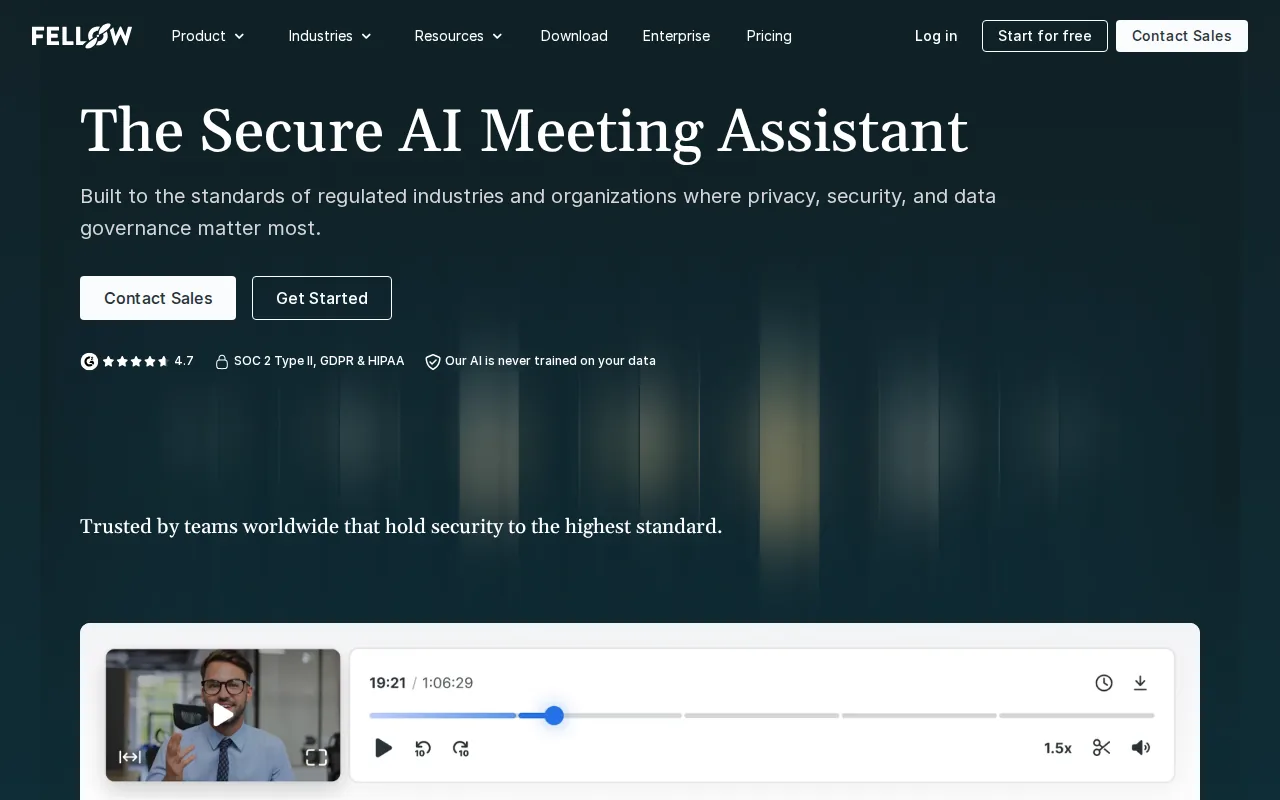
The workflow suits a sales organization where managers want a consistent note format. A rep can leave a call with a short record of the discussion, then share the key points with people who did not attend. This is especially useful for account handoffs, deal reviews, and customer success work.
Fellow lists integrations with Zoom, Microsoft Teams, Google Meet, Slack, and Outlook. Its listed starting price is $11 per month. Since plans and limits can change, confirm storage, recording access, user permissions, and CRM support before choosing it for a large team.
The main limitation is focus. Fellow is built around meeting notes and collaboration workflows, not a sales companion that researches every attendee before the call. It may fit a team that already has strong prep habits and needs better follow-through after meetings.
Use Fellow when the meeting record needs to become a shared team document. If the biggest gap happens five minutes before the call, look for a tool with calendar-driven research instead.
5. Fathom, Simple Highlights and Post-Call Summaries
Fathom is meeting recording software for teams that want quick highlights, live captions, and a clean recap after each call. It supports bot and bot-free capture modes, which can help when a visible meeting bot would make a customer uncomfortable.
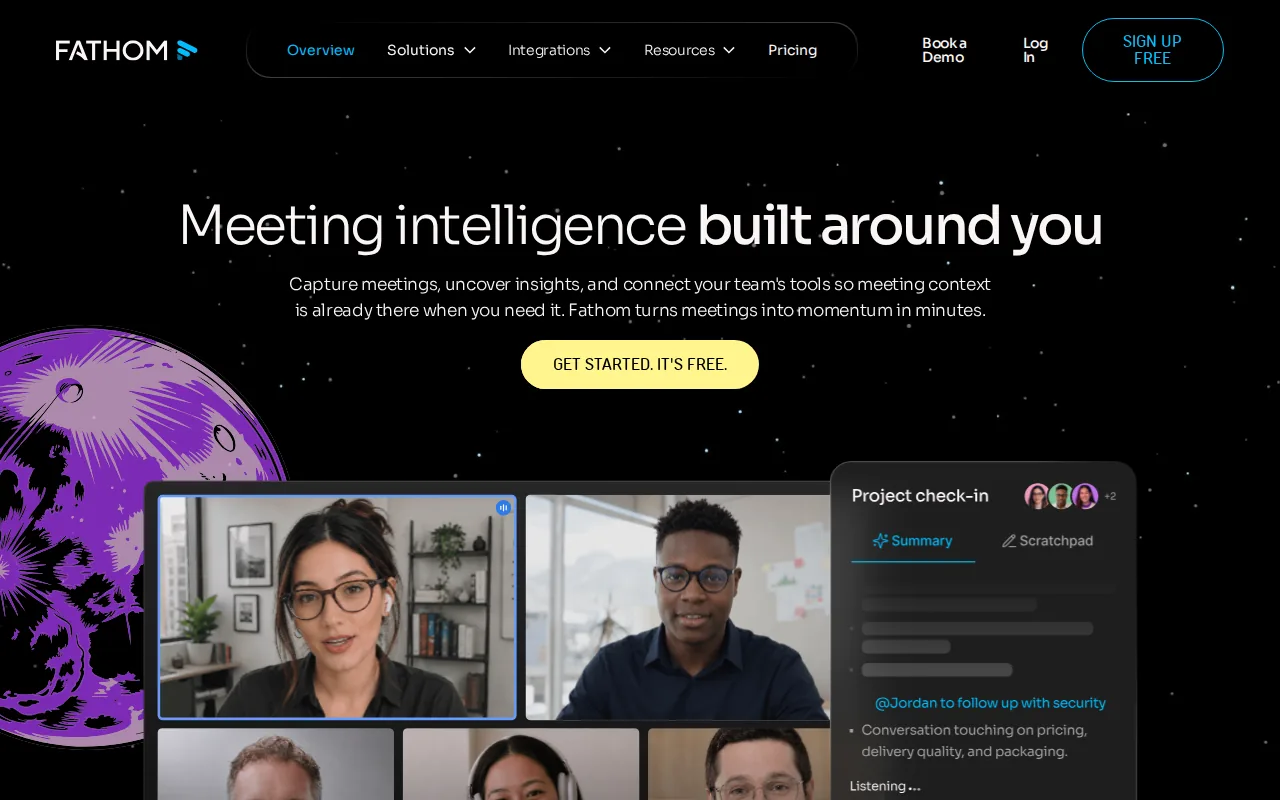
During a sales call, users can mark a key moment as it happens. A highlight might be a buyer objection, a product request, or a commitment. After the call, Fathom turns those marks into timestamped notes that point back to the recording.
Fathom also generates summaries, action items, and topic outlines. Its search can span the team archive, so a leader can look for repeated concerns about onboarding or pricing. Search is more useful when the transcript includes correct speaker names and a clear timestamp.
The product supports multiple speakers, accents, cross-talk, and custom dictionaries. It also lists integrations for CRMs and internal tools, plus support for Claude, ChatGPT, a public API, and MCP. Those options can reduce copy and paste, but teams should confirm exactly what gets written back to the CRM.
Fathom fits a sales team that wants a low-friction post-call workflow. It is less focused on live sales methodology prompts than VibeSell. That difference is worth testing with the same discovery call, not a polished demo.
6. Granola, Enhanced Notes for Flexible Meeting Workflows
Granola is a meeting recording software option for people who want AI to improve their own notes instead of relying only on a meeting bot. It has AI note enhancement, action-item extraction, templates, custom recipes, contextual chat, and meeting search.
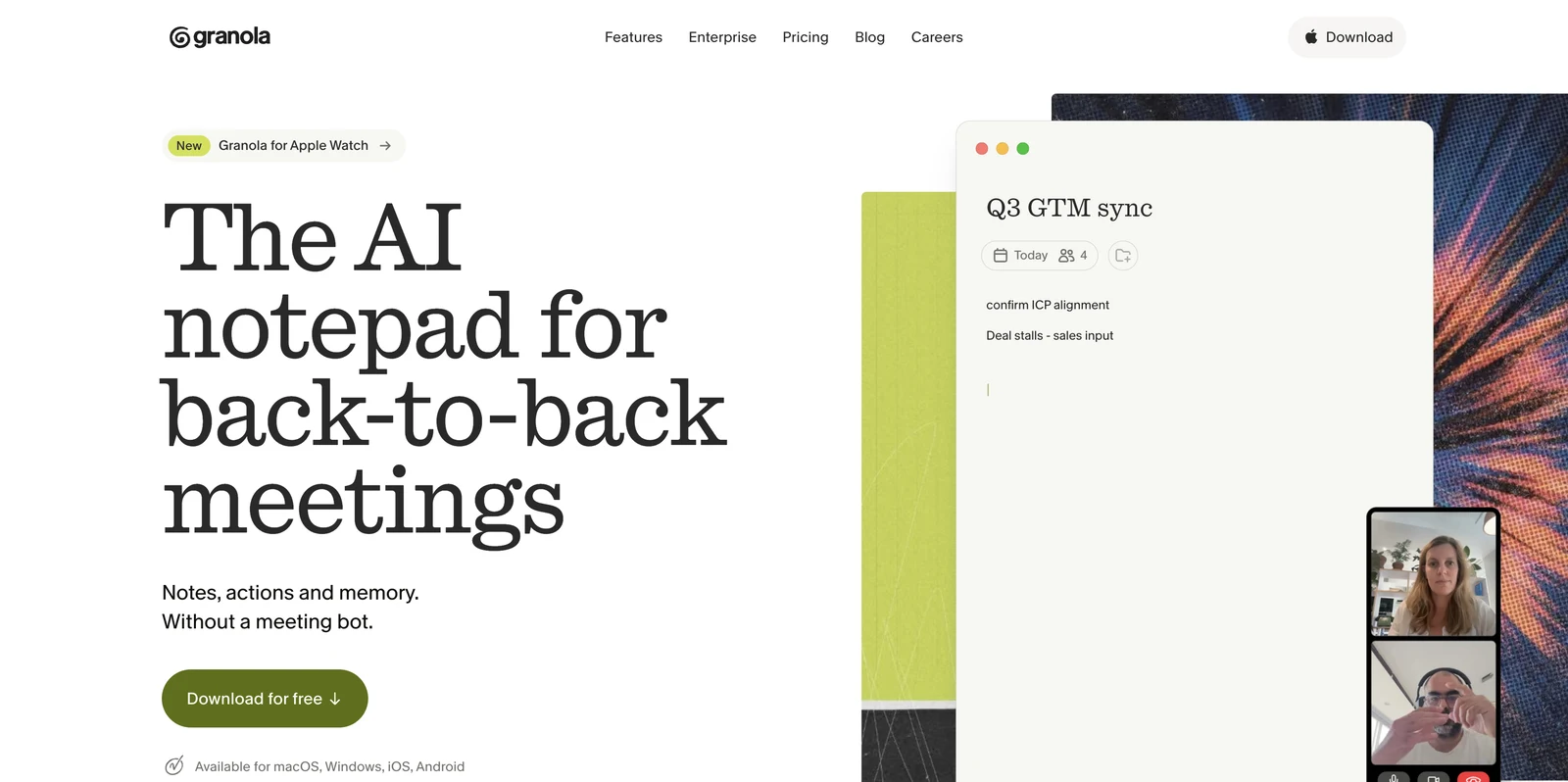
Granola offers a free basic plan. It also integrates with Notion, Google Docs, Slack, CRM systems, and Zapier. That combination challenges the simple idea that richer AI always requires a paid tier.
Granola is a strong fit for a rep who likes to write short notes during a call, then wants those notes cleaned up and structured afterward. A template can guide the format for discovery, qualification, or a deal review. Custom recipes can help teams shape the output around their own process.
Its trade-off is workflow depth. Teams must check how Granola captures the full recording, how speaker information is handled, and what archive controls exist. A note enhancement tool may feel lighter than a system built for coaching every rep across a large call library.
| Choose Granola when | Check before rollout |
|---|---|
| You want a free entry point | Storage and recording limits |
| Your reps already take short notes | Speaker labels and transcript quality |
| You need flexible note templates | CRM permissions and write-back rules |
| Your team works across documents and chat | Retention, sharing, and admin controls |
Granola shows why price alone is a poor buying filter. A free plan can cover the core workflow, while a paid product may earn its cost through deeper controls, live help, or team management.
How to choose meeting recording software for sales
Start with the moment where your team loses the most value. If reps walk into calls without context, prioritize calendar-driven briefs and account research. If managers lack visibility, prioritize searchable archives, timestamps, permissions, and coaching tools.
Before the call
Check for attendee research, prior-meeting context, and sales methodology support.
During the call
Test transcription, speaker labels, live captions, and whether guidance distracts the rep.
After the call
Review summaries, action items, follow-up drafts, and CRM approval controls.
Across the team
Check search, storage, retention, language support, admin roles, and sharing.
For compliance
Set a consent process before recording customer conversations. Confirm where data is stored and how long it remains available.
Do not judge a tool from one perfect demo. Run the same call through two finalists. Use a noisy room, a technical product name, two speakers who interrupt each other, and a clear CRM approval test.
Pro Tip: Ask each vendor to show the full path from calendar event to approved CRM change. That exposes gaps hidden by a polished summary screen.
FAQ
Conclusion
For a sales team that needs help before, during, and after each call, VibeSell is the most complete fit in this shortlist. It brings instant context into the meeting, keeps live guidance sparse, and leaves CRM changes under rep approval. Start the live trial with one sales pod this week, then review the briefs, prompts, follow-ups, and proposed CRM updates with the team.


