
CRM Integration Tools for B2B Teams


TL;DR
Compare CRM integration tools for B2B teams, including AI meeting assistants, native connectors, APIs, iPaaS platforms, and workflow automation.
Sales, marketing, finance, and support often keep customer data in separate systems. CRM integration tools connect those systems so teams can work from current customer records instead of copied spreadsheets. The shortlist below covers real-time sales help, vendor-specific sync, low-code workflows, iPaaS, APIs, and built-in connectors.
1. VibeSell
VibeSell is a real-time AI sales companion for B2B teams that need meeting context and approval-based CRM updates. It fits CROs, sales leaders, and enablement teams whose reps spend too much time on prep, notes, follow-up, and record keeping.

VibeSell reads the rep's calendar before a meeting. It identifies the attendees and their companies, then prepares a brief with account context, talking points, discovery questions, and notes from earlier meetings. If an attendee can't be identified with confidence, it flags the gap instead of guessing.
During the call, VibeSell gives sparse live guidance. Prompts can cover objection handling, competitor context, next actions, and sales-stage signals. The timing matters. A post-call analysis can help with coaching, but it can't help a rep answer a buyer's question while the conversation is still moving.
After the meeting, VibeSell drafts the summary, follow-up email, and CRM changes for HubSpot or Salesforce. The rep reviews each suggestion before anything is applied. Applied changes can be undone, so the CRM remains under human control.
The assistant also learns from the team's own meetings and feedback. It can suggest sharper discovery questions, better product guidance, or changes to how the team's sales method is applied. Leaders approve or reject those changes. That keeps the guidance tied to the way one team sells instead of leaving every rep with generic advice.
VibeSell supports methods such as MEDDIC, SPIN, BANT, Challenger, and Sandler. Teams can also define their own method. The Chrome extension works with Google Meet, Microsoft Teams, and Cisco Webex. A new desktop client extends coverage when the meeting is scheduled through VibeSell, but it isn't a promise of support for every meeting platform.
The trade-off is deliberate: VibeSell does not send autonomous outbound messages, act as a dialer, or replace a salesperson. The rep still owns the customer conversation. For teams comparing sales automation software for B2B teams, that approval gate is worth testing early.
Key Takeaway: Choose VibeSell when the main gap is meeting readiness, live help, and clean CRM follow-up rather than basic record sync.
2. Salesforce, Broad CRM Automation and Integration
Salesforce fits B2B organizations that want a broad CRM with workflow automation across sales, service, marketing, and other teams. It supports companies ranging from small businesses to large global enterprises.
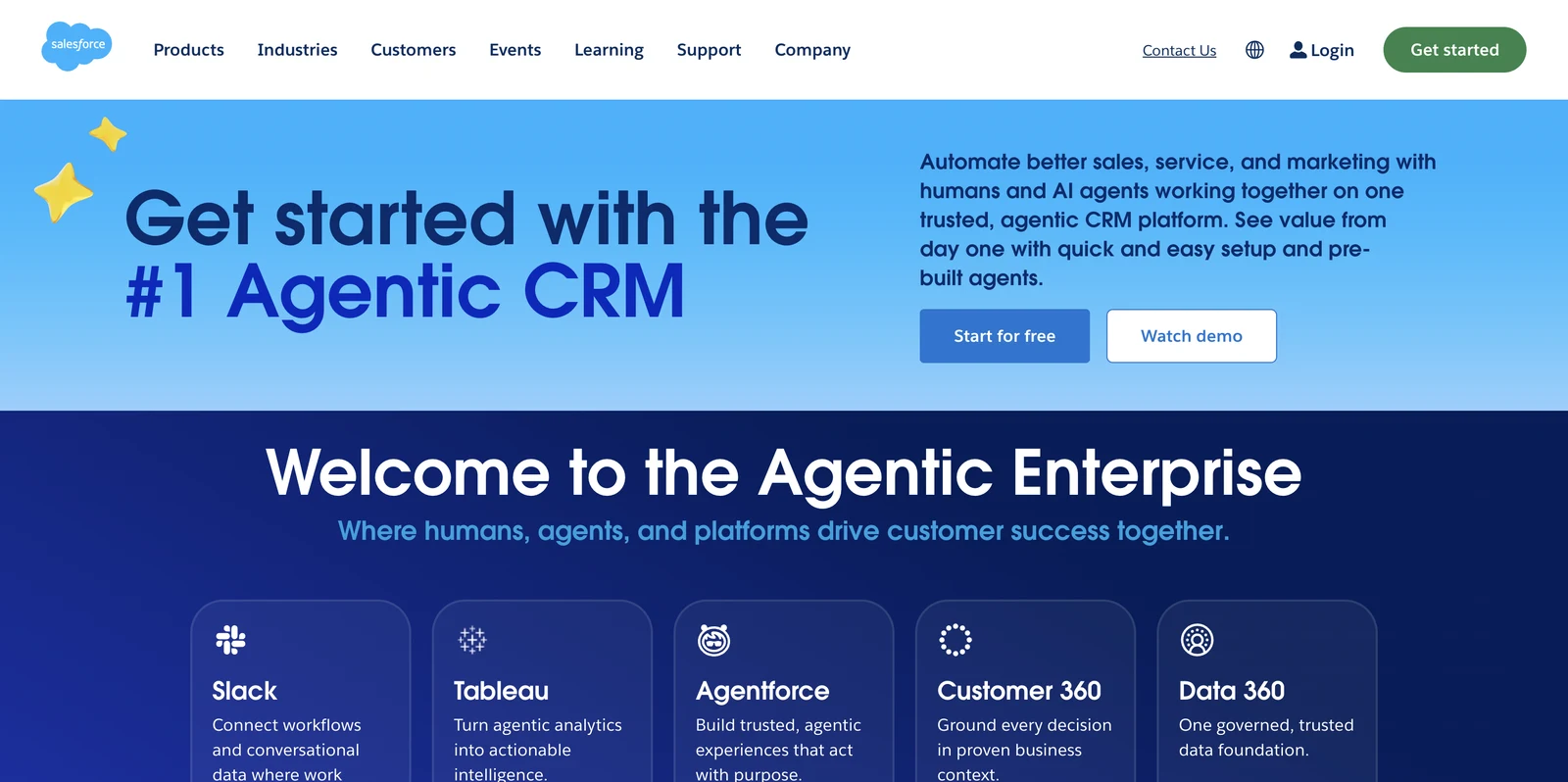
Salesforce frames its integration model around unified data and AI-supported workflows. Its platform can support tasks such as lead qualification and service case resolution. It also describes agentic AI that can plan and execute multistep tasks with limited human input.
That breadth can help when one CRM must connect customer records with marketing activity, service work, commerce data, and internal processes. A sales leader could use the same customer record for pipeline review while service teams track open issues.
The caveat is that high-level automation claims don't replace a field-level design. You still need to define which system owns each value, what happens when records conflict, and who can approve changes. Salesforce was one of them, but its public product language is less granular.
Read the exact connector scope before buying. A broad CRM can support a wide program, yet each integration may still need its own setup, permissions, mapping rules, and monitoring plan.
3. Server-Side Synchronization, Dynamics 365 Email Sync
Server-Side Synchronization fits organizations using Dynamics 365 customer engagement apps that need email sync through web or mobile access. It is a vendor-specific choice for teams that want email activity to reach the CRM without relying on an Outlook add-in.
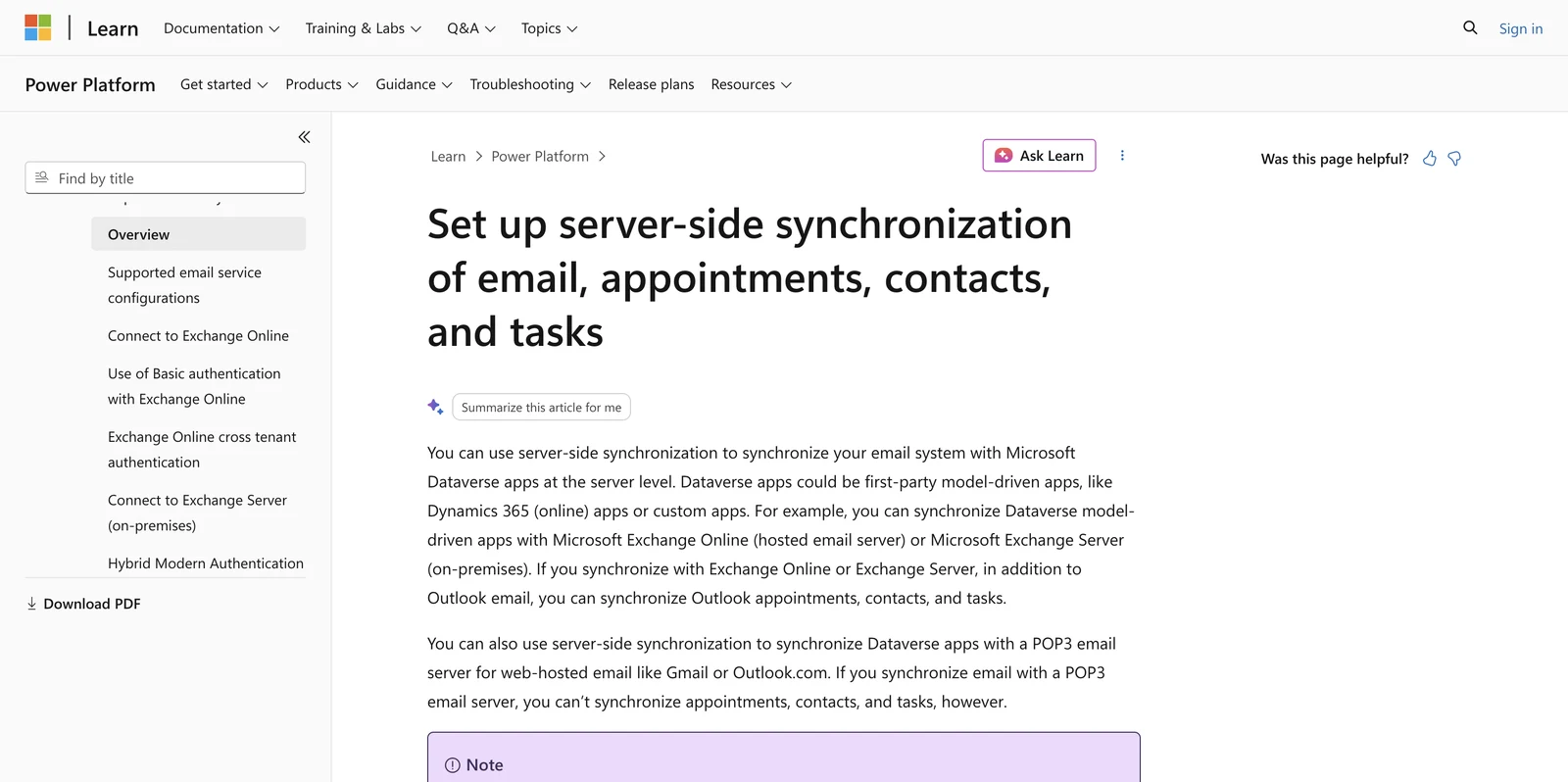
The technical detail is useful during evaluation. A user can map to only one Exchange or POP3 mailbox. Only mailboxes can be configured. Those limits can affect shared inbox designs, multi-mailbox users, and teams with unusual email setups.
This option is strongest when the business problem is email visibility inside Dynamics 365. It is not a meeting assistant, a cross-CRM data hub, or a general workflow engine. If the team also needs marketing, ERP, support, or custom account data, another integration layer may be required.
Test mailbox ownership and sync timing with a small group first. A clean pilot should include a rep with a standard mailbox, a shared address, and a recurring customer thread.
4. Salesforce Integration App Replacement Path
The native integration has been discontinued. Use the Salesforce Integration app instead.
This replacement path matters when a team finds an older reference to a native integration. The current guidance is to use the Salesforce Integration app rather than the discontinued native option.
Before committing, confirm that Salesforce is the supported CRM and that the Salesforce Integration app matches the required setup. The research identifies the replacement status but does not provide a full feature list.
The main limitation is the available detail. The native integration is discontinued, and the Salesforce Integration app should be used instead, but current implementation information is not provided here.
5. Oracle CX Sales Integration App, Oracle CRM Workflows
The Oracle CX Sales Integration app is intended for Oracle CX Sales users who need the supported replacement for a discontinued native connection. It is a narrow fit, which can be useful when the CRM and marketing stack already belong to the same vendor family.
Oracle's documentation lists Oracle CX Sales as the supported CRM. It also states that the native integration has been discontinued. That makes version and support checks part of the initial project, not a task for the final testing week.
A sensible rollout starts with a small record set. Define the source of truth for contacts, accounts, consent fields, and campaign status. Then test what happens when the same record changes in both systems.
Buyers should confirm whether the documented replacement supports the exact objects and events their workflows require. Do not treat the word “integration” as proof of two-way sync, real-time updates, or automated conflict handling.
This option belongs on a shortlist only when Oracle CX Sales is already a firm requirement. Otherwise, a neutral iPaaS or API layer may give the team more room to connect other systems later.
6. Native Integration for Microsoft Dynamics, Built-In CRM Connectivity
Native integration for Microsoft Dynamics appears suited to teams that want a built-in connection around Microsoft systems. But the available Oracle documentation gives little functional detail, so buyers should treat the entry as a lead for further validation.
A CRM can bring sales, marketing, and service interactions into a shared customer record. CRM systems can also link to email, calendars, ERP, finance, commerce, support, and analytics systems. Those use cases show why built-in connectivity can reduce manual re-entry.
Microsoft Teams also supports several contact center integration models. The documented models include Unify, Extend, and Connect. That is a useful reminder that “native” can describe an integration model, not a single feature set.
The risk here is ambiguity. Before selecting this route, ask for current product status, supported objects, authentication method, sync direction, and support ownership.
Choose this path only after a live technical review. A familiar vendor name is not enough to define how data will move.
7. Low-Code and No-Code CRM Integration Platforms
Low-code and no-code platforms suit teams that need to connect common apps without building every workflow from scratch. Visual designers, prebuilt connectors, templates, and monitoring tools let business users handle simpler flows while developers manage exceptions.
A basic example is a new form submission that creates a CRM lead and alerts an account owner. A more careful design may check for an existing company first, map fields into the CRM's schema, and send an error alert when a required value is missing.
Low-code platforms are useful for internal workflows. They can also support customer-facing integrations when the platform provides embedded workflow tools. The distinction matters. A tool for a sales operations team may not provide the controls, branding, or tenant separation needed in a SaaS product.
These platforms reduce code work, but they don't remove design work. Someone still needs to set field rules, permissions, retry behavior, and ownership. Overuse can also tie a company to a vendor's connector model, especially when custom logic is hard to export.
Use low-code for repeatable flows with clear inputs and outputs. Move to custom code when the integration needs unusual transformations, strict latency targets, or complex transaction handling.
Pro Tip: Give every workflow an owner and an alert path. An integration without someone watching failures becomes hidden manual work.
8. iPaaS CRM Integration Platforms, Cross-System Orchestration
iPaaS platforms fit organizations that must coordinate several cloud apps, data stores, and business processes. They provide a central layer for connectors, transformations, workflow logic, monitoring, and error review.
IBM defines iPaaS as cloud-based tools for connecting applications, systems, and data sources across different IT environments. The model can support scheduled batch transfers or event-driven flows, depending on the business need.
Think about an order process. A CRM opportunity may need to reach an ERP system, an order service, and a reporting store. An iPaaS flow can extract the record, change its format, send it onward, and log the result. If the data does not match the target schema, the flow can route the error for review.
The strength of iPaaS is visibility across systems. Dashboards can show failed runs, bottlenecks, and error rates. That gives IT a place to inspect a broken flow instead of asking sales teams to report missing records.
The trade-off is added architecture. You must decide which workflows belong in the CRM, which belong in the iPaaS layer, and which need an API service. An iPaaS platform can scale as systems grow, but it still needs governance, access rules, testing, and cost review.
9. API-First Custom CRM Integrations, Maximum Control
API-first custom integrations fit teams with unusual data rules, private systems, or strict control needs. Engineers define how systems authenticate, exchange records, transform fields, retry requests, and record failures.
This approach is useful when no connector supports a key system. It can also help when the CRM must exchange only a narrow set of fields. For example, a team may send approved account data to a finance system while keeping private notes inside the CRM.
Custom work gives you control over data ownership and business logic. It also gives you the maintenance bill. APIs change. Tokens expire. Rate limits appear. A small field change can break a downstream process if the integration has no contract test.
Build a written data contract before writing code. Define the record ID, required fields, update rules, deletion behavior, and error response. Add logs that show the event ID without exposing sensitive customer data.
Use an API-first design when the workflow is important enough to justify engineering ownership. If the flow is simple and common, a built-in connector or low-code tool may reduce ongoing work.
10. Built-In CRM Connectors, Fastest Path to Standard Sync
Built-in CRM connectors suit teams with a common app pair and a narrow sync goal. They are often the quickest route to moving contacts, activities, leads, or campaign data between systems.
A connector is a good fit when the vendor documents supported objects, field mapping, sync timing, authentication, and failure handling. It becomes a poor fit when “connected” means only that an app can send a webhook or export a file.
Built-in tools can support marketing handoffs, sales activity logging, service case updates, and finance workflows. They may also reduce training because the setup lives close to the systems the team already uses.
Speed has a limit. Standard connectors may not support custom objects, special approval rules, or complex transformations. A connector can also be discontinued. Confirm the product's current status before building a process that the business cannot pause.
Start with one high-value flow. Measure duplicate records, failed updates, and the time users spend correcting data. Expand only after the first flow has a named owner and a repair process.
CRM Integration Tools Compared
The right CRM integration tool depends on the work you need done. A meeting assistant solves a different problem than mailbox sync. An iPaaS platform solves a different problem than a built-in connector.
| Option | Good fit | Strength | Watch for |
|---|---|---|---|
| VibeSell | B2B sales teams | Pre-call context, live guidance, approval-based CRM updates | Not a dialer or autonomous outbound system |
| Salesforce | Broad CRM programs | Workflow automation across customer teams | Public details may be higher level than a technical design needs |
| Server-Side Synchronization | Dynamics 365 email sync | Scheduled mailbox synchronization | One mailbox per user and mailbox-only configuration limits |
| Salesforce Integration app | Salesforce | Vendor-supported successor to the discontinued native integration | Older docs may still reference the discontinued native option |
| Oracle CX Sales Integration app | A marketing system with Oracle CX Sales | Vendor-specific supported route | Native integration discontinued |
| Low-code or no-code platform | Common app workflows | Visual setup with less custom code | Complex logic may still need developers |
| iPaaS | Many connected systems | Central workflow control and monitoring | Needs governance and architecture work |
| Custom API integration | Unique systems or rules | Maximum control | Engineering and maintenance burden |
What to Look for Before Selecting a CRM Integration Tool
Start with the business event, not the vendor name. Write down what should happen when a lead arrives, a meeting ends, a deal changes stage, or a support issue is opened.
Data ownership
Choose one source of truth for each important field. If both systems can change an account status, define which update wins. Duplicate records and silent overwrites are harder to fix than a slower first rollout.
Field mapping and transformation
List required fields and allowed values. Decide how names, dates, currencies, account IDs, and consent states change between systems. Test blank values and unexpected formats before the workflow reaches production.
Security and privacy
Review authentication, roles, access scope, data residency, retention, and audit logs. EU teams should confirm where customer data is processed. Keep sensitive information out of debug logs unless there is a clear reason to retain it.
Monitoring and recovery
Ask who receives an alert when a sync fails. Check whether the tool retries safely, prevents duplicate writes, and shows the original error. A dashboard is useful only when someone owns the response.
Finally, test adoption with the people who use the CRM each day. If a process adds review steps, explain why. VibeSell takes this approach with approval-gated CRM changes, so reps can keep control while reducing the work of writing notes and follow-ups.
For lead-generation workflows, a CRM may also need to receive qualified inbound calls and campaign data. An inbound call source may provide call data for CRM workflows. The useful design question is what call data should enter the CRM, who owns it, and how quickly the sales team should act.
CRM Integration Tools FAQ
What are CRM integration tools?
CRM integration tools connect a customer relationship management system with other business apps. They can move records, sync email, trigger workflows, transform fields, or provide live sales context. The right option depends on whether you need standard sync, cross-system orchestration, custom API control, or help during customer meetings.
How does CRM integration work?
CRM integration works by connecting two or more systems through a connector, API, server-side sync service, or iPaaS workflow. The integration reads an event or record, maps the data, applies business rules, and writes the result to another system. Good designs also log failures and define how teams recover from them.
What is the difference between iPaaS and an API integration?
iPaaS provides a managed layer with connectors, workflow tools, mappings, and monitoring. An API integration is custom code built around a system's application programming interface. iPaaS is often faster for common flows, while custom APIs give engineers more control over unusual rules, data, and performance.
Can AI automate CRM updates?
AI can draft CRM updates, classify activity, suggest next actions, or support workflow automation. Teams should still define approval and audit rules. VibeSell drafts summaries, follow-ups, and CRM changes for rep review. Nothing reaches the CRM until the rep approves it, which helps reduce unwanted edits.
What should I check before connecting two CRMs?
Check field ownership, duplicate handling, sync direction, timing, authentication, permissions, deletion rules, and failure alerts. Confirm that both systems support the objects you need. Also verify product status, because a connector described as native may be discontinued or replaced by another integration option.
Which CRM integration tool should a B2B sales team test first?
A B2B sales team should test VibeSell first when the main pain is meeting preparation, live guidance, follow-up, and CRM admin. Test a built-in connector or iPaaS flow first when the main need is record sync across business systems. Use a small pilot with real records and a clear success measure.
Conclusion
For B2B sales teams, we recommend starting with VibeSell when meeting admin is the main drain on rep time. Run a live trial with a small group this week, review the pre-call briefs, and check the approval flow for summaries, follow-ups, and CRM changes before expanding to the wider team.


