
Call Transcription Software for Sales Teams


TL;DR
Compare call transcription software for sales teams by live guidance, summaries, CRM workflows, language support, coaching, and accuracy.
Call transcription software can save a rep from typing notes while a buyer waits. But live transcription is not the same as live guidance. Research across 22 products found that only four list real-time guidance, so the right choice depends on what happens before, during, and after the call.
Here are six named options for sales teams, with a clear fit for each one.
1. VibeSell
VibeSell is a real-time AI sales companion for B2B teams that need help before the call, during the call, and before the rep leaves the meeting.

VibeSell reads the rep’s calendar, identifies the meeting attendees, and researches their companies. It then builds a pre-call brief with talking points, discovery questions, and context from earlier meetings. That means the rep can open the meeting with instant context instead of searching through tabs five minutes before it starts.
During the call, VibeSell gives sparse live guidance. It can surface objection handling, competitor information, next actions, and sales-stage prompts. Guidance appears when the buyer pauses, so the rep can stay focused on the person speaking.
After the meeting, it drafts the summary, follow-up email, and CRM changes. The rep must approve each CRM update before it is applied. That approval step matters when a transcript gets a name, date, or commitment wrong.
VibeSell also reviews how its guidance worked against real meetings. It proposes changes to discovery prompts and methodology use. The team approves or rejects those changes, so the assistant can fit the way one sales team actually sells.
It supports MEDDIC by default, plus SPIN, BANT, Challenger, Sandler, customer success QBRs, and custom methods. Transcription covers 99 languages, while guidance can appear in the rep’s own language.
The trade-off is focus. Any live assistant can distract a rep if it shows too much. VibeSell is better suited to teams willing to set clear guidance rules and review suggestions instead of letting AI act on its own.
For a CRO or enablement lead, the decision is simple: choose VibeSell when the main gap is meeting execution, not only post-call search.
2. Otter.ai: accessible live transcription and speaker identification
Otter.ai is a meeting transcription tool for teams that want searchable notes, speaker identification, and fast summaries.
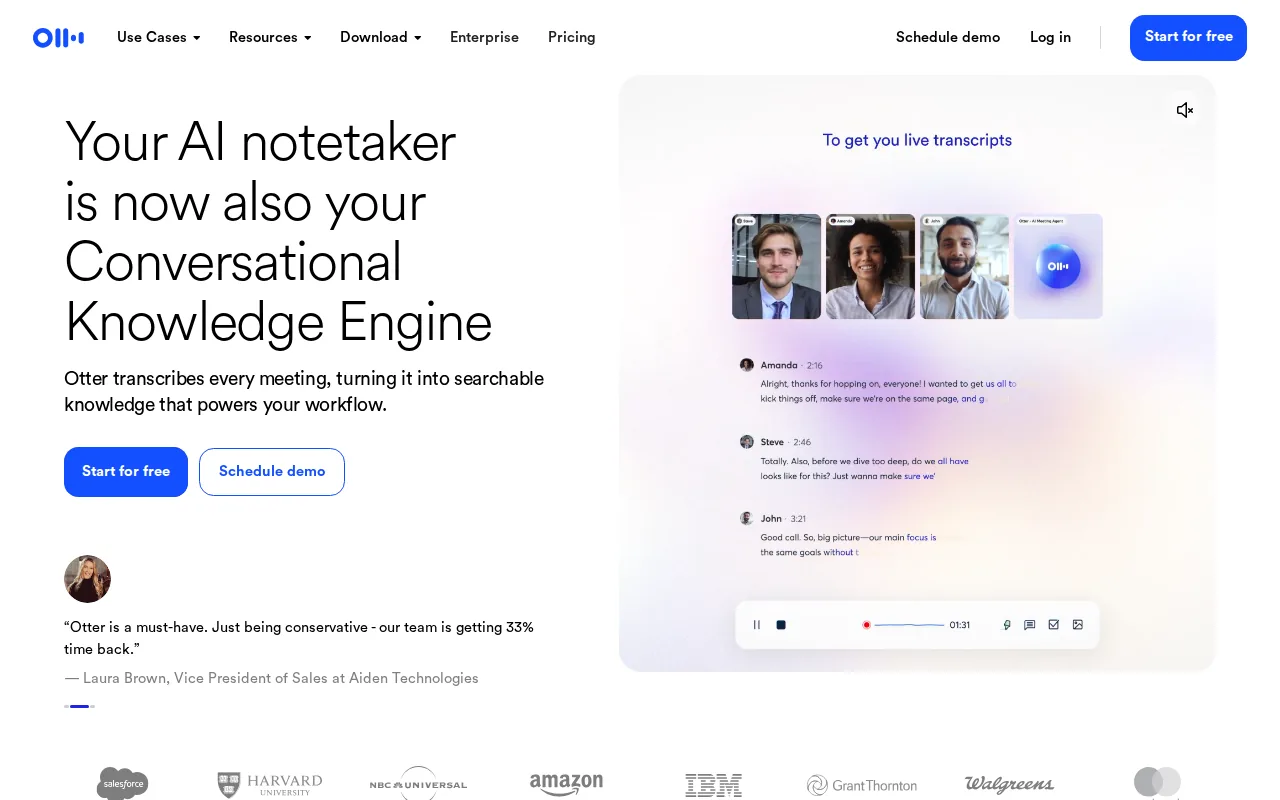
Otter can record meetings through a meeting agent, Chrome, mobile, or a desktop app. Its desktop option can record without a bot joining the call. The transcript separates speakers, adds timestamps, and turns the meeting into a searchable record.
For sales teams, the useful part is the short path from conversation to follow-up. Otter can capture decisions and action items, then help users search across meeting knowledge. It also supports CRM workflows and can push meeting notes into connected systems.
Speaker detection is useful when a call has several buyers. A manager can search for every mention of budget, a competitor, or a renewal date instead of replaying the whole recording. A new rep can review strong discovery calls and see how experienced sellers handle objections.
Otter.ai offers live transcription with speaker identification and automated meeting summaries.
The caveat is language coverage. One comparison set recorded Otter at six supported languages, while other product pages describe broader multilingual functions without always giving the same count. Buyers should test accents, industry terms, and mixed-speaker calls before rolling it out.
Otter fits sales teams that want an easy entry point into transcription. It is less suited when the main need is live, deal-specific coaching during a difficult call.
3. Fireflies.ai: searchable transcripts and CRM workflow automation
Fireflies.ai is a call transcription tool for teams that want searchable meetings plus CRM handoff.
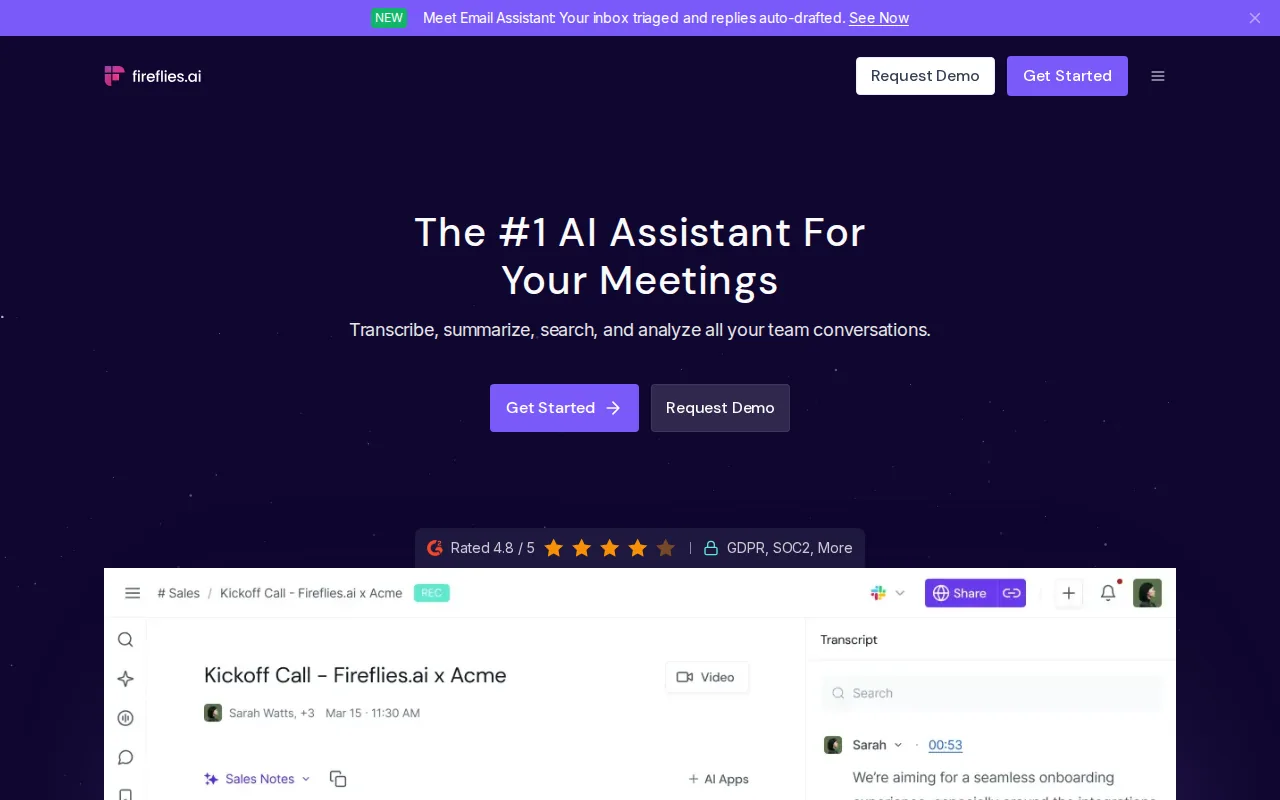
Its clearest sales use is the move from transcript to record. Research lists Salesforce and HubSpot integrations, with summaries and action items pushed into those CRMs. That can reduce the gap between what a rep promised on a call and what the account record says later.
It also supports topic tracking. A sales leader could watch for mentions of a competitor or pricing concern across a group of calls. The point is not to read every transcript. It is to set a small set of terms that signal risk or progress, then inspect the matching moments.
Fireflies.ai appears in research as one of the few products that provides real-time guidance. That distinction deserves care. Live transcription shows words as they are spoken. Guidance must interpret those words and suggest an action while the call is still moving.
| Sales need | How Fireflies.ai fits | What to check |
|---|---|---|
| CRM note capture | Summaries and action items can move into Salesforce or HubSpot | Confirm field mapping and approval rules |
| Call search | Searchable transcripts support keyword review | Test names, product terms, and accents |
| Manager review | Topics can help find calls that need attention | Set a short list of useful signals |
| High call volume | Automation reduces manual note work | Check summary-credit limits on the selected tier |
Usage caps are the main operational question. Research notes that lower tiers can cap AI summary credits. A team with many calls should measure monthly minutes and summary demand before it chooses a plan.
Fireflies.ai is a good fit when the CRM workflow matters as much as the transcript. If reps need live prompts tied to the current deal, compare it with a meeting-first tool such as VibeSell.
Key Takeaway: A transcript becomes useful to sales leaders only when it reaches the right CRM record, keeps its source context, and still gets checked by a person.
4. Gong: post-call revenue intelligence and coaching
Gong is conversation intelligence software for sales leaders who want deal risk signals and coaching data after customer interactions.
Gong automatically captures and analyzes business conversations. Its product information describes analysis of topics, objections, competitor mentions, and buying signals. Managers can then review deal boards, scorecards, summaries, and coaching recommendations.
This makes Gong useful when the issue is team visibility. A manager cannot join every call. A searchable call library lets new reps study strong examples, while enablement leaders can look for talk tracks that appear in successful deals.
Gong also focuses on deal health. It can flag a deal that has gone quiet or an objection that has not been answered. That gives a manager a reason to inspect the call rather than rely on a rep’s optimistic forecast.
Gong provides AI-driven revenue intelligence that surfaces deal risks and recommends coaching actions.
The trade-off is timing. Gong is strongest when leaders review what happened and use that information to coach, forecast, or adjust process. It is not the same as giving a rep a prompt during a live objection.
Choose Gong when post-call revenue intelligence is the priority. Choose a live companion when the team needs support before the deal moves to its next stage.
5. Notta: multilingual transcription for distributed teams
Notta is an AI meeting notetaker for teams that need transcription and translation across many languages.
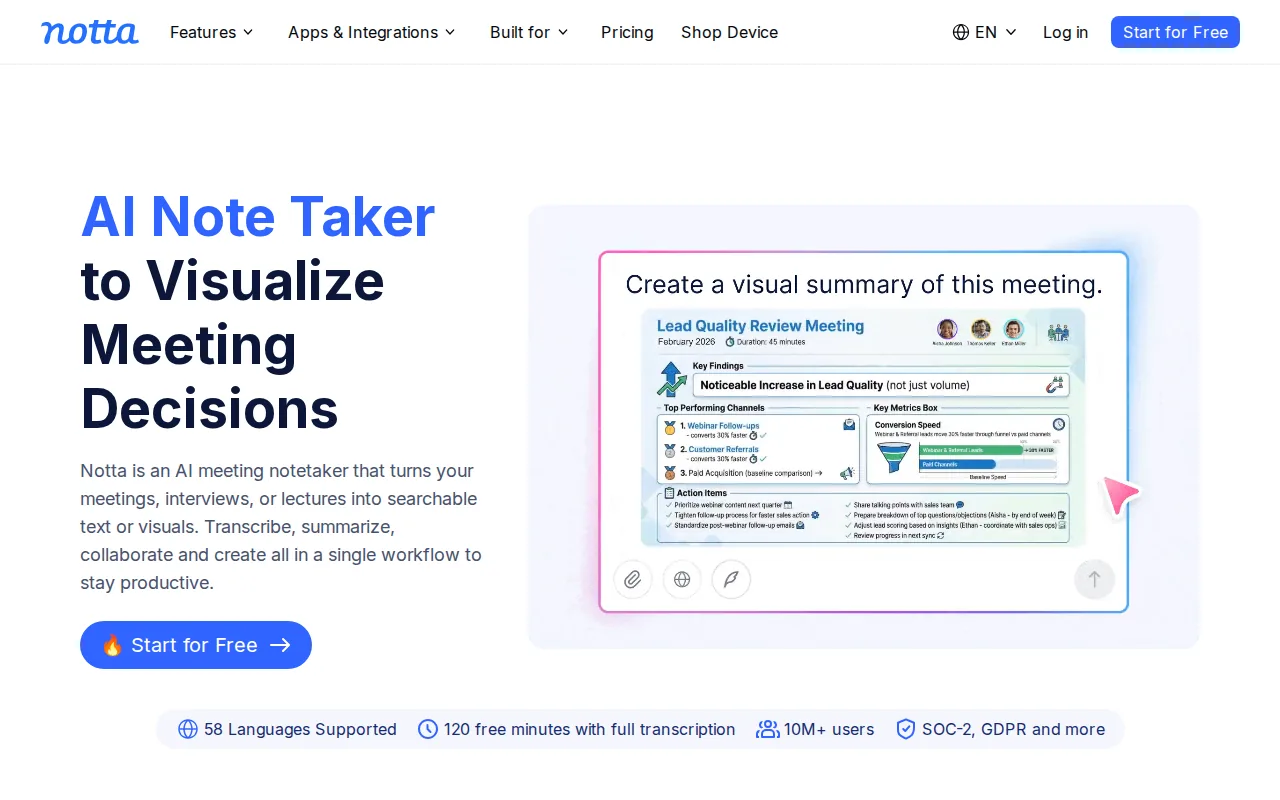
Notta says it supports 58 languages for transcription and translation. It connects with Zoom, Google Meet, and Microsoft Teams, and it can also handle uploaded files and offline meetings. That makes it useful for distributed sales teams that work across regions.
A multilingual workflow needs more than a language count. Test speaker changes, local names, product terms, and calls where two languages appear in the same meeting. A clean transcript in the wrong language does not help a rep write a follow-up.
Notta also turns meeting content into visual outputs such as slides and infographics. That may help a customer-facing team turn a discovery call into a recap for internal review. The sales use is strongest when the output still gets checked by the rep before it reaches a buyer.
Buyers in Europe should review the data terms, retention rules, access controls, and residency options that apply to their own contract.
Its free plan includes 120 transcription minutes per month, while paid plans vary by billing term. Treat those figures as plan-specific and confirm current terms before purchase.
Notta makes sense when language support is the first filter. If the main goal is sales methodology coaching, look for stronger live guidance and manager review controls.
6. Rev: human review when transcript accuracy is critical
Rev combines AI transcription with human transcription for recordings where accuracy needs a second layer of review.
That model fits sales calls with legal terms, technical specifications, contract language, or sensitive customer statements. A machine transcript can help a rep find the right moment fast. Human review can then reduce the risk of a wrong name, number, or phrase making its way into a formal record.
The team should define where the transcript lives, who can access it, and which fields may be copied into the CRM.
The cost and speed trade-off is clear. AI is useful when a team needs a quick working transcript. Human review is better when a transcript will support a dispute, compliance check, contract review, or sensitive customer record.
Rev is less focused on live sales coaching than VibeSell or real-time meeting assistants. It earns consideration when accuracy after the call matters more than prompts during it.
How to choose call transcription software for a sales team
Start with the moment where work gets stuck. If reps lack context before calls, assess meeting briefs. If they lose time after calls, test summaries and approval-based CRM updates. If leaders lack visibility, test search, topic tracking, and coaching views.
Live help
Does the tool only show words, or can it guide the rep during the call?
Speaker accuracy
Can it separate several speakers and let a user correct names?
CRM control
Can reps review proposed updates before they reach the account record?
Language fit
Test the accents and terms your team hears every week.
Usage limits
Compare meeting minutes, summary credits, storage, and export rules.
Data governance
Check consent, retention, access, residency, and deletion controls.
Do not test with a quiet demo call alone. Use one normal discovery call, one noisy call, one multi-speaker call, and one recurring account meeting. Score the transcript, summary, CRM draft, and rep effort separately.
For document-heavy workflows, transcription can feed a wider process that turns meeting notes into approved customer records and follow-up files. That is where document automation software options may fit alongside a call tool, rather than replacing it.
Pro Tip: Keep a human approval step for customer-facing emails and CRM changes until your team has tested accuracy across real calls.
FAQ
Conclusion
For B2B sales teams that need meeting briefs, live guidance, and approval-based CRM work, VibeSell is the most direct fit in this shortlist. Start with a live trial on real discovery calls, then compare transcript quality, rep focus, follow-up speed, and CRM accuracy. If post-call search is your only need, Otter.ai or Fireflies.ai may be enough. If coaching and deal visibility come first, assess Gong. For accuracy-sensitive records, test Rev.


