
Sales Automation Software for B2B Teams


TL;DR
Compare sales automation software for B2B teams, with options for meeting guidance, CRM updates, workflows, prospecting, and sales engagement.
Sales teams lose time in the gaps between prospect research, live calls, follow-up, and CRM work. Sales automation software closes those gaps, but each tool handles a different part of the job. Here are nine named options, with the sales motion each one fits and the trade-offs to check before you buy.
1. VibeSell: Real-time support before, during, and after sales meetings
VibeSell is a real-time AI sales companion for B2B teams that want meeting prep, live guidance, and post-call admin in one flow. It fits CROs, sales leaders, enablement teams, and account executives who want reps to stay focused on buyers instead of typing notes.
VibeSell reads the calendar, identifies meeting attendees, and researches the people and companies before the call. Each rep gets a pre-call brief with an executive summary, talking points, discovery questions, and context from earlier meetings. If an attendee can't be identified with confidence, VibeSell flags that person instead of guessing.

During the meeting, it gives sparse prompts for objection handling, competitor context, next actions, and sales-stage changes. Afterward, it drafts the summary, follow-up email, and CRM updates for HubSpot or Salesforce. The rep approves each change before it reaches the CRM, and an applied update can be undone.
The main caveat is scope. VibeSell isn't an outbound dialer, prospect database, or autonomous sender. Its desktop app is new and requires meetings to be scheduled through VibeSell. The Chrome extension covers Google Meet, Microsoft Teams, and Cisco Webex. It doesn't support every meeting platform today.
What makes the workflow different is its feedback loop. VibeSell can suggest sharper guidance based on real meetings and rep feedback, while the team decides which changes to approve. That gives sales leaders a way to improve methodology use without asking managers to attend every call.
2. ZoomInfo GTM Workspace: Account intelligence and workflow automation
ZoomInfo GTM Workspace fits teams that need account data, stakeholder context, and workflow automation in one seller workspace. Its AI Assistant is described as providing one-click account briefs with CRM history, company news, and stakeholder context.
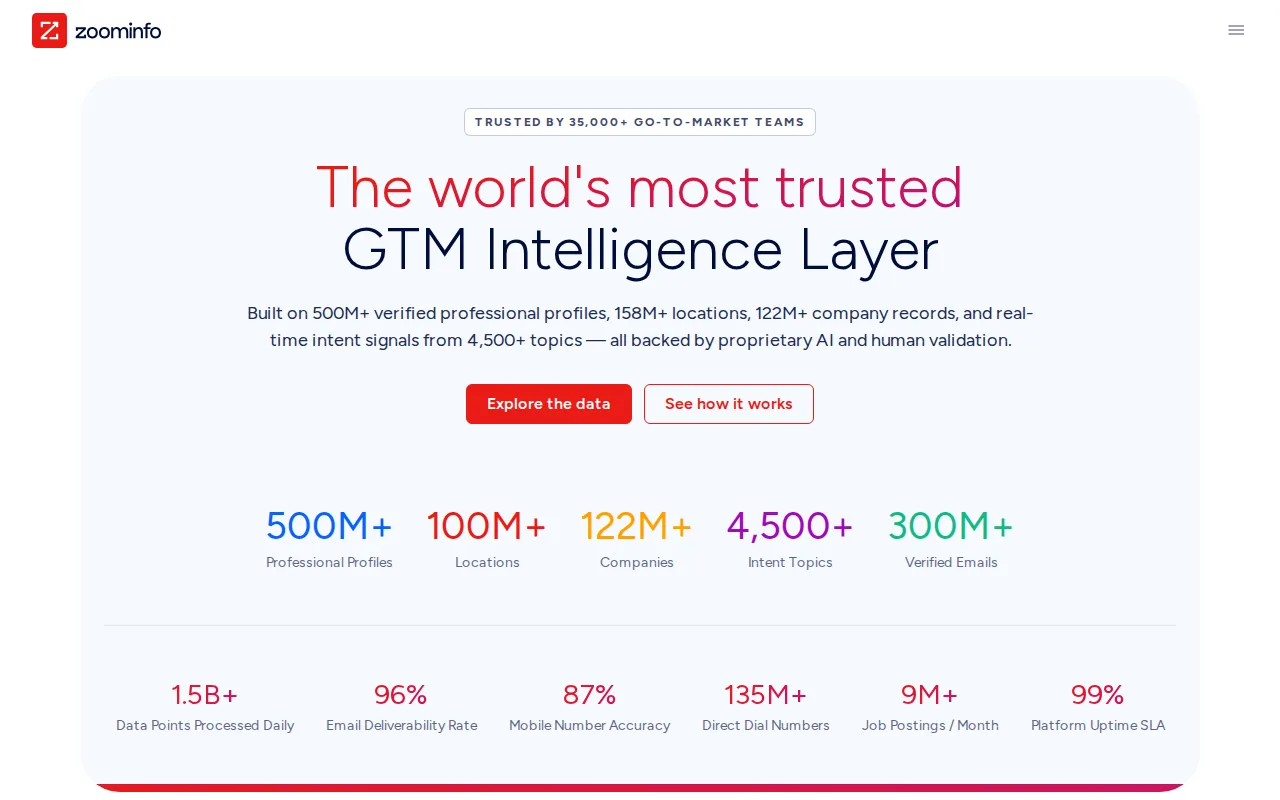
The useful distinction is its account-first design. A rep can start with a target account, review known context, then act on a signal or draft outreach. The research supplied for this comparison also describes AI agents for account research, outreach drafting, and CRM updates.
That can help a large team standardize account work. It may also reduce the need to move between separate data and CRM views. The trade-off is that buyers must check how much of the workflow runs without approval and how the data maps to their own CRM fields.
ZoomInfo GTM Workspace is a better fit for data-led prospecting than for live meeting coaching. If your main failure is weak account research, it belongs on the shortlist. If the bigger issue is meeting follow-up, test that workflow with a real opportunity before signing.
3. Apollo: Prospecting workflows and follow-up task automation
Apollo suits outbound teams that want prospect data, outreach, and follow-up tasks in one system.
The research for this shortlist points to workflow automation for task creation and follow-ups. That matters when reps have a clear prospecting motion but miss the next action after a reply, call, or other account event.
Apollo is strongest when the team spends much of its day building lists and running outbound touches. It can give SDRs one place to work instead of asking them to copy records between systems. The team still needs clear rules for list quality, message review, and CRM ownership.
Don't treat a prospecting workspace as a meeting assistant. It may help a rep get to the call, but you'll need to test what happens after the buyer speaks. Ask for a full workflow demo that starts with a lead and ends with a clean opportunity record.
4. Outreach: Structured sales engagement and task automation
Outreach is built for teams that need structured sales engagement across repeatable sequences.
The platform can pause a sequence when a contact is out of office and resume it later. It also describes engagement data syncing across email, LinkedIn, SMS, and calls with CRM contacts and opportunities. That is useful when sales activity happens across several channels.
Managers get tools for sequence insight, buyer sentiment, A/B testing, and sales execution reporting. The point isn't to send more messages by default. It is to see which steps help create meetings and then give reps a repeatable path.
Outreach has a wide surface area. That creates a setup burden. Before purchase, define who owns sequences, how often messages get reviewed, and which CRM fields are allowed to change. It fits a mature engagement motion better than a team still deciding how it sells.
5. Clay: Flexible custom workflows for sales operations
Clay is a flexible workflow builder for data enrichment and prospect research. It fits technical RevOps teams that want to combine data sources, custom logic, AI research, and CRM exports.
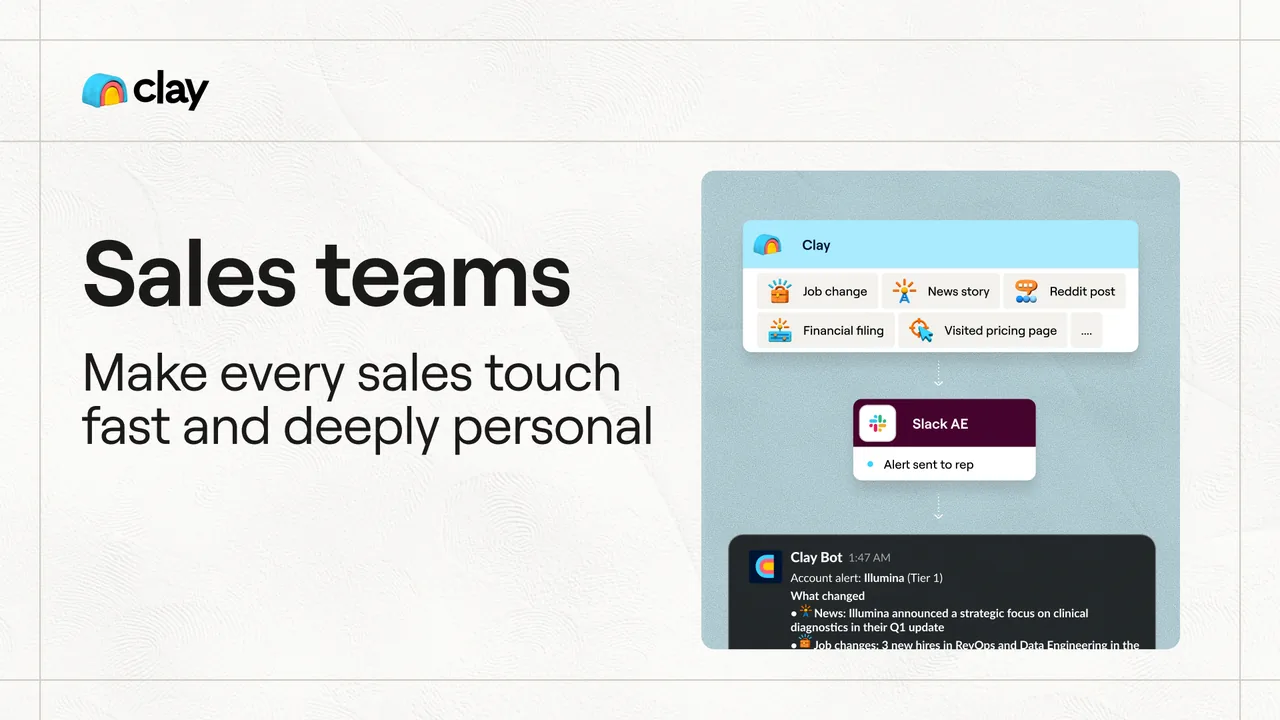
Its spreadsheet-like setup lets teams upload or sync lists, add enrichment steps, run research, and send results to other sales systems. Columns can trigger actions such as pulling data from providers or generating account context. This makes Clay useful as a logic layer between raw lead lists and sales execution.
That flexibility has a cost. Clay is less rep-friendly than a finished sales workspace. Someone must own the data model, conditions, prompts, and credits. If that person leaves, the workflows may be hard to maintain.
Data quality also needs testing. Clay relies on many outside sources, so coverage and accuracy can vary by provider and setup. Teams in Europe should also review data origin, consent, and GDPR duties before passing enriched records into outbound campaigns.
Choose Clay when your team values control and has technical ownership. Choose a more finished tool when reps need to act on the output without another handoff.
6. Pipedrive: Pipeline workflows for smaller and mid-sized sales teams
Pipedrive fits smaller and mid-sized teams that want workflow automation centered on the pipeline. Its value depends on how well your team defines stages, ownership rules, and follow-up triggers.
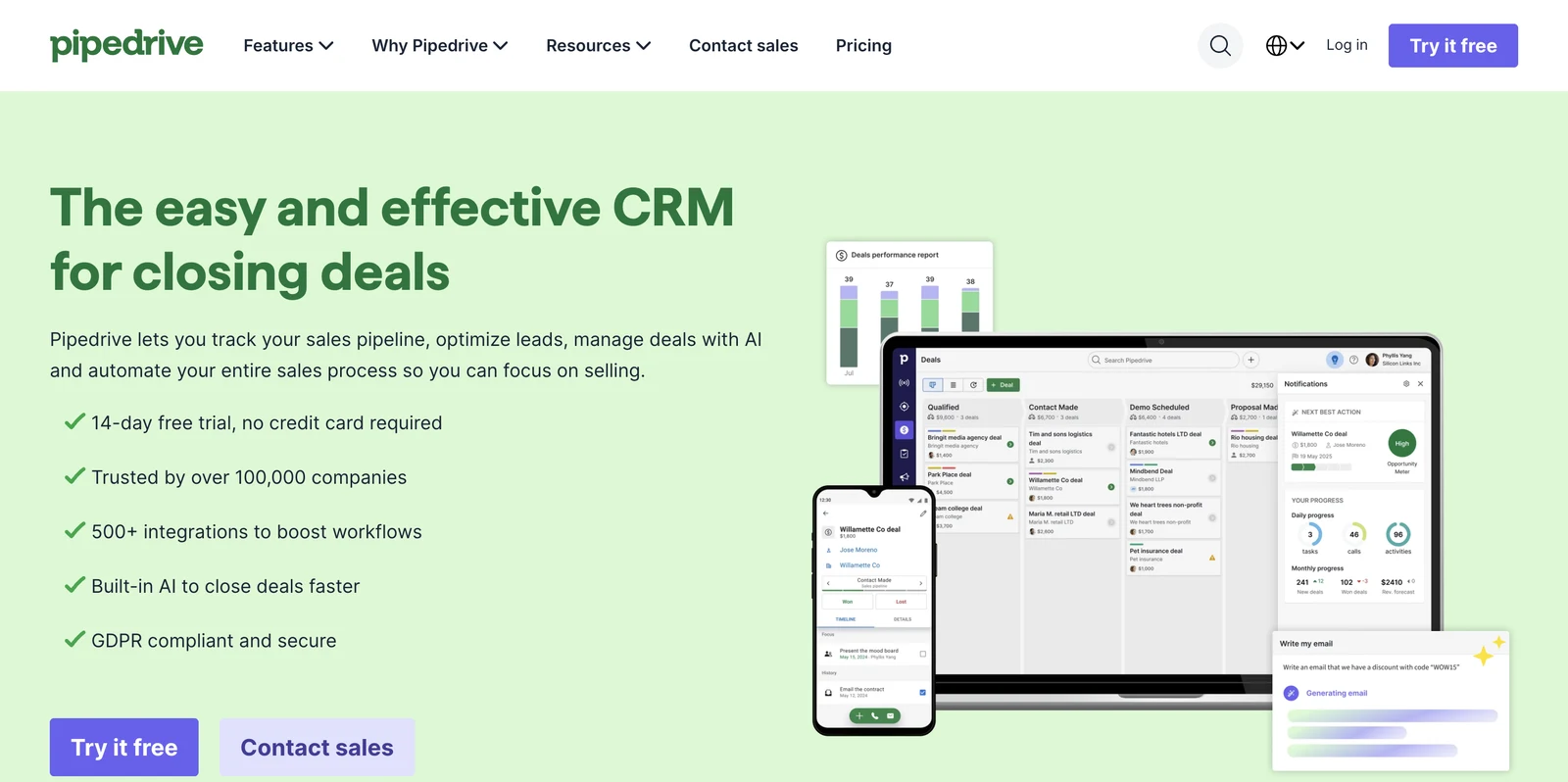
A pipeline workflow can move a deal after a meeting is booked, create a task after a stage change, or remind an owner when activity stops. The goal is simple: reduce the amount of bookkeeping reps must remember during a busy week.
This model works well when the process is stable. A team can set rules around qualification, nurture, and expected close dates. Managers can then review the same fields during pipeline meetings instead of asking each rep for a different version of the story.
The risk is poor input. If stages mean different things to different reps, automation only spreads confusion faster. Start with a small set of required fields and one workflow tied to a clear sales event.
7. HubSpot Sales Hub: CRM-connected sales automation
HubSpot Sales Hub fits teams that want the CRM to be the center of their sales motion. Its meeting assistant, workflows, sequences, tasks, and reporting sit inside one broader system.
A common workflow routes an inbound lead by territory, then rotates ownership across a team. The rep can work assigned leads from a prospecting workspace, review prior contact history, and enroll a person in a timed sequence.
Sequences can combine automated emails with human tasks. A reply or booked meeting can remove the contact from later steps, which prevents a rep from sending an awkward follow-up after the buyer has already responded.
HubSpot also supports connections to LinkedIn Sales Navigator for tasks such as InMail or connection requests. The main caveat is edition and setup. Advanced workflows may require higher product tiers, and a broad CRM can become hard to govern without a clear owner.
For teams already using HubSpot, the value is less context switching. For teams with another CRM, compare migration effort against the benefit of bringing sales work into one system.
Key Takeaway: The right tool should remove a task from the rep's day. If it adds another inbox, dashboard, or approval queue, adoption will suffer.
8. Gong: Conversation intelligence and post-call analysis
Gong is a conversation intelligence system built around recording, transcription, search, and post-call analysis. It fits sales leaders who need to review what happened across calls without joining every meeting.
Gong describes searchable call archives with topics, action items, risks, competitor mentions, and deal signals. Managers can use those records during coaching and pipeline reviews. New hires can also study selected calls instead of relying only on training slides.
The timing is the key difference. Gong mainly turns completed conversations into insight. That is useful for coaching, forecasting, and deal review, but it doesn't solve every problem that occurs while the buyer is still speaking.
Teams should ask how recordings are captured, how consent works in each region, and which CRM fields receive call data. Security controls and access rules matter when conversations contain sensitive customer information.
Gong is a strong consideration for post-call visibility. Pair it with a meeting tool only if your team needs prompts before or during the call.
9. Nooks: Real-time call coaching for sales teams
Nooks is designed for outbound teams that want an AI workspace for prospecting, sequences, dialing, and call coaching. Its site describes real-time coaching alongside research and engagement workflows.
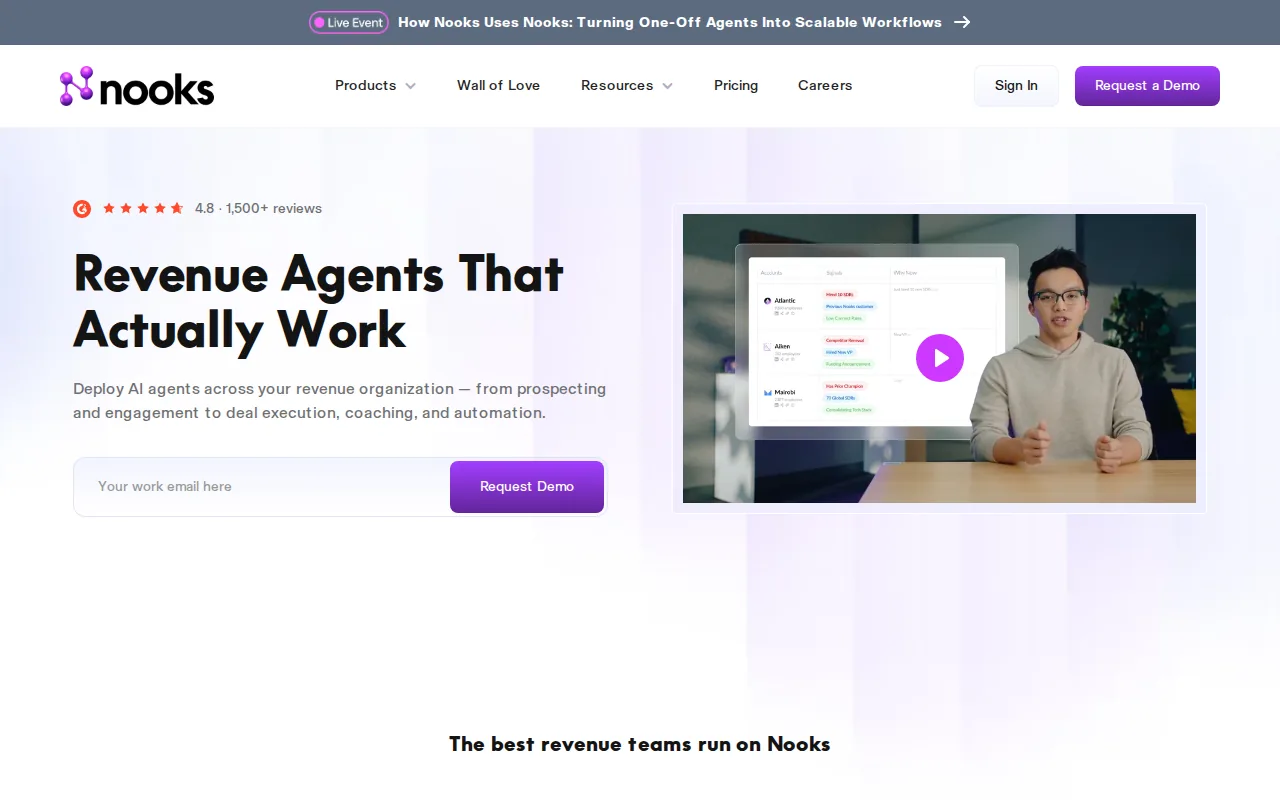
Nooks says its system can research prospects, suggest openers, manage multi-touch sequences, and analyze conversations. It also describes a human-in-the-loop model where AI handles research and admin while a rep runs the call.
That makes Nooks a fit for SDR and BDR teams with a high call volume. Teams can also use AI role-play to practice openers and objections before live outreach. The platform lists native two-way sync with Salesforce and HubSpot.
Calling brings extra compliance work. Review consent, local calling rules, time-zone controls, do-not-call processes, and the exact countries your team will target. Also test how coaching appears on screen, because any prompt that pulls attention away from the buyer is a bad trade.
Nooks belongs in evaluations focused on outbound calling. It is a different purchase from a calendar-driven meeting companion for account executives.
Compare the 9 sales automation software options
Use the table as a first filter, not a final score. The tools solve different problems, so a prospecting database should not lose points because it isn't a live meeting assistant.
| Option | Primary workflow | Useful for | Watch closely |
|---|---|---|---|
| VibeSell | Before, during, and after meetings | Meeting context, live guidance, approved CRM updates | Meeting must be scheduled for calendar context |
| ZoomInfo GTM Workspace | Account intelligence | Research and stakeholder context | Approval and CRM behavior |
| Apollo | Prospecting and follow-up | Outbound SDR workflows | Data quality and message control |
| Outreach | Sales engagement | Sequences and multi-channel work | Setup and governance |
| Clay | Custom data workflows | Technical RevOps teams | Ownership, credits, and data sources |
| Pipedrive | Pipeline automation | Smaller and mid-sized teams | Stage discipline |
| HubSpot Sales Hub | CRM-based workflows | HubSpot-native teams | Edition limits and admin effort |
| Gong | Conversation analysis | Coaching and deal review | Recording consent and post-call timing |
| Nooks | Outbound calling and coaching | SDR and BDR teams | Calling compliance and rep focus |
A market sweep used for this comparison found sparse confirmation across the category. VibeSell's supplied product data confirms all four tested areas: pre-meeting briefs, real-time guidance, post-meeting automation, and a self-improving engine. Treat broad AI claims as questions to test, not as proof that two products work the same way.
What to look for before buying sales automation software
Start with the task that costs your team the most time. For one team, that may be lead routing. For another, it may be meeting prep or CRM updates after a call.
Check these areas in a live demo:
Trigger
What event starts the workflow?
Context
Which CRM, calendar, email, and meeting records can it read?
Action
Does it complete the work or only suggest a task?
Approval
Can a rep review sensitive messages and CRM changes?
Ownership
Who maintains rules, prompts, fields, and integrations?
Measurement
Which metric should improve, such as follow-up completion, stage accuracy, or time spent on admin?
Human review matters when an action affects a buyer, a forecast, or a sensitive record.
Plan adoption before rollout. Pick one workflow, assign one owner, and review usage during weekly pipeline meetings. A small workflow that reps trust beats a large system that nobody opens.
Pro Tip: Run a seven-day workflow audit. Ask each rep to list the three sales tasks they repeat most often, then automate only the task with the clearest trigger and outcome.


