
Sales Call Recording Software Options


TL;DR
Compare sales call recording software for coaching, CRM updates, deal visibility, compliance, and follow-up automation.
Recorded calls can show where deals move forward, where they stall, and what reps miss in the moment. But many tools stop after the meeting with a transcript or summary. Here are seven sales call recording software options, with a clear fit for each team and an honest look at the trade-offs.
1. VibeSell
VibeSell is a real-time AI sales companion for B2B teams that need help before, during, and after customer calls. It suits CROs, sales leaders, and account executives who want less admin without handing control of the meeting to an AI system.
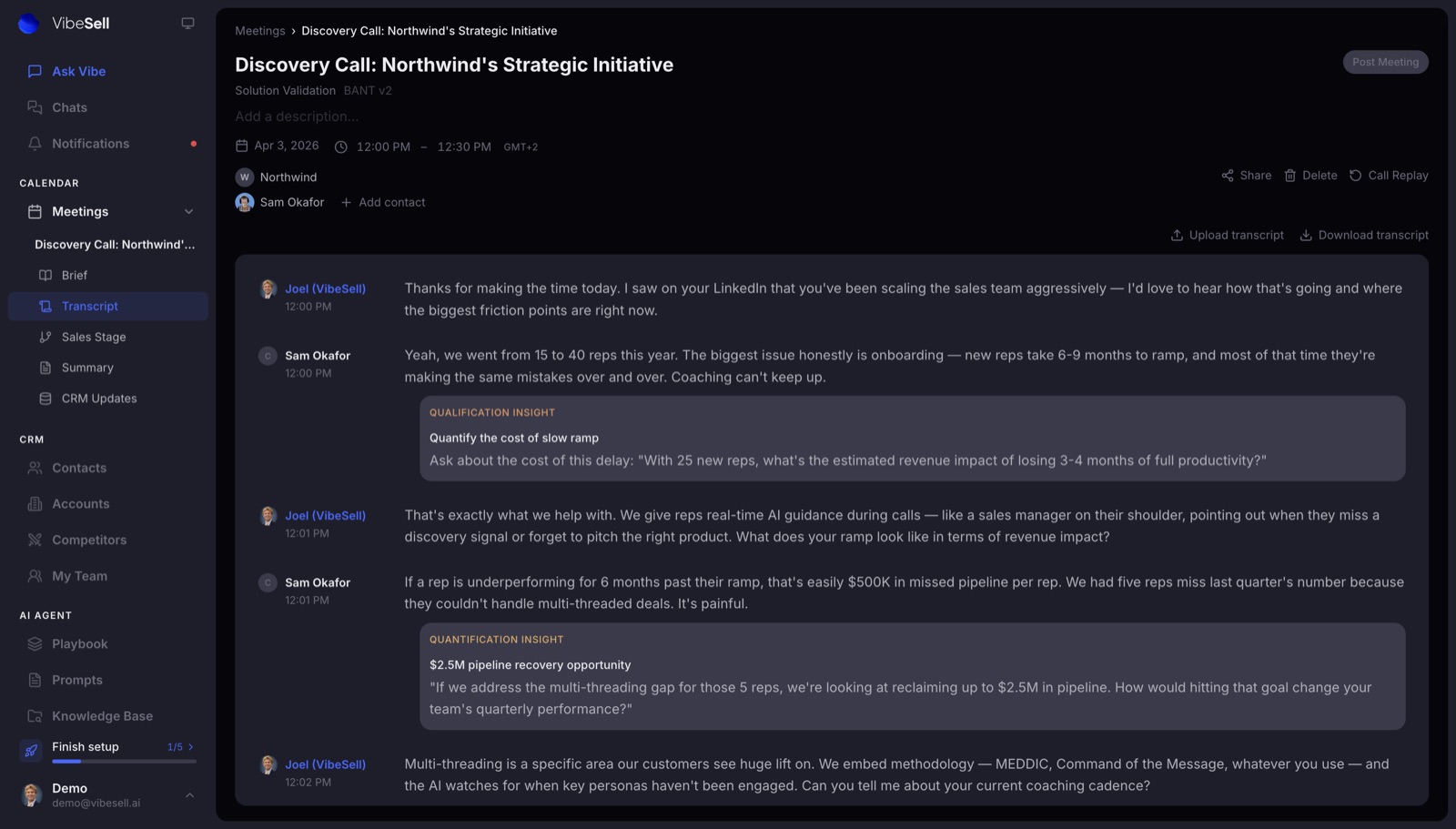
Before the call, VibeSell prepares a meeting brief. The brief covers the company, each attendee, past meetings, useful talking points, and discovery questions. That gives a rep instant context five minutes before the meeting, instead of another long research task.
During the call, VibeSell detects the sales stage and shows sparse prompts. A rep might get a reminder to ask about the buying process or explore a risk that came up. The aim is to support attention, not pull the rep into constant screen checks. The buyer stays the focus.
After the call, VibeSell drafts the summary, follow-up email, and CRM updates. Those updates are suggestion-first. The rep reviews them before VibeSell writes them to HubSpot or Salesforce. This matters when a small wording error could change a deal record.
VibeSell also includes Ask Vibe, which can use past engagement data, synced email, live web search, and the account knowledge base. Teams can practice calls with AI buyer personas built from real deal context, then review the replay and coaching feedback.
The limitation is clear. VibeSell isn't a dialer, phone system, or prospect database. It also doesn't send outbound messages on its own. Choose it when live guidance and automated CRM updates matter more than outbound automation.
2. Spiky: Real-time coaching for fast-moving teams
Spiky is sales call recording software for remote teams that want coaching while a call is still live. It fits fast-scaling startups, high-volume sales groups, and teams that need battlecards or objection cues in the moment.
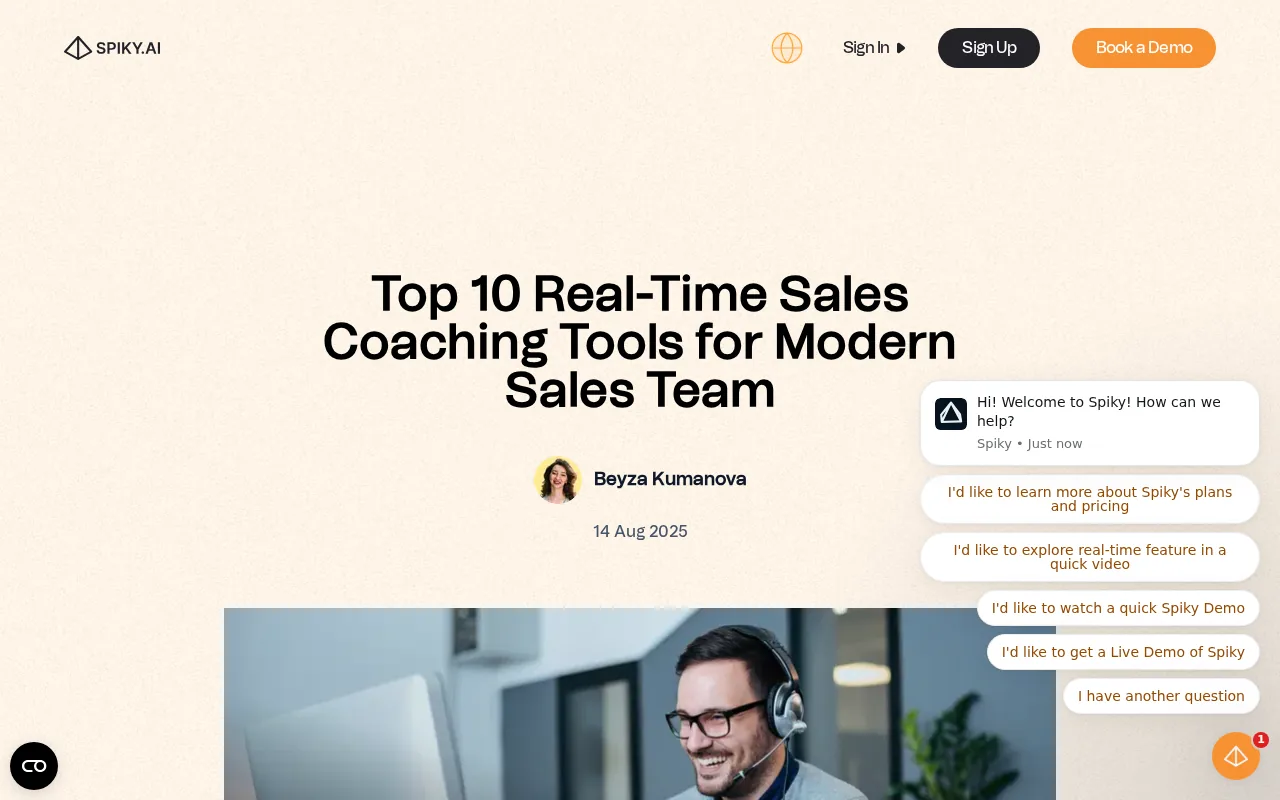
Spiky offers AI summaries, real-time coaching, and integrations with Gong, email, Slack, and CRM systems.
That live layer changes the coaching workflow. A manager doesn't have to wait for a call review before spotting a missed objection. The rep can receive a cue while the buyer is still engaged, then decide whether it fits the conversation.
Spiky also supports call review, scorecards, and rep development. Its listed integrations include Gong, email, Slack, and CRM systems. An API is available, though the research notes rate limits and possible friction for teams building larger automated workflows.
The main caveat is scope. Spiky isn't a dialer or sequencing tool. A team that needs outbound execution will need another system beside it. Pricing isn't published in the research, so smaller teams may face extra work before they can set a budget.
Use Spiky when your main gap is live coaching. If your larger issue is pre-call context plus approved CRM updates, VibeSell takes a wider view of the meeting workflow.
3. Outreach: Call intelligence tied to pipeline health
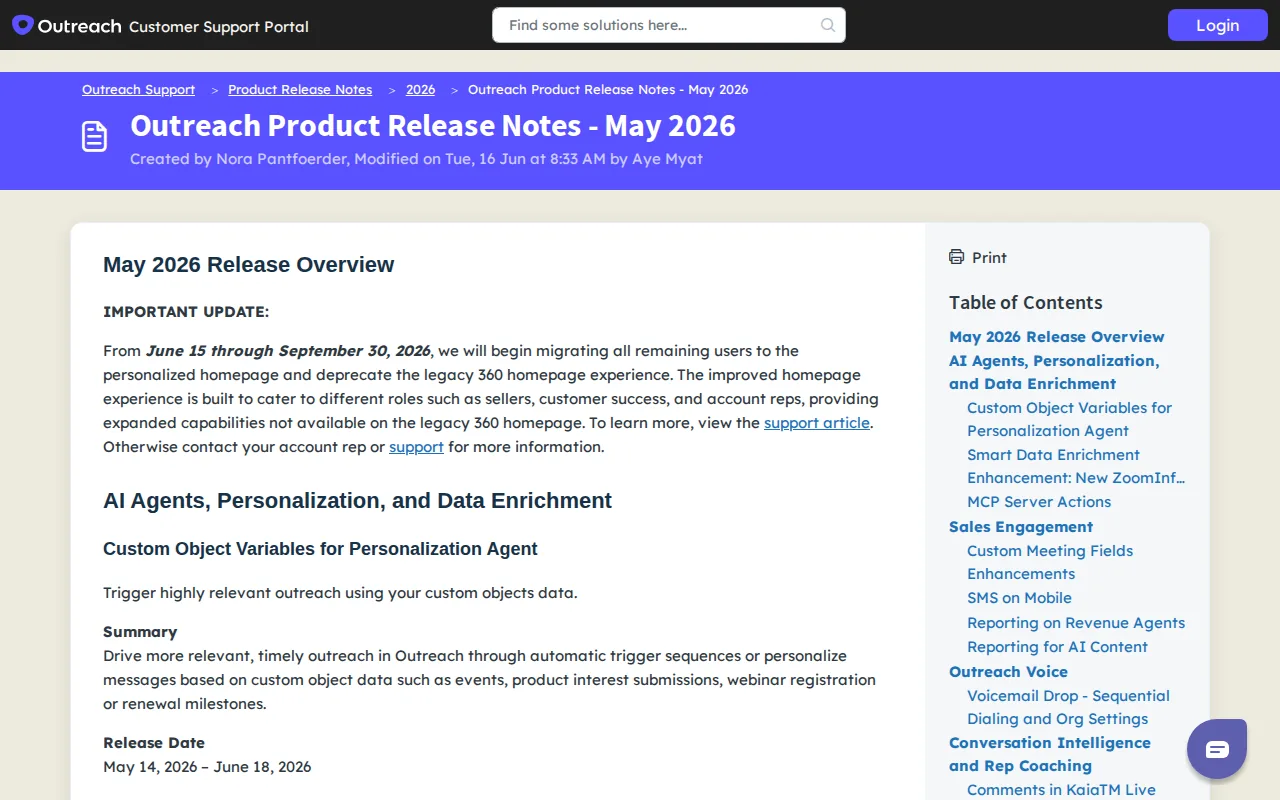
Outreach fits revenue teams that want call intelligence connected to pipeline health, forecasts, and deal data. It makes sense when recorded conversations need to sit close to the wider revenue process.
Call recording has two levels. The first captures audio, stores it, and may add a transcript. The second analyzes the conversation for patterns such as objections, competitor mentions, pricing talk, and buyer risk. A recording is the base layer, while conversation intelligence extracts meaning from it.
For a manager, the difference shows up during a pipeline review. A recording by itself proves what was said. A connected intelligence layer can help surface whether the buyer discussed budget, named a decision-maker, or raised an implementation concern.
CRM depth deserves close testing. A basic connection may log that a call happened. A deeper connection can attach the summary to the right opportunity and use deal context before the next meeting. Ask if the sync works both ways, which fields update, and what happens when a contract ends.
Outreach is a stronger fit for teams that already run a wider revenue execution system. It may be more than a small team needs if the goal is simply recording and follow-up notes. Teams focused on live guidance should also check that the workflow supports help during the call, not only analysis afterward.
For any vendor, test recordings with crosstalk, accents, industry terms, and more than one speaker. A clean demo transcript doesn't prove the system will handle your calls.
4. Fireflies.ai: Broad meeting capture across sales and business teams
Fireflies.ai is an AI meeting recorder for teams that need broad capture across work calls. It suits cross-functional groups that want transcripts and summaries without adopting a full sales execution system.
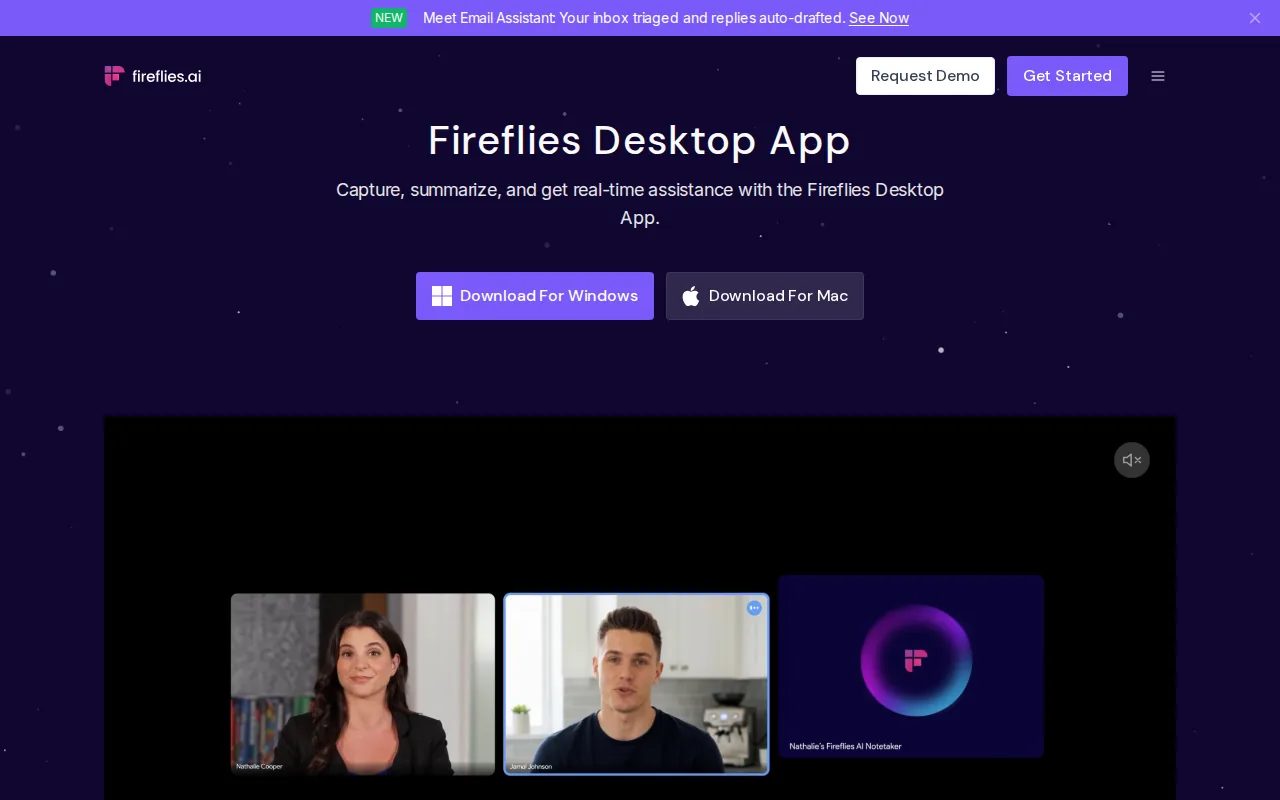
Fireflies.ai fits cross-functional teams that need broad meeting capture across platforms without a dedicated sales execution layer. It is useful when sales, customer success, recruiting, and internal teams all need meeting records in one place. That broad fit can help teams keep important decisions from being buried in personal notes.
The trade-off is sales depth. A cross-functional recorder may not give revenue leaders the same deal inspection view as a tool built around pipeline health. Before purchase, check how it handles CRM fields, access rights, retention rules, and follow-up ownership.
Fireflies.ai works well when capture is the first problem. If your team also needs pre-call briefs, live sales-stage prompts, and CRM updates that wait for rep approval, you'll need a more focused sales workflow.
5. Avoma: Scheduling, recording, and coaching for SMB and mid-market teams
Avoma brings scheduling, meeting recording, and AI coaching into one system. It fits SMB and mid-market teams that want those functions together without buying a full revenue execution platform.
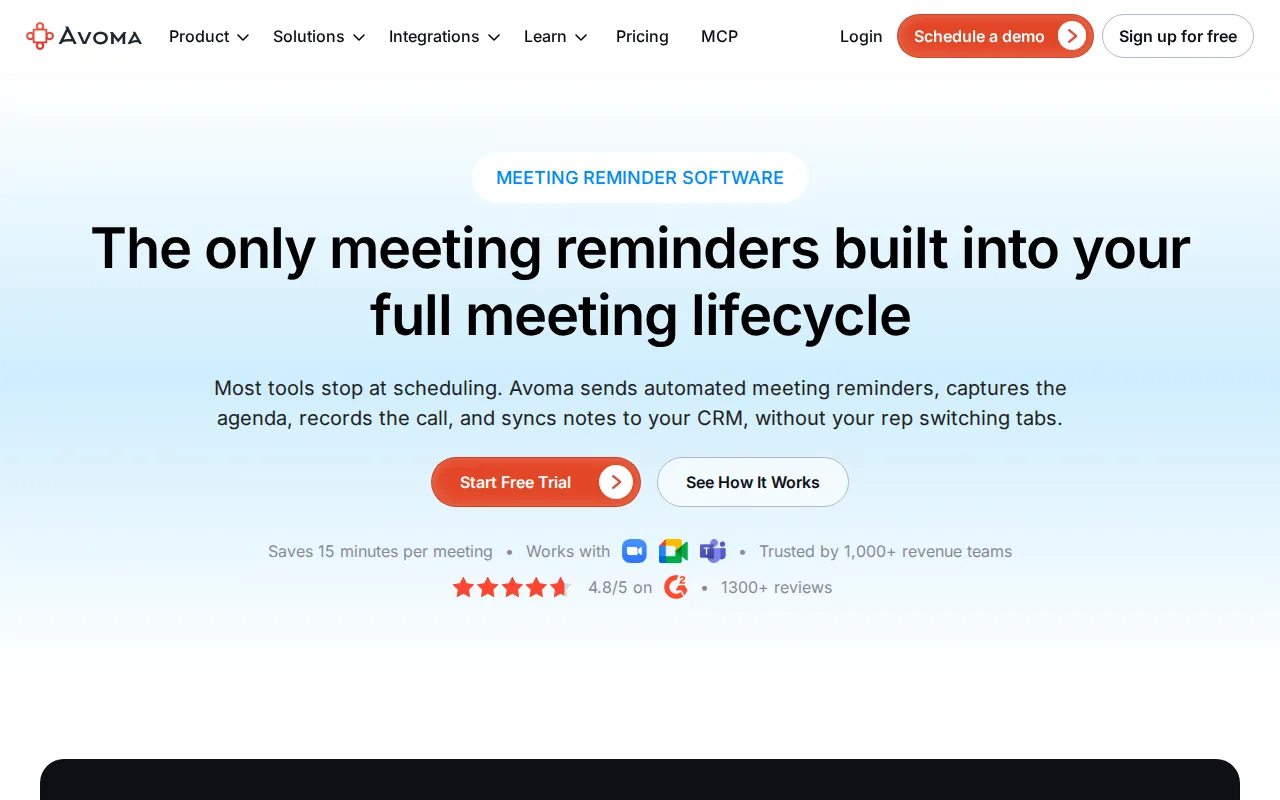
For a sales manager, the useful test is workflow depth. Can reps find the right call quickly? Can managers leave feedback at a specific moment? Can the team build a call library for new hires? Can the tool connect the conversation to the opportunity record?
Recording software earns its place when people use the output. A searchable transcript may help a rep find the buyer's exact concern. A templated follow-up can turn that concern into a next action. A scorecard can help a manager coach the same discovery skill across several calls.
Avoma may be a good middle path for teams that need more than basic capture but don't need a large revenue platform. Keep a close eye on add-on costs. A low entry tier can look different once coaching and revenue features become necessary.
6. Jiminny: Structured coaching and deal visibility for growing teams
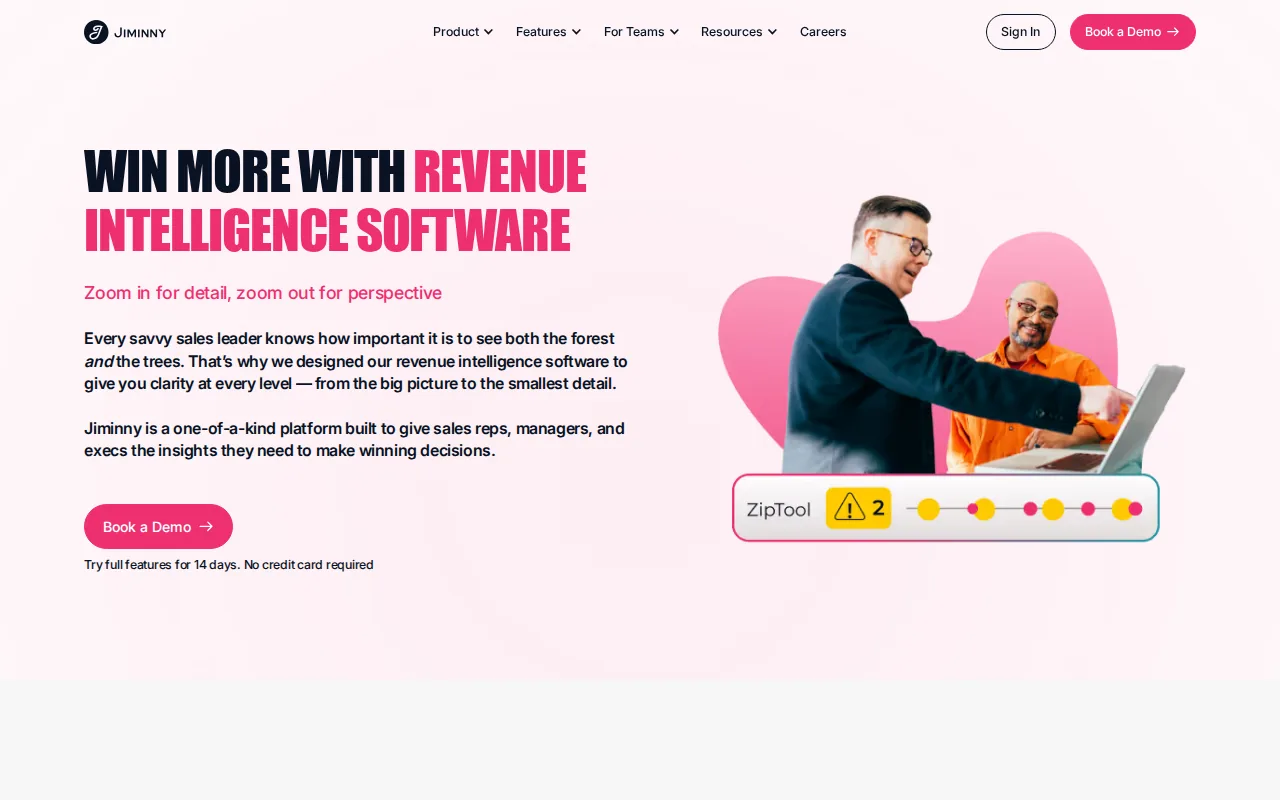
Jiminny is built for mid-market teams that want structured coaching and deal visibility.
Details should still be checked against your legal team's requirements and contract terms before a security review.
The coaching workflow is the main reason to consider it. Teams can share recordings through links or playlists and build libraries of useful calls. That gives a new rep examples to study without asking a manager to repeat the same lesson in every one-to-one meeting.
Jiminny also states that its transcription supports more than 60 languages. For teams selling across several markets, language coverage can matter as much as the recording itself. Test your own buyer calls, though. Accuracy depends on accents, noise, overlapping speech, and specialist terms.
The limitation is fit. A small team that only needs summaries may pay for more coaching structure than it will use. A large enterprise may need a wider forecast and revenue intelligence layer. Jiminny is most sensible when managers already have a coaching rhythm and need better evidence for it.
7. Modjo: European privacy and language requirements
Modjo suits EMEA revenue teams that need GDPR data residency, EU hosting, and European language coverage. It belongs on a shortlist when privacy rules are a purchase gate rather than a late-stage review item.
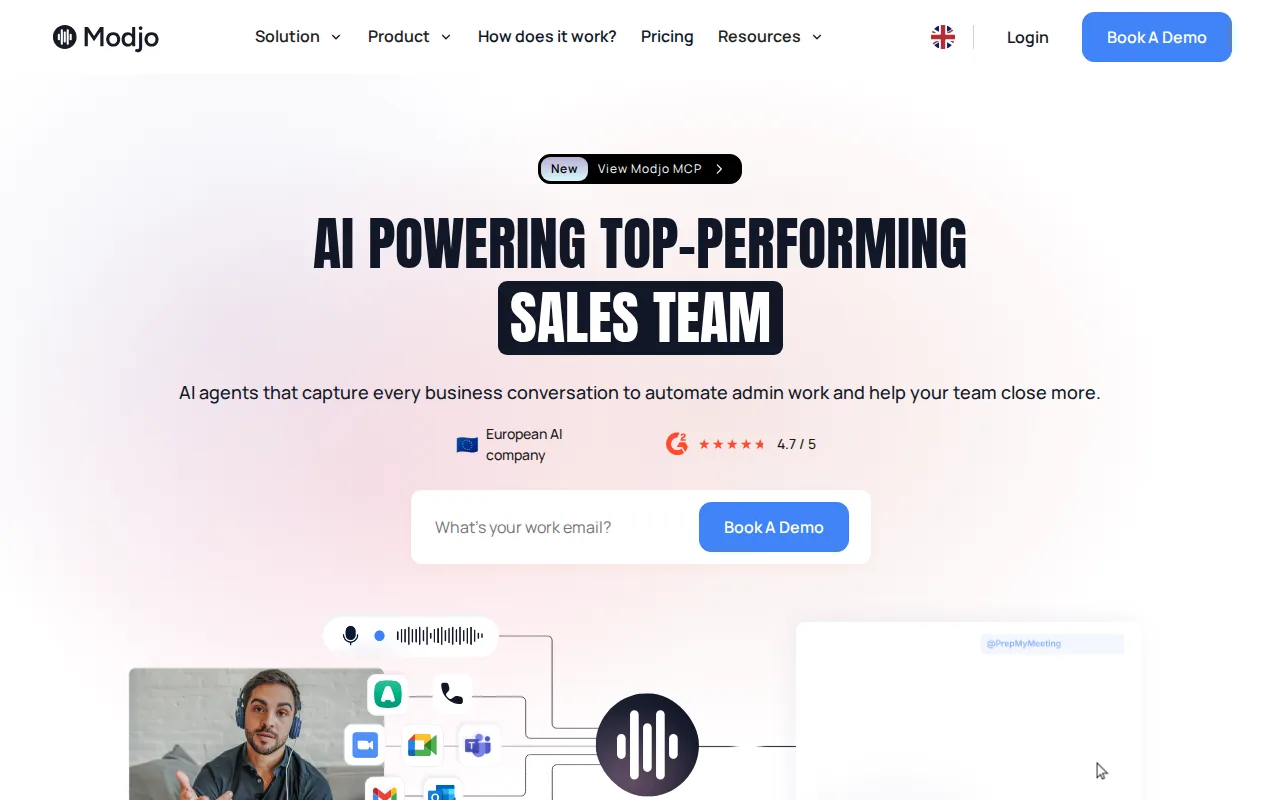
Recorded conversations carry more risk than ordinary notes. A call may include personal data, pricing details, health information, or confidential plans. Before recording, confirm how the tool handles consent, access, retention, deletion, and data location.
This is also where governance work matters. A sales leader may care about coaching, while legal or security teams care about proof. A useful review asks who can replay a call, whether access follows CRM permissions, and how quickly a record can be removed.
Teams that need help with the wider control system may also review GRC consulting services for governance, risk, and compliance. That kind of work sits beside call recording. It doesn't replace a recording tool, but it can help define the rules around sensitive sales data.
| Decision point | What to confirm | Why it affects the purchase |
|---|---|---|
| Data location | EU hosting and residency terms | Some teams cannot send call data to an unapproved region. |
| Consent | Disclosure steps for each call type | Rules may differ by market and participant location. |
| Language | Coverage for the languages your team sells in | Poor transcription weakens search and coaching. |
| Access | Role controls and replay permissions | Private buyer data should not be open to every user. |
| Retention | Deletion schedules and export rules | Teams need a clear answer when a record must be removed. |
Modjo is a fit when European privacy and language needs come first. If live guidance is the main concern, compare that requirement separately rather than assuming every conversation intelligence tool works during the call.
Key Takeaway: Pick the tool based on the action you need after a call. Storage alone won't fix weak coaching or missing CRM updates.
What to check before buying
Start with the workflow, not the feature list. Ask what should happen five minutes before the call, while the call is live, and immediately after it ends.
Capture
Does it record every channel your team uses, including video meetings and phone calls?
Transcript quality
Does it identify speakers when people interrupt each other?
Search
Can a manager find pricing talk, objections, or competitor mentions?
Coaching
Does help arrive during the call, after it, or both?
CRM updates
Does the system draft automated updates, and can the rep approve them?
Follow-up
Can it turn agreed actions into a useful email or task?
Governance
Can admins control consent, access, retention, and deletion?
Pricing
Are AI credits, coaching modules, storage, or support charged separately?
Pricing models vary widely. Some tools have free tiers. Others use paid modules or enterprise contracts. Treat a free plan as a test path, not proof that the paid workflow will fit your team.
We also recommend a live trial with real calls. Test one discovery call, one pricing call, and one handoff. Compare the generated CRM update with what the rep would have written. Then check whether the manager can find the important moment in under a minute.
Pro Tip: Give each vendor the same three calls and the same CRM fields. A shared test makes transcript quality, coaching depth, and sync limits much easier to compare.
For teams that want live guidance plus automated post-call work, VibeSell is worth testing first. Its interactive demo lets a rep speak with an AI prospect and see guidance without setting up an account. Teams can then judge whether prompts help attention or interrupt it.
If your main need is a searchable archive, a lightweight recorder may be enough. If managers need deal evidence, coaching libraries, and forecast signals, plan for a deeper rollout with clear rules and owner roles.
FAQ
Conclusion
Choose the tool that matches the moment you need to improve. For B2B teams that want a pre-call brief, sparse live guidance, and approved CRM updates after the meeting, start with VibeSell. Run a live trial with three real calls, compare the output with your current process, and keep the system only if it helps reps stay with buyers while cutting admin.

