
Revenue Intelligence Software Options


TL;DR
Compare revenue intelligence software for B2B sales teams, with notes on live guidance, forecasting, CRM automation, coaching, and team fit.
Most revenue intelligence software starts after the meeting. Reps still enter notes, fix CRM fields, and write follow-up emails while the next call waits. Here are five named options, with VibeSell first for teams that need support before, during, and after the buyer conversation.
1. VibeSell
VibeSell is a real-time AI sales companion for B2B teams. It prepares a meeting brief before the call, gives the rep live guidance during the conversation, then drafts the summary, follow-up email, and CRM updates before the call ends.

That timing is the key difference. Many conversation intelligence tools review a call after it ends. VibeSell works while the deal can still change. A rep can see account context, recall earlier buyer concerns, or get help with a discovery question without leaving the meeting to search through tabs.
The CRM sync with HubSpot and Salesforce is suggestion-first. The rep reviews and approves each update. That gives sales leaders a cleaner path to accurate data without handing every note to an automatic system.
VibeSell also has practice calls and replays against AI buyer personas built from real deal context. Leaders can use those sessions to help new hires rehearse discovery, objection handling, or a team method before the next customer call. The Ask Vibe sales agent can answer questions about accounts, contacts, and past conversations.
The trade-off is focus. Live guidance can distract a rep if the screen becomes a second conversation. Keep prompts short, glance only when needed, and let the buyer remain the center of the call. Teams that want augmentation rather than replacement will find that operating model easier to adopt.
For CROs and sales leaders, VibeSell fits when the problem is the full meeting loop, not only call review. See the VibeSell product page to assess the meeting flow before starting a live trial.
2. Clari, forecasting and revenue process visibility
Clari is revenue intelligence software built around pipeline visibility, forecasting, and deal risk. It fits revenue teams that need a shared view of what is real in the pipeline and what needs attention.
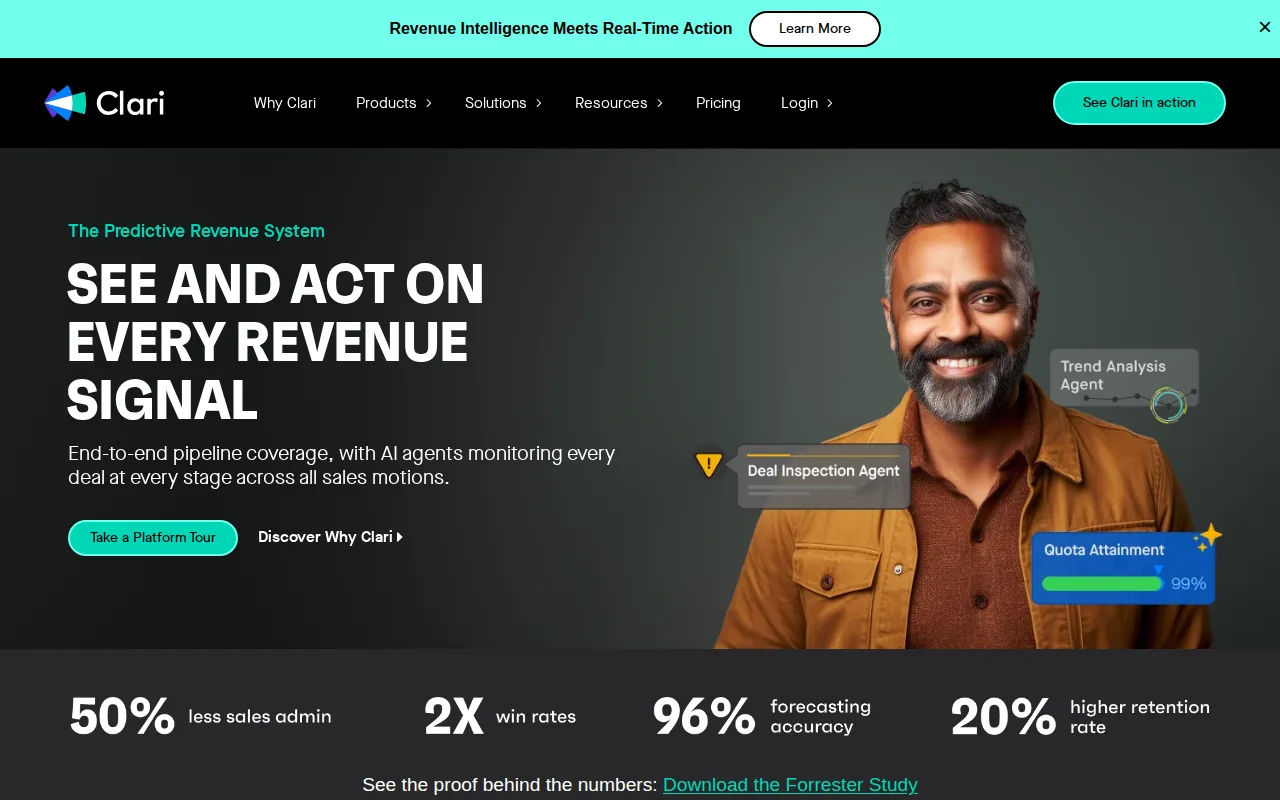
Clari describes its system as a way to bring signals from CRM, ERP, and email into one revenue view. Managers can inspect pipeline risk while sellers receive AI-assisted deal signals and next steps. The product also connects sales activity with retention and growth work, which can help teams that manage the customer journey beyond the initial close.
Clari includes live coaching capabilities. That gives managers support during calls and can help them review patterns across the team.
Forecasting is the stronger reason to consider Clari. A sales leader can compare current pipeline movement with past patterns, challenge weak deal assumptions, and explain a forecast in a board meeting. That matters when rep-submitted numbers do not tell the whole story.
During evaluation, confirm whether the workflow covers meeting prep as well as forecasting. A forecast tool may improve visibility while still requiring a separate workflow for meeting prep.
The caveat is scope. Clari makes the most sense when forecasting and revenue process control sit high on the buying list. If reps mainly need instant context five minutes before a call, a dedicated meeting companion may be simpler to roll out.
3. Gong, conversation intelligence and coaching
Gong is conversation intelligence software with a broad revenue workflow around recorded customer interactions. It suits teams that want managers to study calls, spot patterns, and use those findings in coaching.
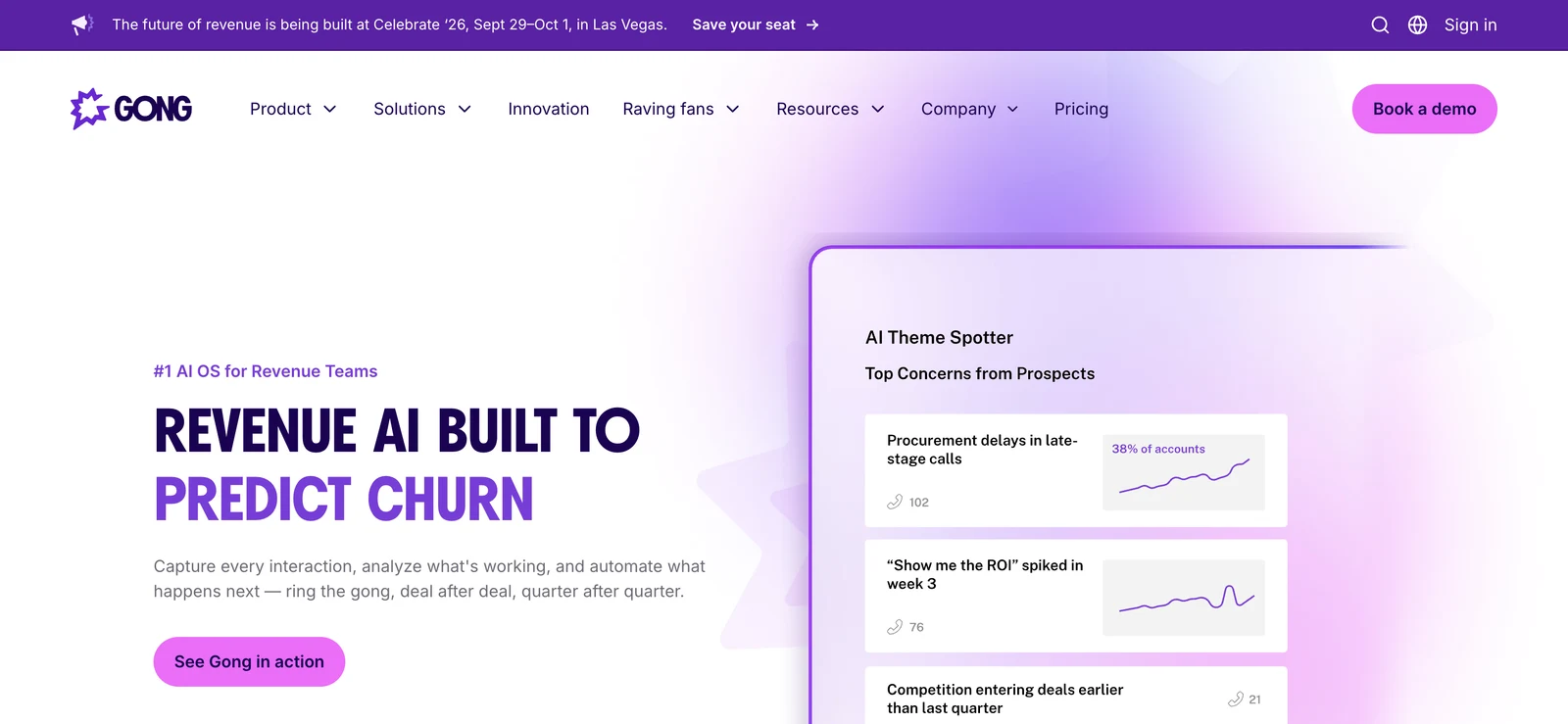
Gong offers live coaching.
For enablement teams, the useful workflow is repeated review. A manager can find a strong discovery moment, share it with the team, and use call evidence in a coaching session. Gong also describes AI tools for follow-ups, pipeline edits, enablement triggers, and forecast corrections.
The company cites customer examples on its own site, including claims about time saved and ramp speed. Those figures are vendor-reported, so buyers should test the same measures in their own team. Track time spent on call review, the number of coaching sessions completed, and how often reps act on the feedback.
Gong's main limitation for this shortlist is timing. Post-call analysis can improve the next conversation, but it does not always help a rep answer a buyer's objection in the current one. Teams that need live support should confirm how guidance appears during the meeting and whether it adds noise.
Choose Gong when call data is the center of your coaching program. Choose a meeting companion when the first problem is that reps enter calls without context.
4. Salesforce Revenue Intelligence, Salesforce-native revenue operations
Salesforce Revenue Intelligence adds forecasting and pipeline analysis inside Salesforce. It fits teams that already rely on Salesforce and want revenue views close to their existing CRM records.
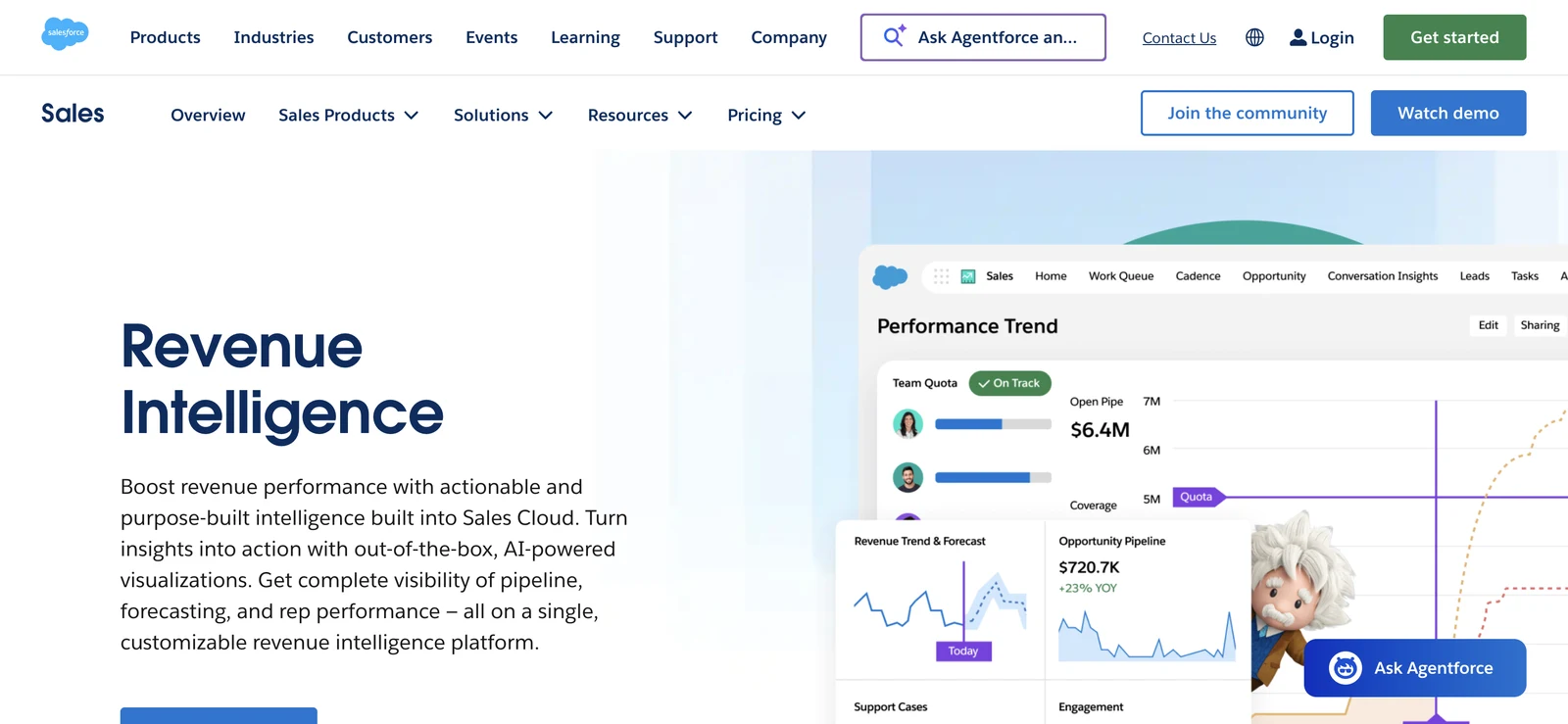
The product page describes views for quota attainment, pipeline movement, win rates, sales size, and days to close. Leaders can review stuck or overdue opportunities and focus on the deals most likely to affect a target. Reps get a command center for quota progress and changing deal stages.
Scenario planning is another useful feature. A leader can model what happens if deals enter or leave the pipeline, then compare the result with the revenue goal. That creates a better meeting prompt than asking every rep to defend a number from memory.
Salesforce also describes account health signals, product-level sales trends, and more than 50 native connectors for bringing outside data into Sales Cloud. These capabilities can help a RevOps team connect account signals with sales action.
The main caveat is data quality. Revenue intelligence depends on the information in the CRM. If stages are stale or activity records are incomplete, the dashboard can look precise while describing an incomplete process. Salesforce itself says buyers should consider data sources, ease of use, sensitive data protections, integrations, machine learning, and analytics when selecting a platform. Its CRM definition and overview also helps explain why the underlying customer record remains central.
Salesforce Revenue Intelligence is a sensible fit for a Salesforce-heavy operation. It is less attractive when the team wants live meeting help without adding more work to the CRM setup.
5. HubSpot Sales Hub, CRM-connected sales execution
HubSpot Sales Hub connects sales execution with HubSpot CRM. It works best for teams that want one CRM environment for managing deal activity and sales follow-through.
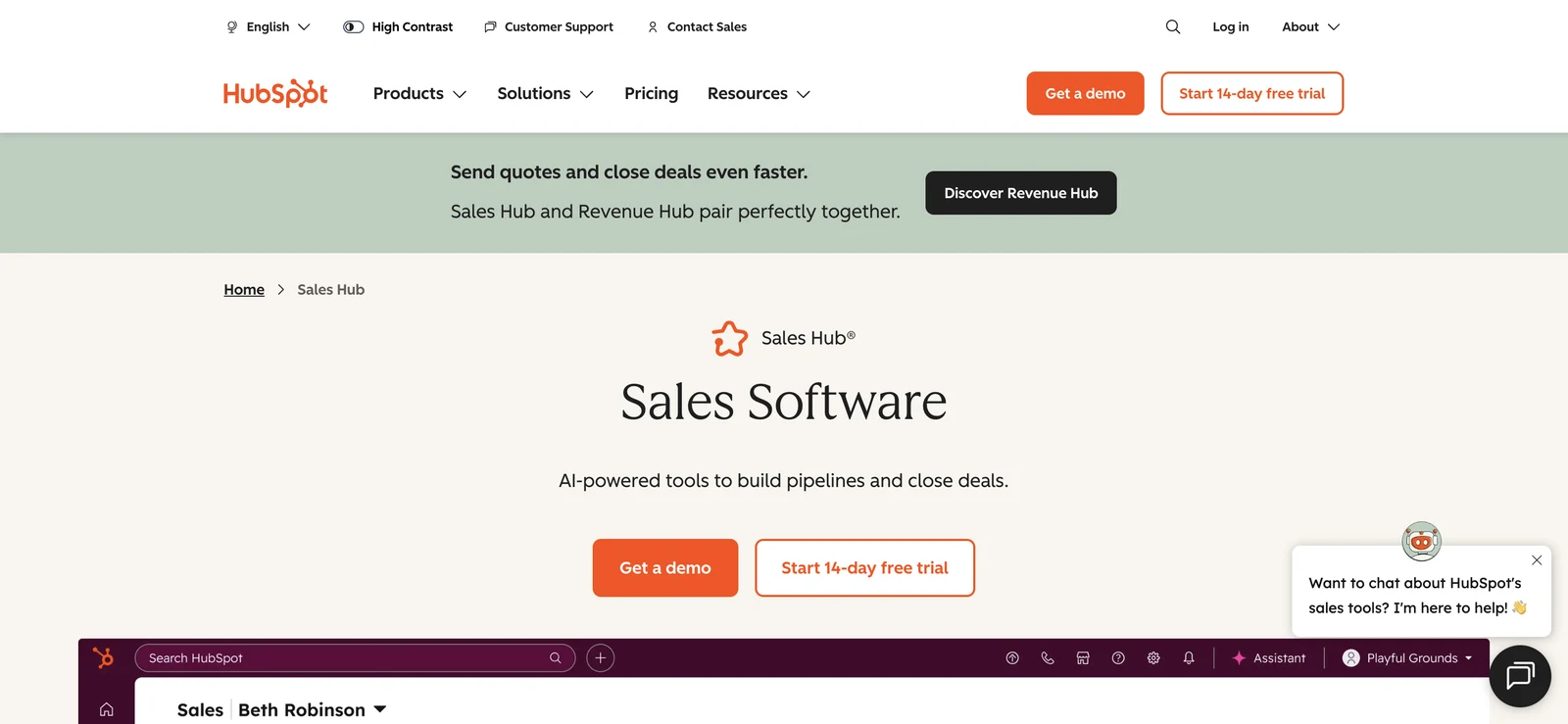
Its place in a revenue intelligence stack comes from the CRM connection. Activity, contact records, and deal stages can live in the same system used by the sales team. That can reduce the gap between what a rep says on a call and what a manager sees in the pipeline, provided the team keeps records up to date.
HubSpot is also a familiar choice for growing teams that want sales work tied to a broader customer record. A sales leader can look at a deal in context rather than asking a rep to gather facts from several systems. The exact fit depends on the HubSpot package, permissions, and the workflows the team needs.
For meeting-heavy teams, the important question is what happens before and during the call. A CRM can store context, but storage alone does not guarantee that a rep sees the right detail five minutes before a meeting. Test the handoff from account research to meeting prep, then check how much manual work remains after the call.
The trade-off is depth. HubSpot Sales Hub may cover CRM-connected execution well, while a specialist revenue intelligence product may go further into forecasting, conversation review, or live coaching. Teams should avoid buying a large system when the real issue is simply missing notes or slow follow-up.
Start with one repeatable workflow. For example, define the fields a rep must confirm after a discovery call. Then measure whether the system makes that task faster without lowering data quality.
Revenue intelligence software comparison table
Use the table to match the product to the point where your sales process breaks. These are different operating models, so a feature count alone won't settle the decision.
| Software | Strongest fit | Live meeting support | CRM focus | Main trade-off |
|---|---|---|---|---|
| VibeSell | Meeting support across the full call cycle | Real-time guidance and live coaching | Suggestion-first HubSpot and Salesforce sync | Reps must review prompts and updates |
| Clari | Forecasting and pipeline inspection | Live coaching | Salesforce integration | Meeting prep may need another workflow |
| Gong | Conversation review and coaching | Live coaching listed | Revenue data connected to interactions | Strongest value may come after calls |
| Salesforce Revenue Intelligence | Salesforce-native revenue operations | Pipeline guidance | Salesforce | Results depend on CRM hygiene |
| HubSpot Sales Hub | CRM-connected sales execution | Depends on the selected workflow | HubSpot | Advanced intelligence may need added tools |
A useful evaluation should test the same call across each system. Give the rep a real account, ask for a pre-call brief, run a discovery meeting, then inspect the resulting CRM record. The gap between promised automation and approved data will show up quickly.
FAQ
Conclusion
Pick the system that matches the work your reps lose most often. For teams that need instant context, live guidance, and approved CRM updates in one meeting flow, VibeSell is the clearest first evaluation.


