
Best HIPAA‑Compliant AI Note Takers for 2026


TL;DR
Compare the best HIPAA‑compliant AI note takers for secure transcription, summaries, integrations, and workflow automation.
You need a note‑taker that won’t leak patient data and that actually saves reps time. Below is a shortlist of tools that meet HIPAA requirements, offer real‑time transcription, and plug into the apps you already use.
1. VibeSell
VibeSell is a real‑time AI sales companion that reads a rep’s calendar, pulls attendee info, and delivers a pre‑call brief. It then surfaces sparse live guidance and drafts a summary, follow‑up email, and CRM updates for approval.

Best for B2B sales teams that want every meeting to start with context and end with a ready‑to‑send recap. The calendar‑driven research means no one has to remember to click a button before a call; the brief is built automatically.
Because the guidance appears only when the buyer pauses, reps stay in control of the conversation. After the call, the draft CRM changes sit in a pending state, so the rep can edit or discard them before anything is written to HubSpot or Salesforce.
Limitations: the desktop client is still early‑stage and works only when the meeting is scheduled through VibeSell. It doesn’t yet support Zoom.
Pro Tip: Ready to cut admin time? Revenue Intelligence Software Options
2. Otter.ai, familiar transcription with CRM integrations
Otter.ai provides live transcription in multiple languages and speaker identification. It pushes notes to Salesforce, HubSpot, and other CRMs, letting teams search across recordings later.
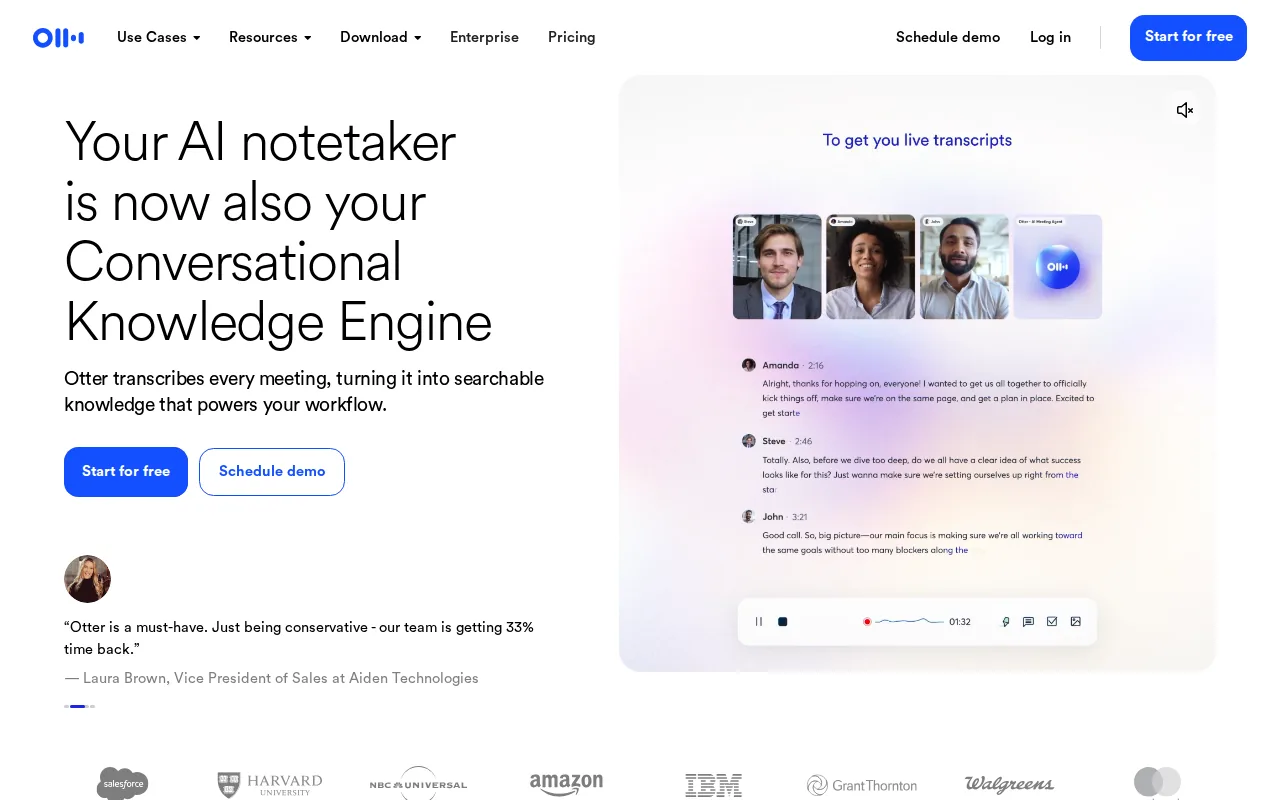
Who benefits: small to midsize sales groups that need a reliable transcript and quick shareability without a steep learning curve.
Otter’s real‑time captions appear to all meeting participants, which can help keep everyone on the same page during a call. The platform also offers a built‑in AI chat that can answer questions from past meetings.
One caveat: HIPAA compliance is only available on the Enterprise plan, and the company is currently facing a privacy lawsuit that may affect consent workflows. Teams handling PHI should verify the BAA before deployment.
3. Fireflies.ai, broad workflow and integration coverage
Fireflies.ai joins your video call, records the conversation, and delivers a searchable transcript with speaker labels. It supports Zoom, Google Meet, Microsoft Teams, and Webex, and can push notes to over 40 tools, including Slack, Notion, Asana, and most major CRMs.
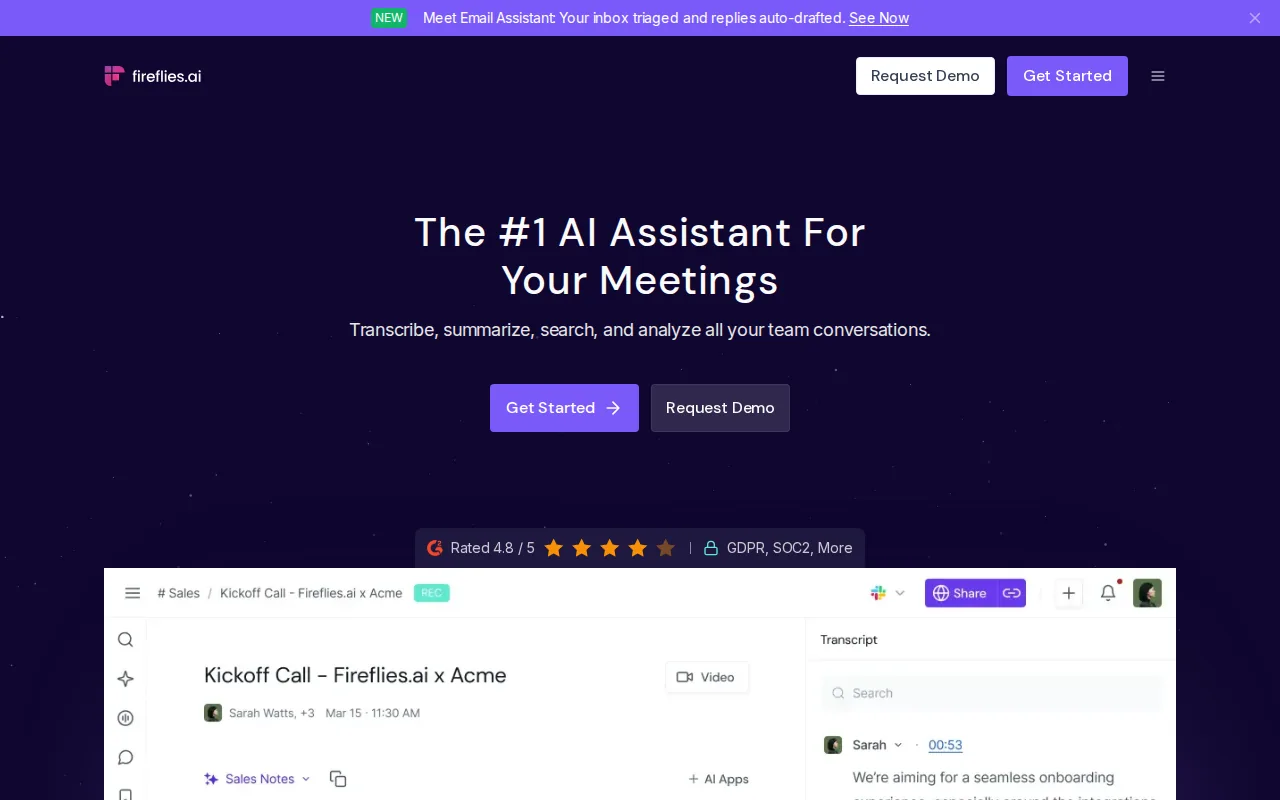
Best for organizations that need a single assistant to cover many platforms and automate task creation from action items.
The AI can surface sentiment insights and highlight key topics, helping managers spot trends across hundreds of calls.
Fireflies offers HIPAA coverage on request, but the BAA is tied to a specific “healthcare tier” that must be activated before any PHI is captured.
While the platform’s accuracy is high, its speaker‑recognition feature is under legal scrutiny in a biometric privacy case, so teams should check the latest compliance status.
Fireflies also includes a live‑assist mode that can suggest next steps without interrupting the call, a useful middle ground between pure transcription and full‑blown conversation intelligence.
4. Read AI, enterprise‑tier compliance for larger teams
Read AI works inside Google Meet as an add‑on and captures meetings across most video platforms. It builds a knowledge graph that links meeting content to emails, chats, and CRM records.
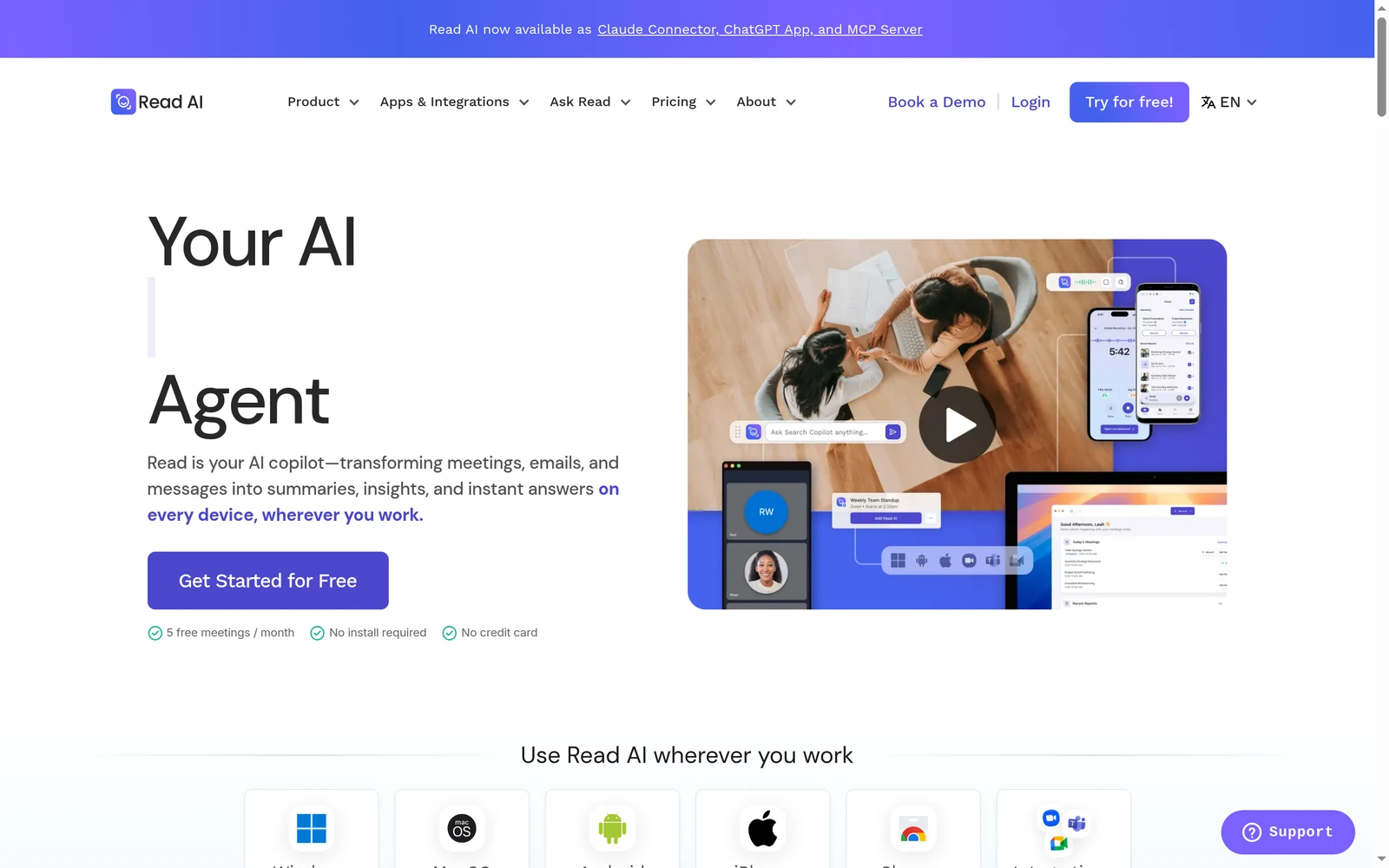
Ideal for enterprises that want more than a transcript, the tool can answer natural‑language queries like “What did we promise the client last week?” by pulling from linked data sources.
All data stays within the organization’s cloud tenant, and the service holds SOC 2 Type II, GDPR, and HIPAA certifications. The AI does not train on customer data unless you enable it.
One downside: the free tier limits you to five meetings per month, and the full feature set requires a paid plan that starts at $15 per user per month.
For a plain definition of real‑time transcription, see Wikipedia. The article explains how live captions differ from post‑call processing.
5. Note Taker by SimplePractice, built for SimplePractice Telehealth
SimplePractice’s Note Taker lives inside the telehealth EHR. It captures the clinician‑patient conversation, generates a draft note, and stores it under the practice’s existing HIPAA‑compliant infrastructure.
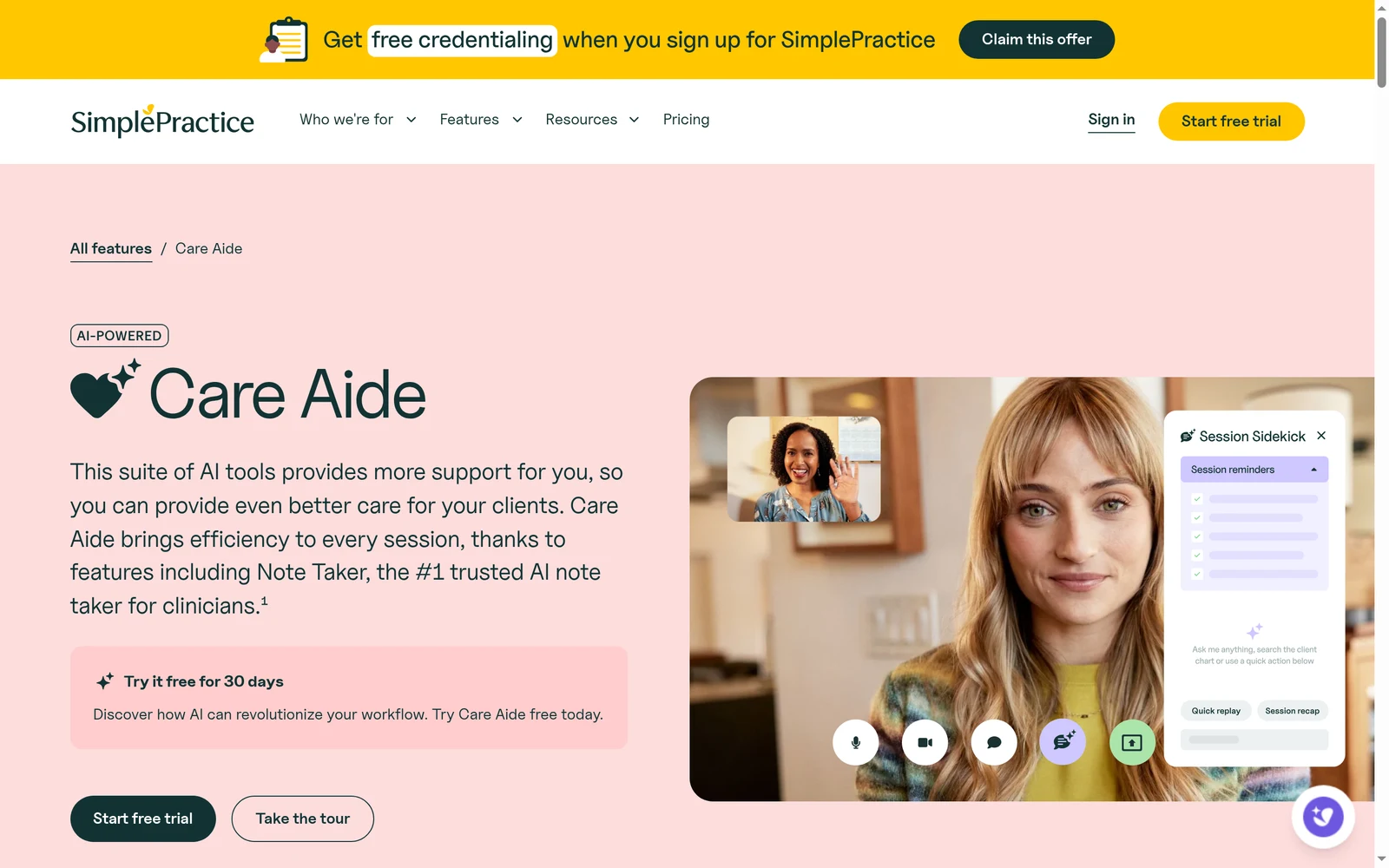
Best for behavioral health providers who already use SimplePractice and need a note‑taking assistant that never leaves the secure environment.
The tool respects the HIPAA Privacy and Security Rules: it encrypts data at rest, logs access, and requires role‑based permissions. Because it runs inside the EHR, no separate BAA is needed.
Limitation: it only works with SimplePractice’s own telehealth platform, so it can’t be used for meetings on Zoom or Teams.
Comparison table, HIPAA status, platforms, and integrations
| Tool | HIPAA / BAA | Real‑time Transcription | Supported Platforms | Key Integrations |
|---|---|---|---|---|
| VibeSell | Yes (EU data residency, BAA on request) | Yes | Google Meet, Microsoft Teams, Cisco Webex | HubSpot, Salesforce, Google Drive |
| Otter.ai | Yes (Enterprise plan) | Yes | Zoom, Google Meet, Microsoft Teams | Salesforce, HubSpot, Slack |
| Fireflies.ai | Yes (Healthcare tier) | Yes | Zoom, Google Meet, Microsoft Teams, Webex | Salesforce, HubSpot, Notion, Asana, Slack |
| Read AI | Yes (Enterprise tier) | Yes | Google Meet, Zoom, Teams, Webex | CRM, Slack, Google Docs |
| Plaud Note | HIPAA compliant | Yes | Zoom, Microsoft Teams, WhatsApp |
Key Takeaway: Only four of the seven listed tools provide live transcription while also offering a signed BAA.
What to verify before choosing a HIPAA compliant AI note taker
First, confirm the vendor will sign a Business Associate Agreement. Without a BAA, the tool cannot legally handle PHI.
Second, check encryption standards, look for AES‑256 at rest and TLS 1.2+ in transit.
Third, make sure role‑based access controls and audit logs are available. These let you track who opened a transcript and when.
Fourth, verify that the AI does not train on your data unless you explicitly allow it. A vendor that promises “no model training on customer content” reduces long‑term risk.
Finally, test the integration set. If your sales stack lives in Salesforce and Slack, pick a tool that pushes notes to both without extra middleware.


