
Best Sales Training Software: 6 Picks


TL;DR
Compare the best sales training software for coaching, role-play, onboarding, analytics, CRM workflows, and live meeting guidance.
Sales training software now does far more than host courses. The useful tools help reps practice real objections, prepare for meetings, get coaching, or finish CRM work while the call is still fresh. Here are six named options, with the team fit, workflow, and trade-off for each.
1. VibeSell: Meeting preparation, live guidance, and approved CRM updates
VibeSell is a real-time AI sales companion for B2B teams that need help before, during, and after customer meetings. It fits teams that want coaching tied to the work reps already do, not a separate training portal.
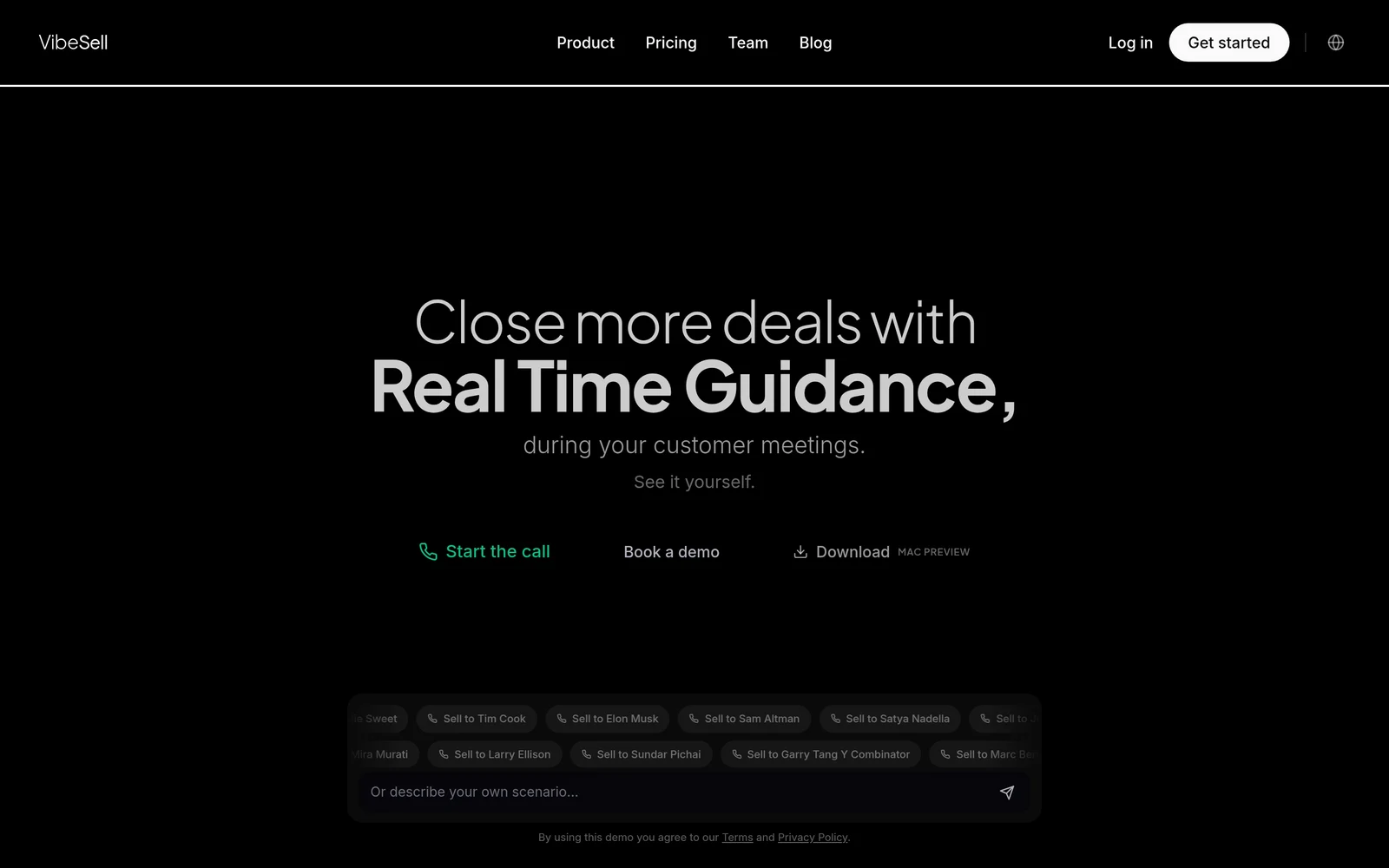
VibeSell reads the calendar event, identifies the attendees, and prepares a meeting brief with company context, talking points, discovery questions, and prior meeting history. During the call, it can surface objection handling, competitor detail, and next-action prompts. The guidance stays sparse so the rep can keep attention on the buyer.
After the meeting, VibeSell drafts the summary, follow-up email, and CRM changes for HubSpot or Salesforce. The rep must approve each change before it reaches the CRM. That approval gate matters for teams that want speed without giving an AI system unchecked access to customer records.
Its strongest difference is the feedback loop. VibeSell reviews how its guidance worked in real meetings, then suggests sharper prompts, better discovery questions, or changes to the team’s sales method. Leaders approve or reject those changes. The system can grow more specific to one team’s buyers instead of giving every customer the same generic advice.
VibeSell also includes AI practice calls and replays based on real deal context. The caveat is that the desktop app is new and requires meetings to be scheduled through VibeSell. It does not support every meeting platform today, and it is an assistant, not an autonomous SDR.
For leaders who care about meeting quality, admin time, and consistent methodology, this is the most complete fit in the shortlist. Teams can also review sales coaching software for B2B teams when coaching is the main buying goal.
2. Nooks: Coaching for outbound teams based on real call performance
Nooks fits outbound teams that want role-play connected to prospecting work. Its sales training workflow links coaching with sequencing, dialing, prospecting, and call performance insights.
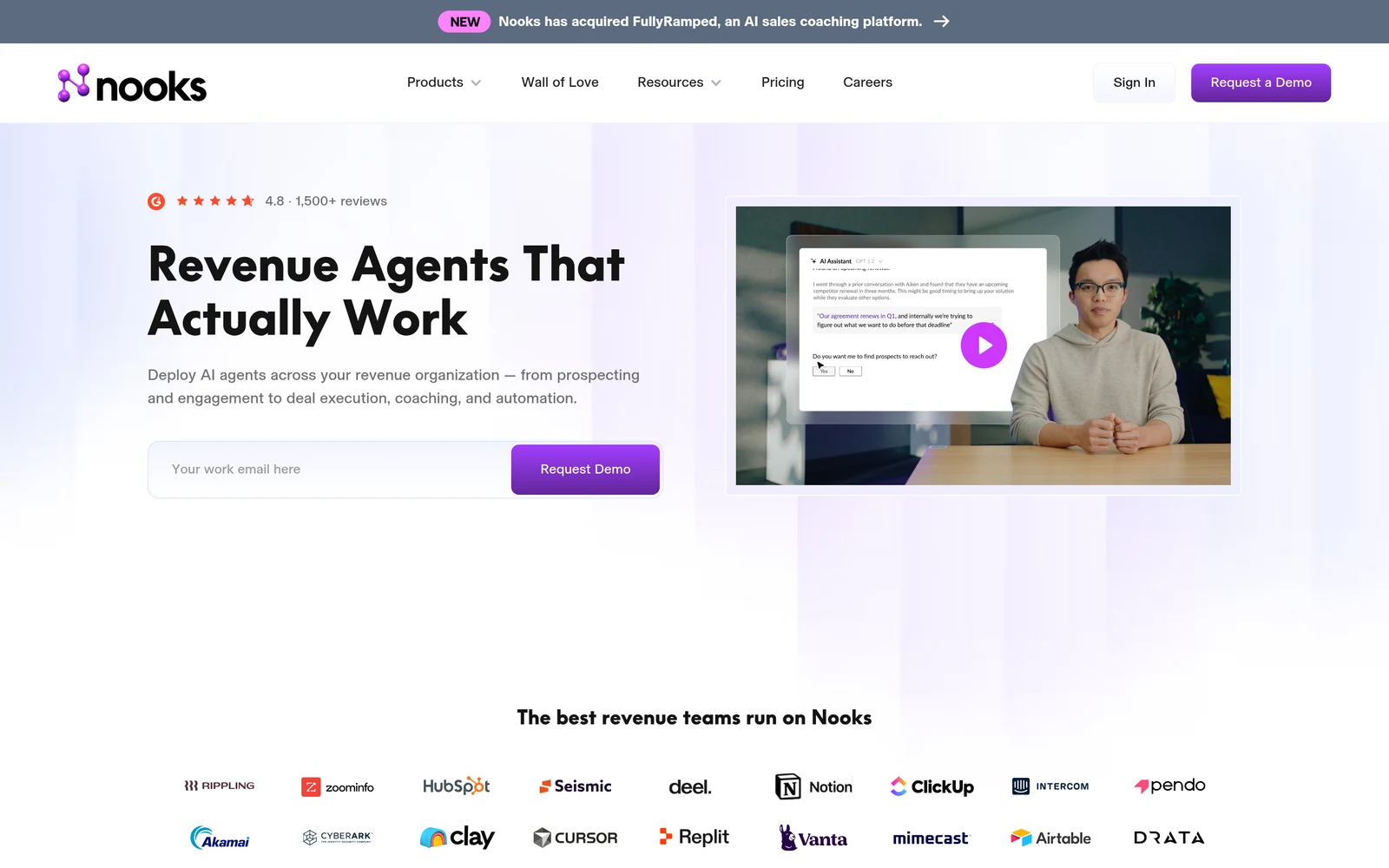
Nooks uses AI-generated roleplay scenarios informed by real-call performance insights. That gives managers a way to turn a recurring objection into a practice session without rebuilding the exercise by hand.
The key idea is the link between practice and execution. A rep can rehearse an opener or objection, then apply the lesson in outbound work. This makes more sense for an SDR group that spends much of the day calling than for an account executive team focused on long discovery cycles.
The trade-off is workflow scope. Nooks is built around outbound execution, so teams seeking meeting briefs, live guidance in customer calls, or approval-based CRM updates may need another system. That gap matters if video meetings are central to your sales process.
Use Nooks when the main problem is weak outbound practice tied to call results. Do not choose it on role-play alone. Ask to see how recent call data becomes a scenario and how managers find the skill gaps that affect pipeline.
3. Quantified: Compliance-focused AI role-play for regulated teams
Quantified is aimed at regulated organizations that need AI role-play with a strong focus on compliance practice. It uses photorealistic AI avatars and live video feedback.
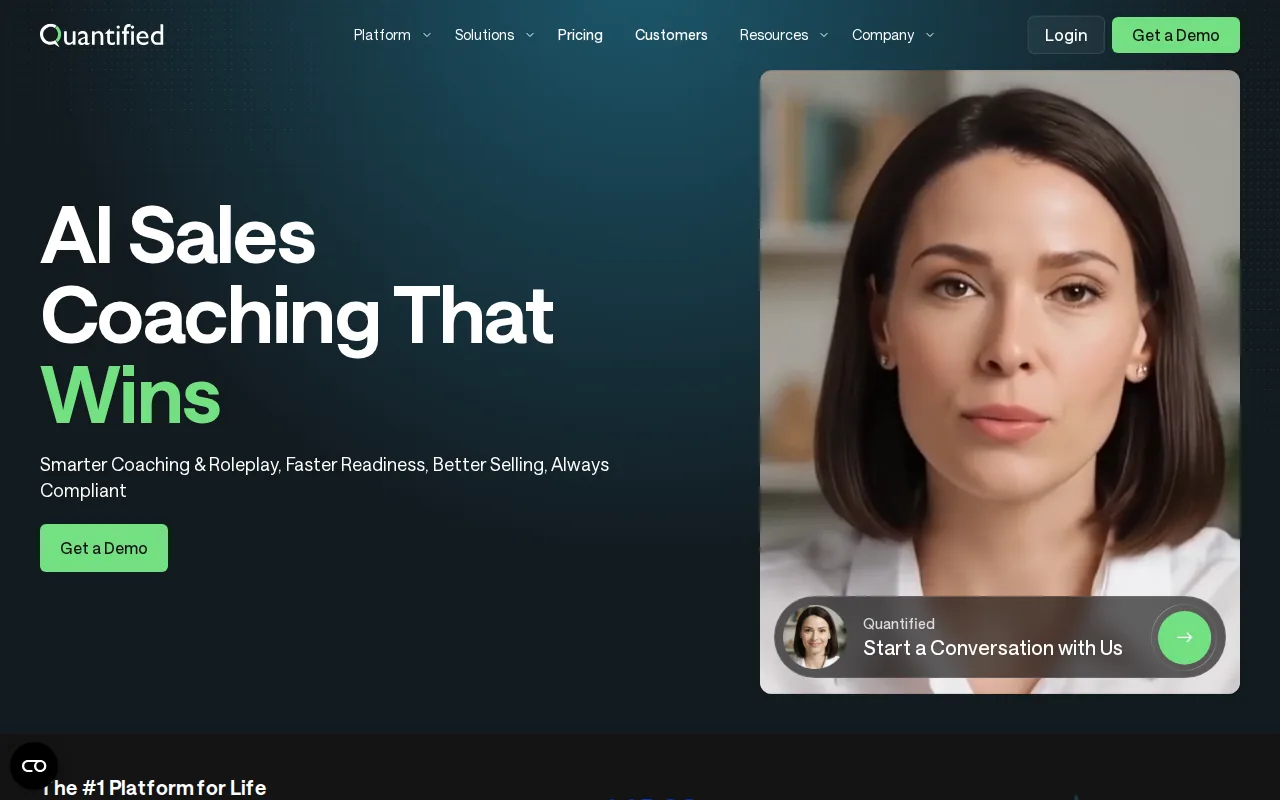
The avatars give reps a way to practice visible behaviors, not only spoken answers. That can help when teams need to rehearse a formal pitch, a required disclosure, or a sensitive customer exchange where tone and presence matter.
The limitation is focus. A compliance role-play platform may be more than a small B2B team needs for basic discovery practice. It may also require careful review of data handling, recording rules, and approval processes before a regulated company rolls it out widely.
Choose Quantified when video behavior and compliance are central to training. Test one high-risk scenario in a demo. Watch how the system scores the rep, stores the session, and separates coaching data from customer data.
4. Hyperbound: Voice-based practice for SDR cold calls and discovery
Hyperbound is for SDR teams that need repeated voice practice for cold calls and discovery. It uses AI buyer personas based on ideal customer profiles and adapts the conversation as the rep responds.
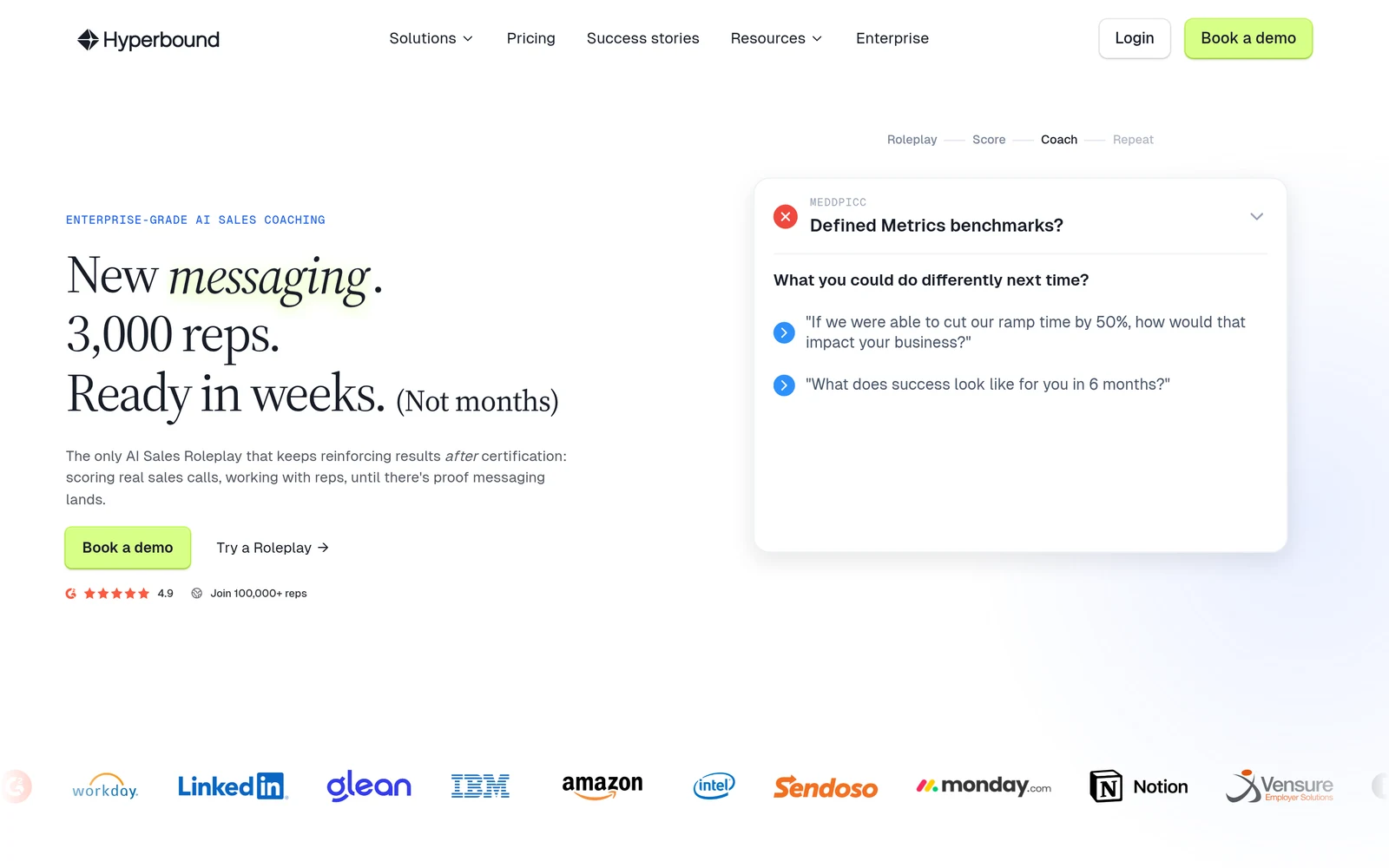
The voice format is its main strength. Reps can work on their opener, pace, questions, and objection handling without relying on a video avatar.
That setup suits a phone-first team. A new SDR can repeat the same call until the first 20 seconds sound natural. A manager can then focus live coaching on the few behaviors that still break down.
Hyperbound is less suited to teams that need video presence, meeting preparation, or a wider enablement system. Confirm how practice results move into manager reviews before you buy.
If cold-call confidence is the problem, Hyperbound has a clear use case. If the problem starts five minutes before a complex buyer meeting, look for a meeting-centric tool instead.
5. Second Nature: Video pitch practice with animated buyer personas
Second Nature is a video-based sales training tool for mid-market teams that want reps to practice pitches with animated buyer personas. It uses 3D avatars and can generate scenarios from sales materials.
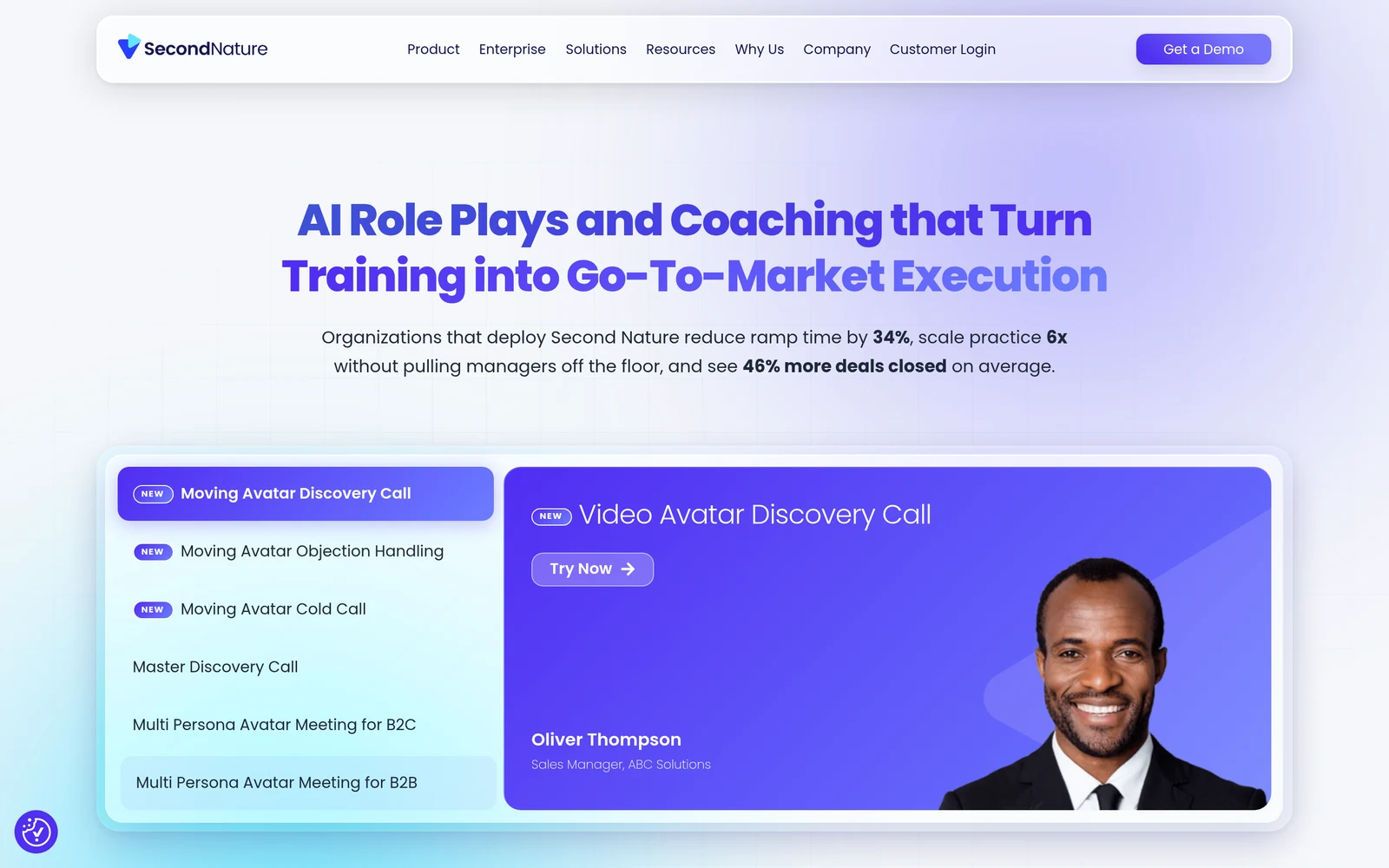
That content link can reduce the work needed to build training sessions. A team can start with playbooks, battle cards, or product documents, then turn those materials into practice scenarios. The visual format also gives reps a place to work on presentation habits that voice-only tools cannot show.
Second Nature makes sense for onboarding and pitch practice. A new hire can rehearse a product explanation before facing a buyer. A tenured rep can practice a new launch message without pulling a manager into every first attempt.
Ask for proof of how feedback is measured and how managers review progress.
The trade-off is that animated practice may not feel like a live customer meeting for every team. It also does not solve meeting admin or live call guidance. Test a scenario built from your own materials.
6. Allego: Enterprise enablement with integrated AI role-play
Allego suits enterprise revenue teams that want AI role-play inside a wider enablement system. Its product combines the Live Dialog Simulator with learning paths, content management, and coaching insights.
This model works when training is only one part of the problem. Enablement leaders may need to keep content aligned across regions, give reps guided learning, and reinforce skills after onboarding. Learning paths can structure practice, while content management helps teams organize materials and coaching insights help managers review progress.
Role-play can cover common sales moments such as a guarded buyer, a short value pitch, or a meeting with stakeholders who want different outcomes. That broad scenario library is useful for enterprise teams with many roles and long buying cycles.
Allego’s main trade-off is scale. A broad enablement suite may bring more setup, governance, and content work than a focused role-play tool. Teams should also check which features are included in their package and how quickly reps can find the right practice task.
Its AI sales role-play adds simulation to the enablement workflow. That distinction matters. AI practice can handle repetition, while managers keep the work that needs judgment, certification, or deal coaching.
Key Takeaway: Pick the workflow first. Meeting guidance, outbound practice, compliance role-play, video pitch work, and enterprise enablement are different jobs.
Sales training software comparison: features, fit, and trade-offs
The best sales training software for your team depends on where practice breaks down. Some teams need a safe place to rehearse. Others need coaching tied to live calls, meeting context, or CRM work.
| Tool | Best fit | Practice model | Clear strength | Trade-off |
|---|---|---|---|---|
| VibeSell | B2B teams with frequent customer meetings | Context-based practice plus live guidance | Briefs, in-call help, and approval-based CRM drafts | Desktop client is new and meeting scheduling is required |
| Nooks | Outbound teams | AI scenarios from call performance | Coaching tied to outbound execution | Video-meeting integrations not listed |
| Quantified | Regulated organizations | Photorealistic avatar role-play | Video feedback and listed meeting integrations | May be more than small teams need |
| Hyperbound | SDR cold-call teams | Adaptive voice personas | Voice practice with unlimited call time | Broader CRM and meeting workflow not listed |
| Second Nature | Mid-market pitch training | 3D animated buyer personas | Scenarios from sales content | Less suited to live meeting operations |
| Allego | Enterprise revenue teams | Live Dialog Simulator | Role-play inside enablement | Wider suite may need more setup |
Check five areas in every demo: AI coaching, analytics, content management, onboarding, and CRM or meeting integration. Then ask one harder question: what happens after a rep finishes a session?
Good answers include a manager alert, a focused next practice task, or a clear link to a live workflow. Weak answers stop at a score. Scores can help, but they do not show whether a rep changed behavior in a customer conversation.
Cost also includes setup time, manager review, content work, and adoption. A low license cost can still become expensive if reps must use a separate login and managers must rebuild every scenario by hand. Start with one sales motion, define the behavior you want to change, and compare results against your existing coaching process.
For teams that want to test live meeting support, Real-Time Sales Guidance in Your Language | VibeSell explains how guidance can support multilingual teams without taking the rep away from the buyer.
Pro Tip: In a demo, bring one recent objection and one real meeting agenda. Ask the vendor to turn both into a practice task.
FAQ
Conclusion
Choose VibeSell if your team needs instant meeting context, sparse live guidance, and CRM drafts that reps approve before saving. The next step is simple: schedule a few real meetings through VibeSell and compare the brief, in-call prompts, and post-call work with your current process. You can start with a live trial at Real-Time Sales Guidance in Google Meet | VibeSell.


